Getting Started with Silicon Labs Bluetooth LE Development#
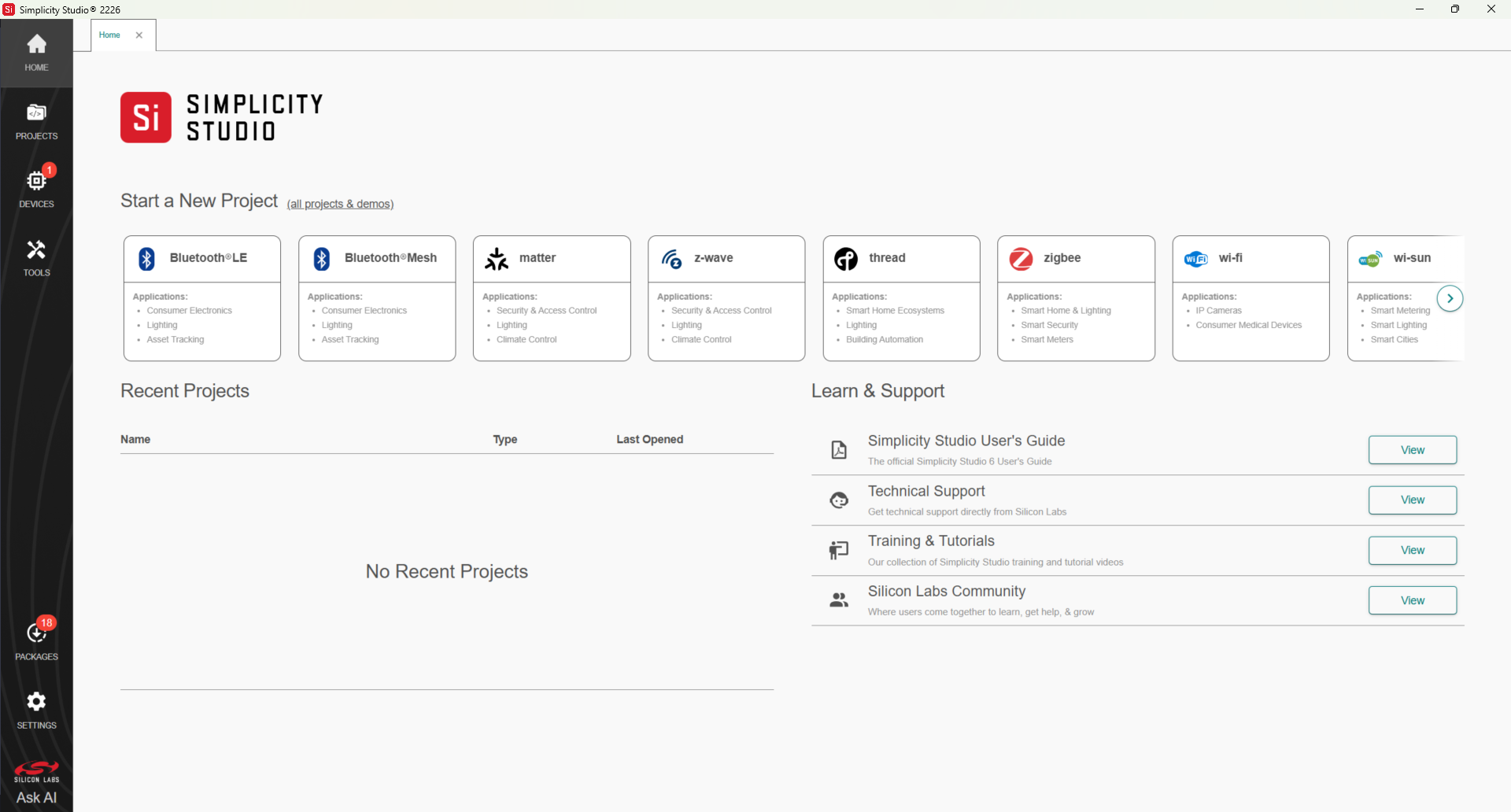
To get started with Bluetooth LE development, download the Simplicity Studio Development environment as described in the Simplicity Studio 6 User's Guide. Simplicity Studio 6 includes everything you need to develop IoT products with Silicon Labs devices, including a project launcher, software configuration tools, GNU toolchain, and analysis tools.
Once you have downloaded Simplicity Studio, you are prompted to install the Simplicity SDK (SiSDK), which contains the Bluetooth Software Development Kit (SDK). The SDK comes with a number of example application that you can then modify to create your own applications.
See Prerequisites for additional details.
These pages focus on using and developing with Simplicity Studio 6. Alternatively, you can manually install the Simplicity SDK by downloading or cloning the latest version from GitHub. For more information, see GitHub site for more information.
Silicon Labs provides two different starter kits. The links below provide specific instructions for getting started with each kit.
Wireless Starter Kit: The Blue Gecko Bluetooth Wireless Starter Kit (WSTK) helps you evaluate Silicon Labs' Blue Gecko Bluetooth modules and get started with software development. The kits come in different versions with different module radio boards. See the Silicon Labs product page for details on current configurations. If you are developing with an EFR32BG device and have purchased a EFR32BG Wireless Starter Kit (WSTK), you can use precompiled demos and an Android or iOS smartphone app to demonstrate Bluetooth software features.
BGM220 Explorer Kit (part number: BGM220-EK4314A): The BGM220 is focused on rapid prototyping and IoT concept creation around the Silicon Labs BGM220P module.
Once you have set up development with your platform of choice and optionally experimented with precompiled demos, you can begin to customize example applications for your specific needs. See the Getting Started with Application Development section for details.
Prerequisites#
Before beginning application development, you should have:
Acquired a basic understanding of Bluetooth technology and terminology. Bluetooth LE Fundamentals provides a good starting point if you have not yet learned about Bluetooth.
Purchased an EFR32BG Wireless Starter Kit or BGM220 Explorer Kit.
Created an account at Silicon Labs. You can register at https://siliconlabs.force.com/apex/SL_CommunitiesSelfReg?form=short.
Downloaded Simplicity Studio 6 and the Silicon Labs Simplicity SDK, which contains the Bluetooth SDK, and become familiar with the Simplicity Studio 6 Launcher perspective. For installation and getting started instructions and detailed references, see the online Simplicity Studio 6 User’s Guide, available on https://docs.silabs.com/ and through the Simplicity Studio 6 Help menu.
Obtained a compatible compiler (See the Bluetooth SDK’s release notes for the compatible versions):
Simplicity Studio comes with a free GCC C-compiler.
IAR Embedded Workbench for ARM (IAR-EWARM) can also be used as the compiler for Silicon Labs Bluetooth projects. Once IAR-EWARM is installed, the next time Simplicity Studio starts it will automatically detect and configure the IDE to use IAR-EWARM.
To get a 30-day evaluation license for IAR-EWARM:
Go to the Silicon Labs support portal at https://www.silabs.com/support.
Scroll down to the bottom of the page, and click Contact Support
If you are not already signed in, sign in.
Click the Software Releases tab. In the View list, select Development Tools. Click Go. In the results is a link to the IAR-EWARM version named in the release notes.
Download the IAR package (takes approximately 1 hour).
Install IAR.
In the IAR License Wizard, click Register with IAR Systems to get an evaluation license.
Complete the registration and IAR will provide a 30-day evaluation license.
Once IAR-EWARM is installed, the next time Simplicity Studio starts it will automatically detect and configure the IDE to use IAR-EWARM.
Gecko Platform#
The Gecko Platform is a set of drivers and other lower layer features that interact directly with Silicon Labs chips and modules. Gecko Platform components include EMLIB, EMDRV, RAIL Library, NVM3, and mbed TLS. For more information about Gecko Platform, see release notes that can be found in Simplicity Studio’s Documentation tab.
Documentation#
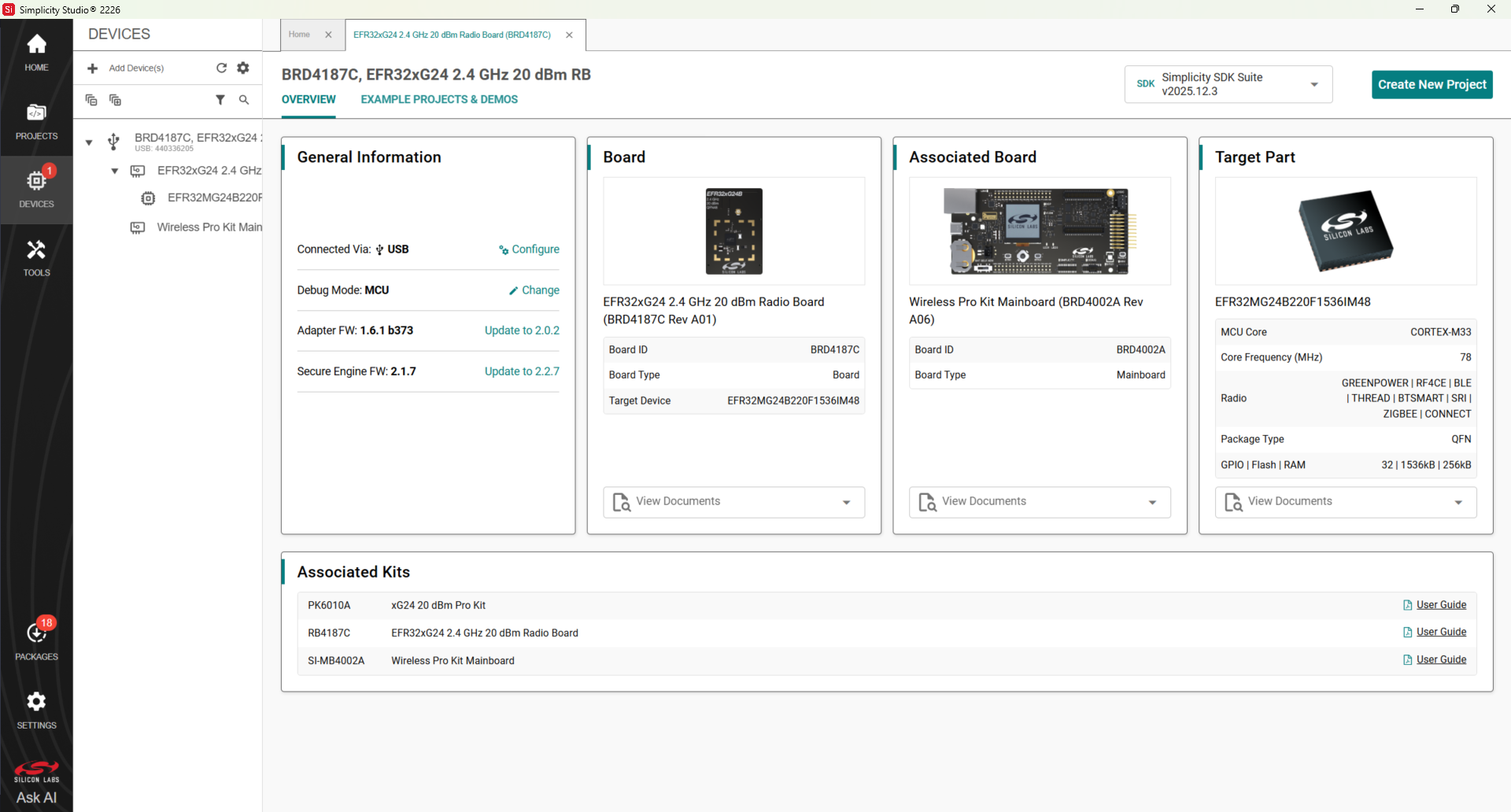
Access hardware-specific documentation from the links on the part Overview tab in Simplicity Studio 6.
Support#
You can access the Silicon Labs support portal at https://www.silabs.com/support from Learn and Support in the Simplicity Studio 6 Welcome view. Use the support portal to contact Customer Support if you have questions during development.