Network Setup#

To create a demonstration network, at least five WSTK + radio boards or Thunderboards are needed, preferably ones equipped with display, and at least one of them with light sensor for the btmesh_soc_nlc_sensor_ambient_light example and another one with RGB LED for the btmesh_soc_nlc_basic_lightness_controller example.

Flashing#

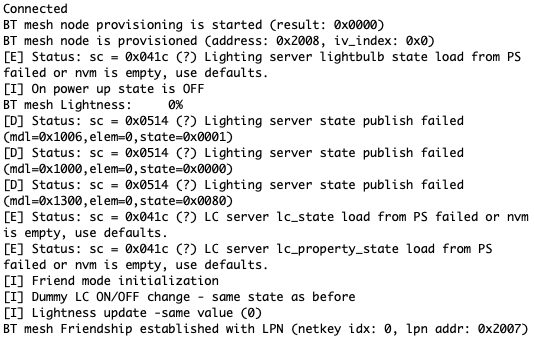
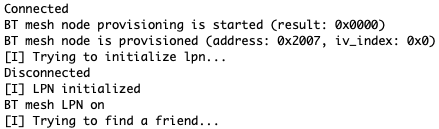
You may use the provided demo binaries or create your own project and flash it to the board with the bootloader of your choice. Doing these should lead to the terminal outputs below:

Bluetooth Mesh - NLC Basic Lightness Controller#

Bluetooth Mesh - NLC Basic Lightness ControllerBluetooth Mesh - NLC Basic Lightness Controller

Bluetooth Mesh - NLC Basic Scene Selector#

Bluetooth Mesh - NLC Basic Scene SelectorBluetooth Mesh - NLC Basic Scene Selector

Bluetooth Mesh - NLC Dimming Control#

Bluetooth Mesh - NLC Dimming ControlBluetooth Mesh - NLC Dimming Control

Bluetooth Mesh - NLC Ambient Light Sensor#

Bluetooth Mesh - NLC Ambient Light SensorBluetooth Mesh - NLC Ambient Light Sensor

Bluetooth Mesh - NLC Occupancy Sensor#

Bluetooth Mesh - NLC Occupancy SensorBluetooth Mesh - NLC Occupancy Sensor

Bluetooth Mesh App#

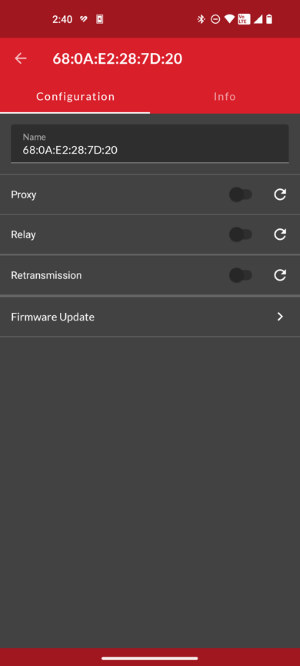
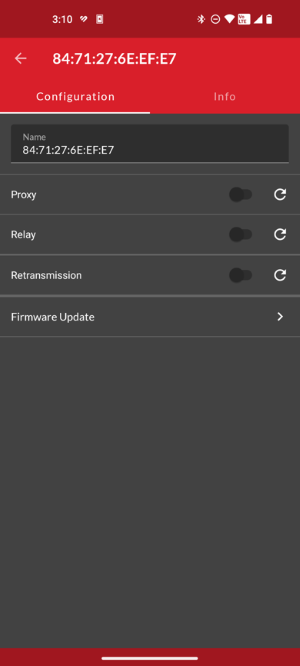
With the help of Silicon Labs’ own Bluetooth Mesh App, scan for the Nodes and start to provision them one by one into your own NLC Mesh network.
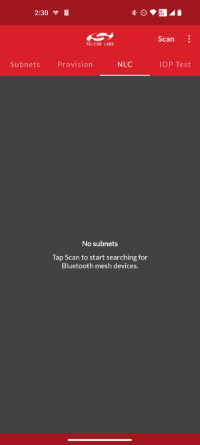
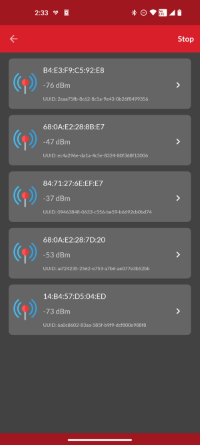
Provisioning and Configuration of the NLC Basic Scene Selector NodeProvisioning and Configuration of the NLC Basic Scene Selector Node Provisioning and Configuration of the NLC Basic Scene Selector NodeProvisioning and Configuration of the NLC Basic Scene Selector Node Before and After the Provisioning ProcessBefore and After the Provisioning Process

Bluetooth Mesh - NLC Basic Lightness Controller#

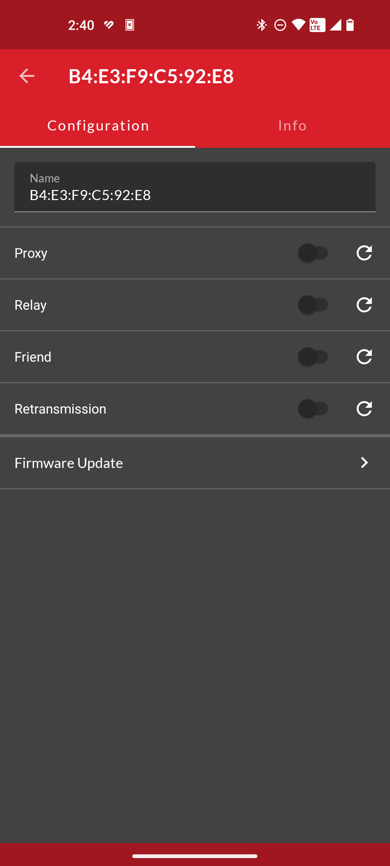
These figures show provisioning and configuration of the NLC Basic Lightness Controller Node.
Bluetooth Mesh - NLC Basic Lightness ControllerBluetooth Mesh - NLC Basic Lightness Controller Bluetooth Mesh - NLC Basic Lightness ControllerBluetooth Mesh - NLC Basic Lightness Controller

Bluetooth Mesh - NLC Basic Scene Selector#

These figures show provisioning and configuration of the NLC Basic Scene Selector Node.
Provisioning and Configuration of the NLC Basic Scene Selector NodeProvisioning and Configuration of the NLC Basic Scene Selector Node Provisioning and Configuration of the NLC Basic Scene Selector NodeProvisioning and Configuration of the NLC Basic Scene Selector Node

Bluetooth Mesh - NLC Dimming Control#

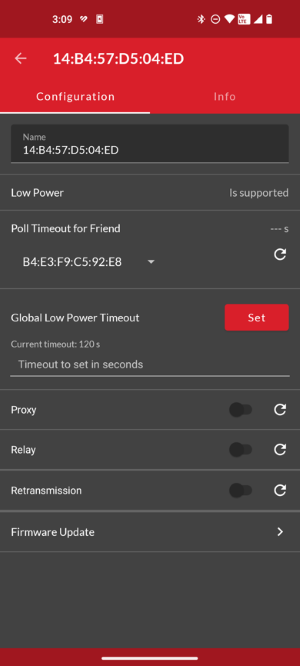
These figures show provisioning and configuration of the NLC Dimming Control Node.
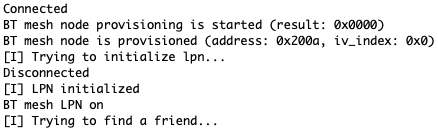
Bluetooth Mesh - NLC Dimming ControlBluetooth Mesh - NLC Dimming Control  Provisioning and Configuration of the NLC Dimming Control Node Provisioning and Configuration of the NLC Dimming Control Node

Bluetooth Mesh - NLC Ambient Light Sensor#

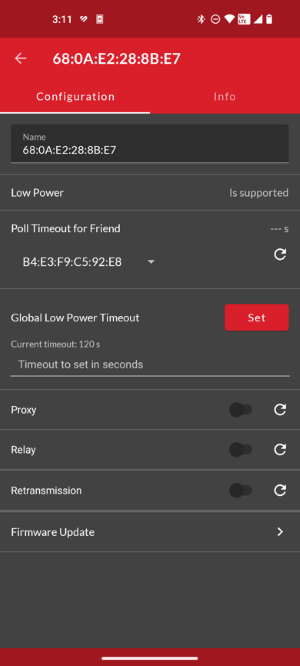
These figures show provisioning and configuration of the NLC Ambient Light Sensor Node.

Bluetooth Mesh - NLC Ambient Light SensorBluetooth Mesh - NLC Ambient Light Sensor Bluetooth Mesh - NLC Ambient Light SensorBluetooth Mesh - NLC Ambient Light Sensor

Bluetooth Mesh - NLC Occupancy Sensor#

These figures show provisioning and configuration of the NLC Occupancy Sensor Node.

Provisioning and Configuration of the NLC Occupancy Sensor NodeProvisioning and Configuration of the NLC Occupancy Sensor Node Bluetooth Mesh - NLC Occupancy SensorBluetooth Mesh - NLC Occupancy Sensor

Altering the Network#

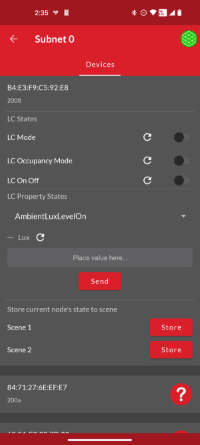
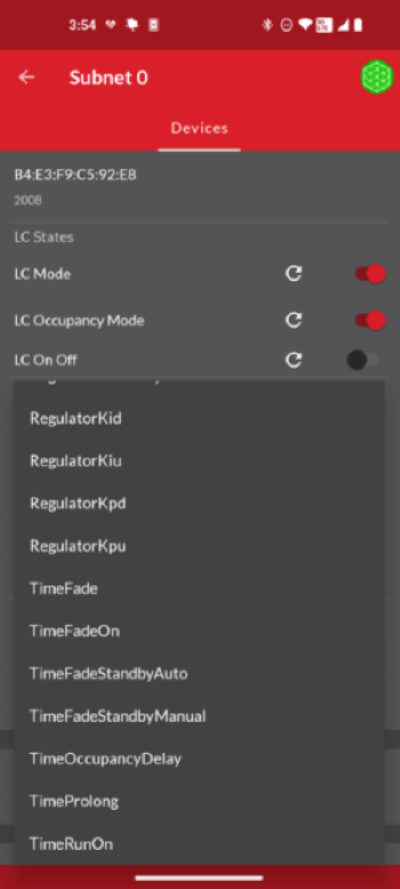
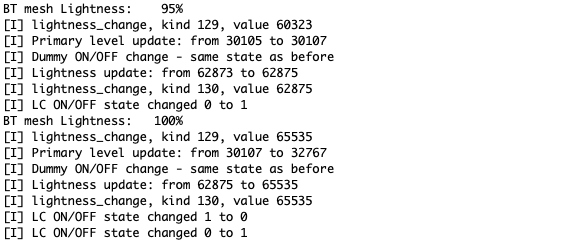
After the full setup, the network parameters are adjustable by changing the LC Property States, and the network can be tested by triggering changes with the push buttons. Switching LC Mode OFF, the NLC Dimming Control Node can be used, and by switching it ON, the NLC Ambient Light Sensor going to be active. By switching Occupancy Mode ON, the NLC Occupancy Sensor Node will take over.

Configuration of the Network and Node LogsConfiguration of the Network and Node Logs

Configuration of the Network and Node LogsConfiguration of the Network and Node Logs Configuration of the Network and Node LogsConfiguration of the Network and Node Logs Configuration of the Network and Node LogsConfiguration of the Network and Node Logs