Simplicity Machine Learning Model Graph Viewer#
Overview#
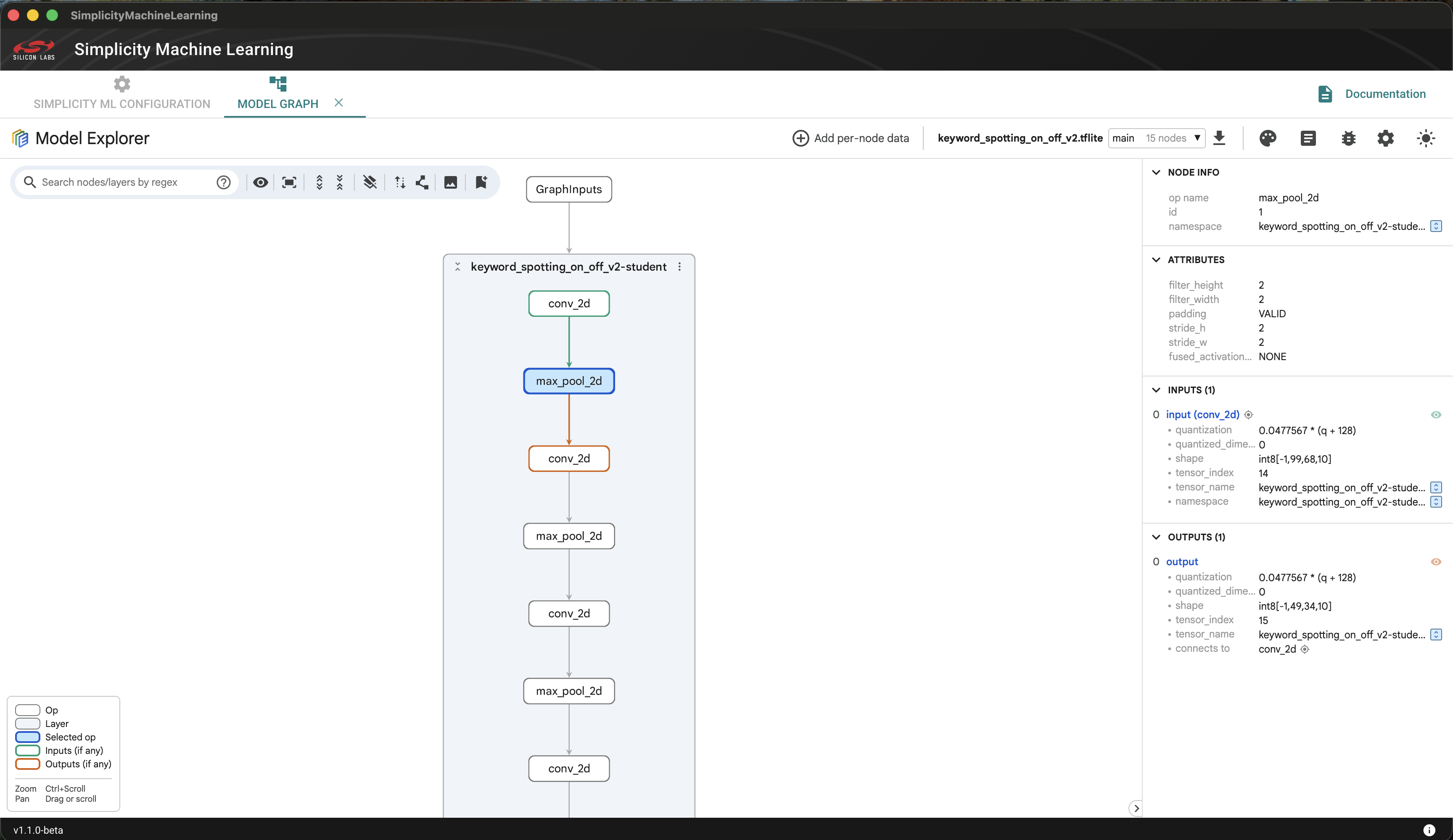
The Model Graph Viewer is part of the Simplicity Machine Learning suite of tools. It is based on Google's Model Explorer. It helps you to view the structure of a machine learning model.
The tool is only available in the GUI version of Simplicity Machine Learning tool.
Scope#
You can use this tool to view the machine learning models. The only prerequisite is knowledge of machine learning models and how to view them.
Viewing a Machine Learning Model#
You can launch the Model Graph Viewer using the following ways.
From Simplicity Studio v6:
Open Simplicity Studio and navigate to the Tools tab on the left panel.
Hover on Simplicity Machine Learning and click the Play icon that appears on the right side.
From the command line:
slt launch smlSimplicity Machine Learning model is launched and displayed on the screen. It is recommended to keep the Simplicity Machine Learning window maximized for the best user experience.
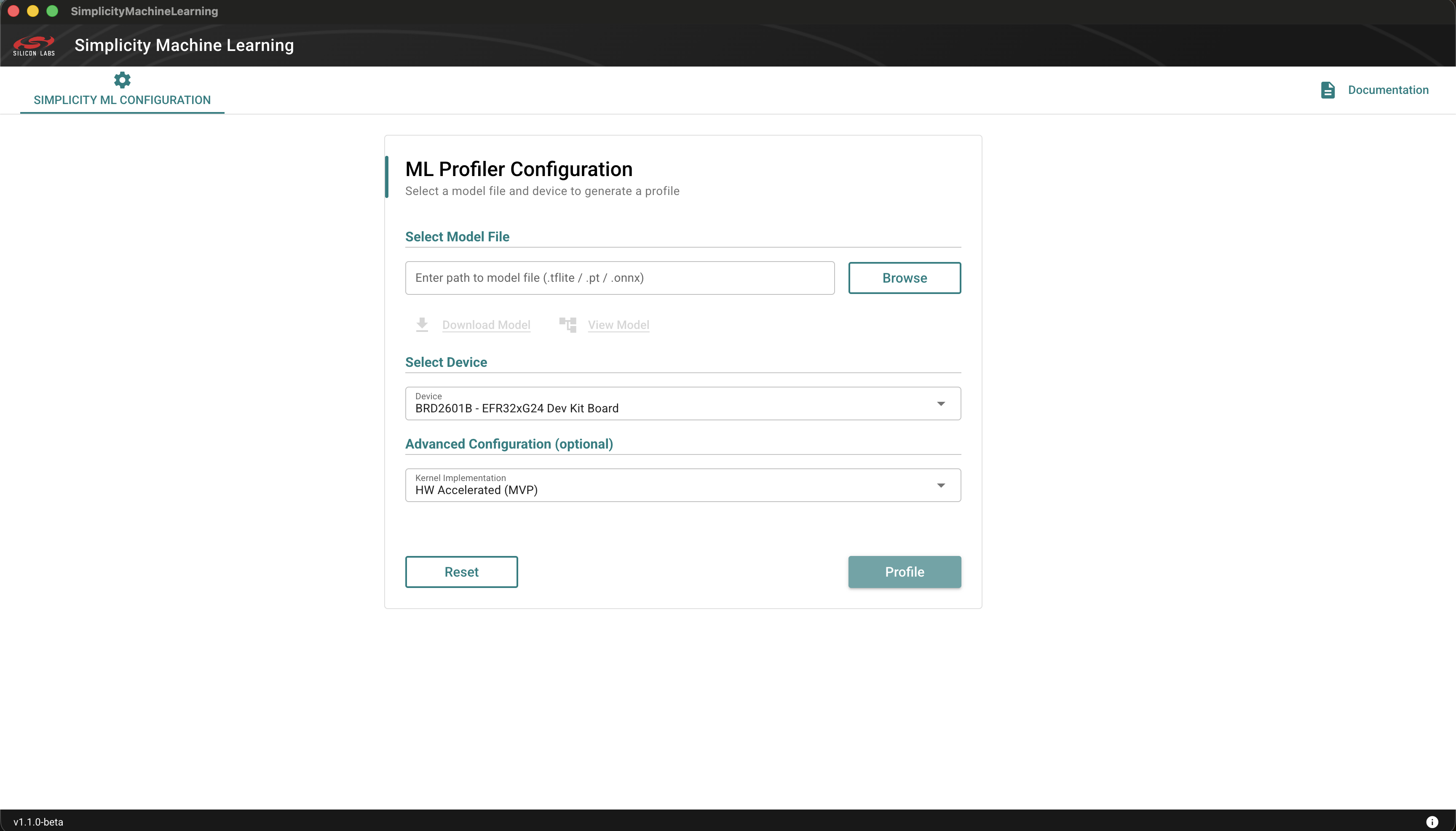
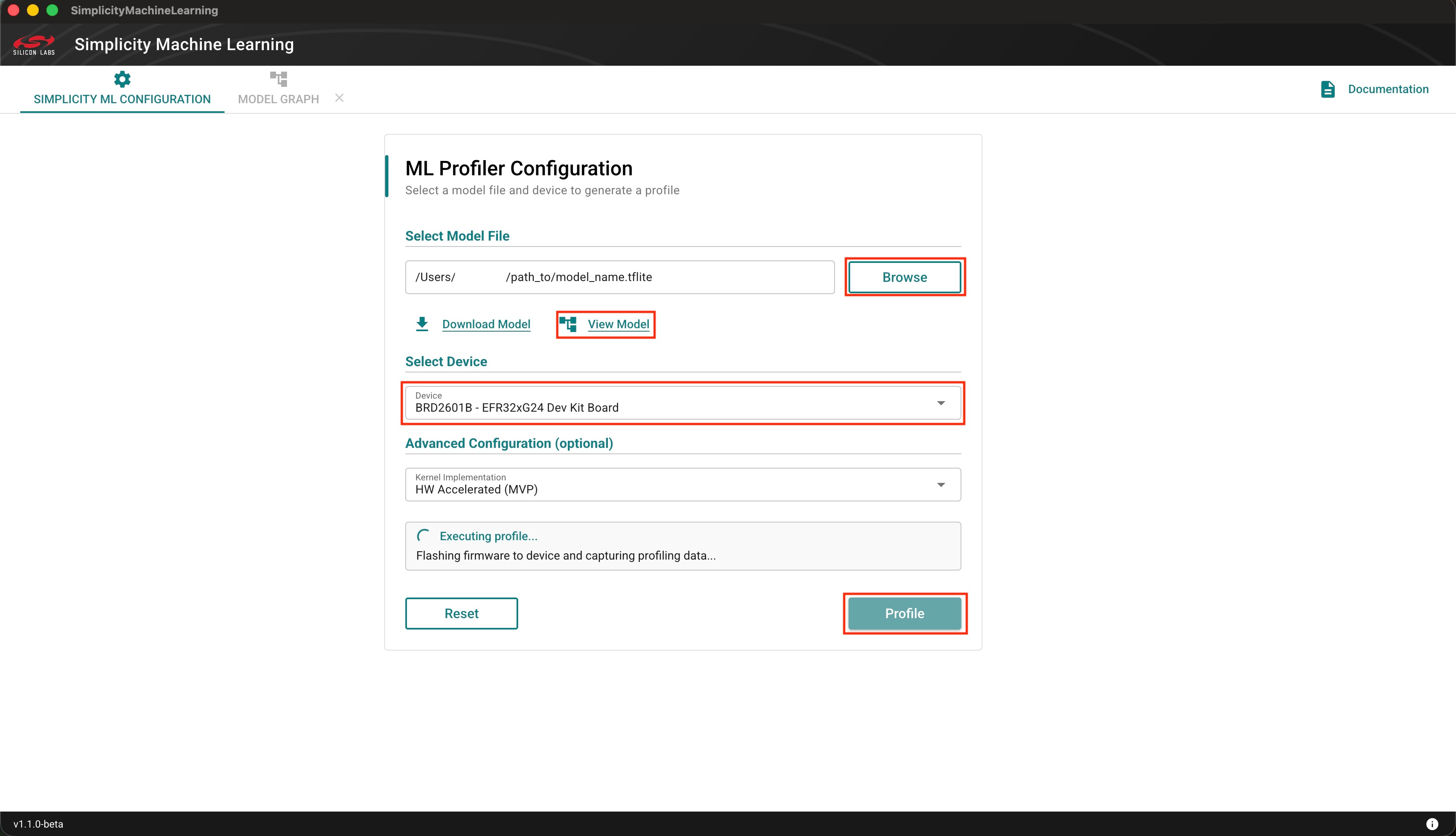
Click the Browse button, navigate to the folder that contains the model file, and then select the .tflite model to profile.
Optional. If your model is not available in the right format, you can convert PyTorch (.pt, .pth) and ONNX (.onnx) to .tflite models. The process is detailed in the Silicon Labs sml Converter page.
Click View Model to view and analyze the model in detail.