


Building the Sample Applications#
This section describes how to build the sample applications supplied in the Simplicity SDK to test the Z3GatewayGPCombo Backup/Restore feature using Simplicity Studio. If you are not familiar with creating and modifying examples, see Zigbee EmberZNet Quick-Start Guide for SDK 7.0 and Higher.
NCP Application#
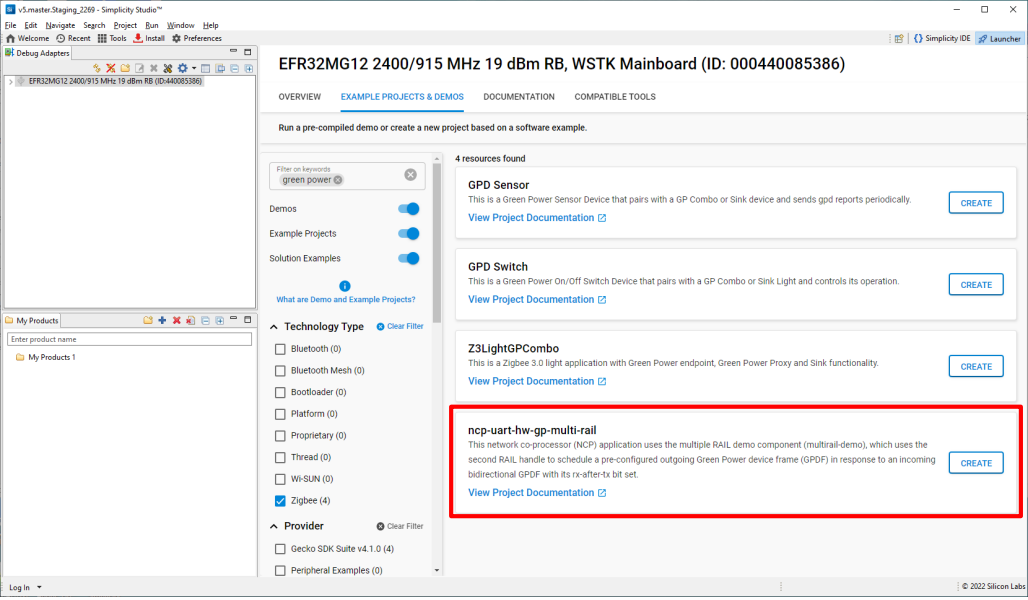
Start a project using the following example: ncp-uart-hw-gp-multi-rail.slcp
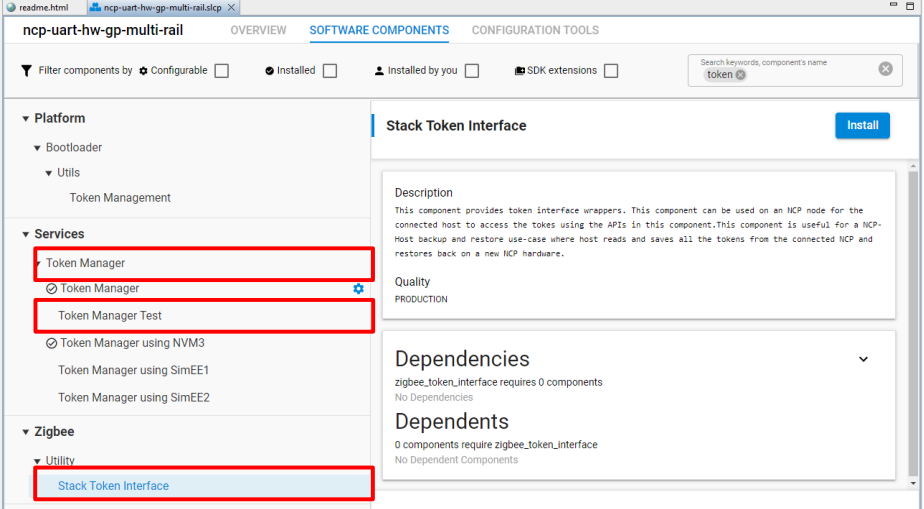
On the SOFTWARE COMPONENTs tab install the following, if not already installed:
Stack Token Interface
Token Manager
Token Manager using NVM3
Build the NCP application.
Host Application#
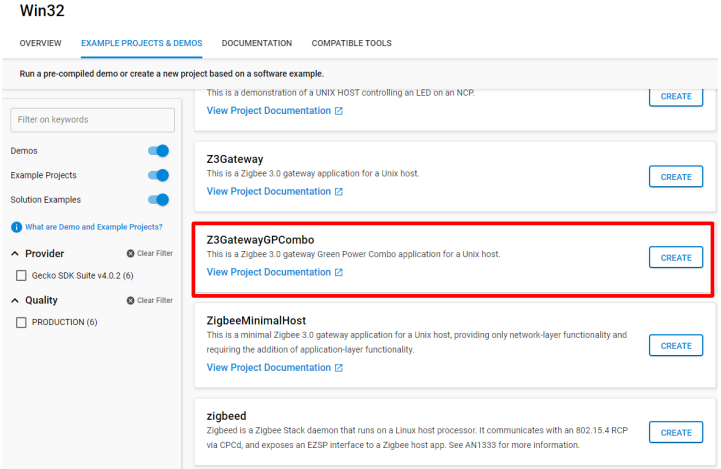
Start a project using the following host example: Z3GatewayGPCombo.
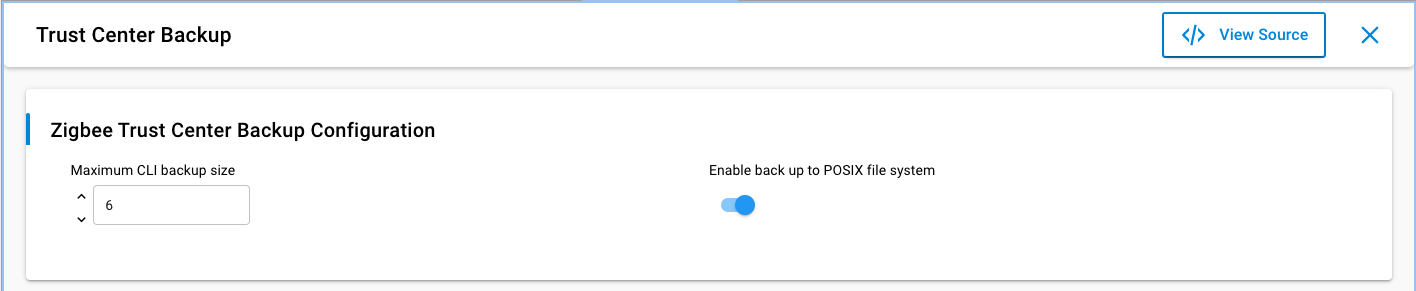
On the SOFTWARE COMPONENTS tab, install the Trust Center Backup component.
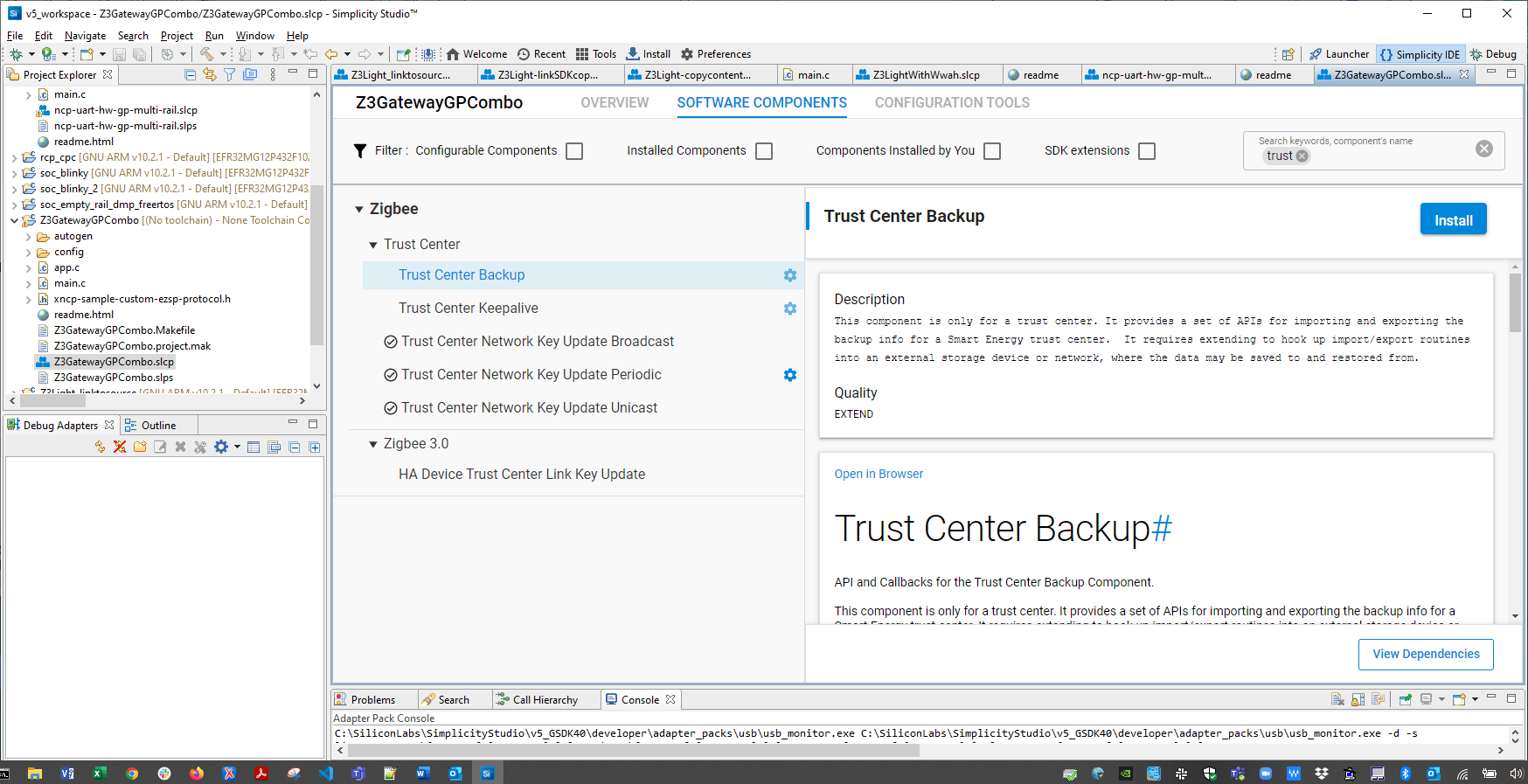
Click Configure. Turn on Enable back up to POSIX file system.
Build the host application.