Building the 917 SoC Matter Accessory Devices (MADs) using Simplicity Studio#
In Simplicity Studio 6, create the Light MAD:
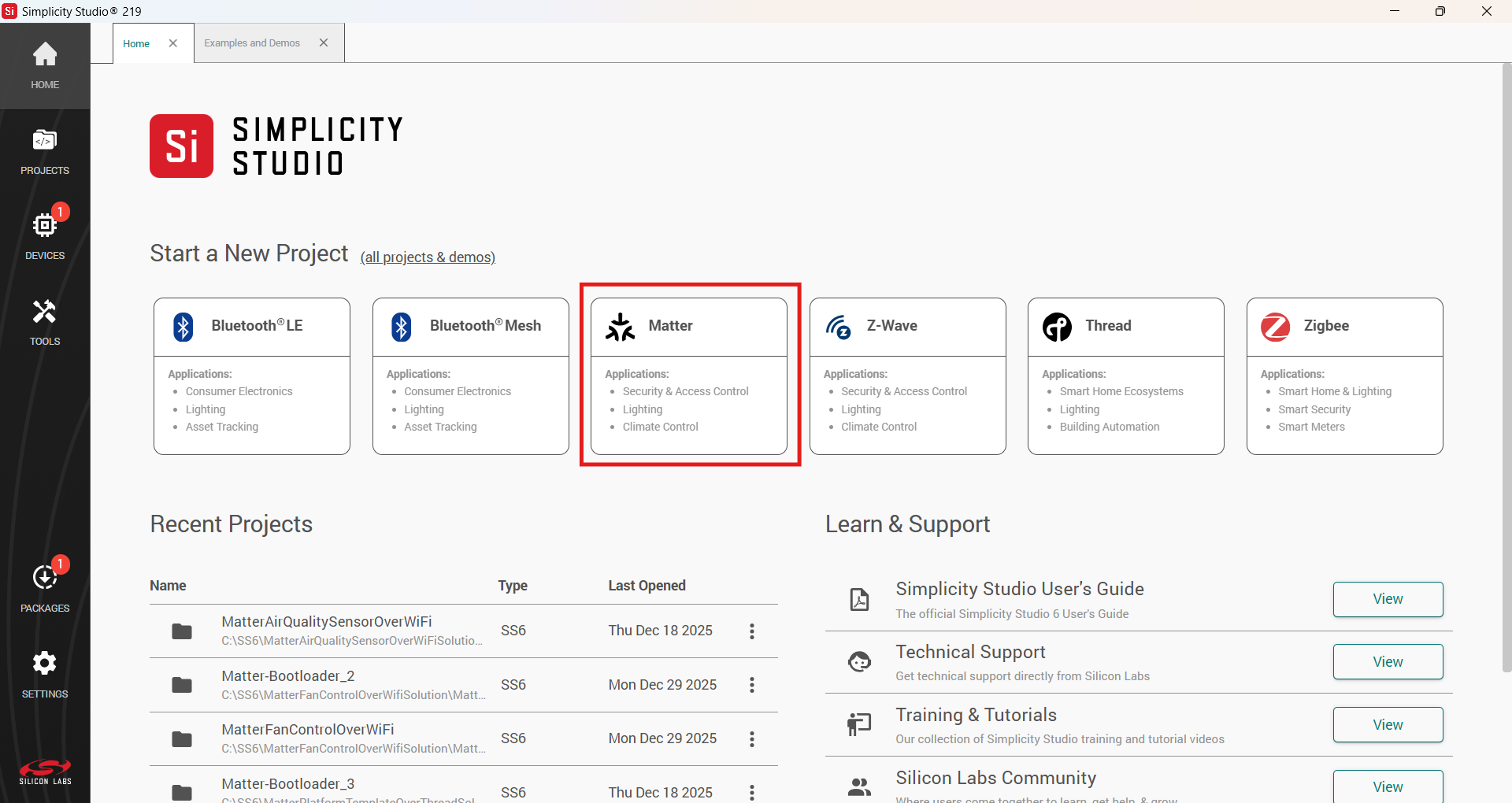
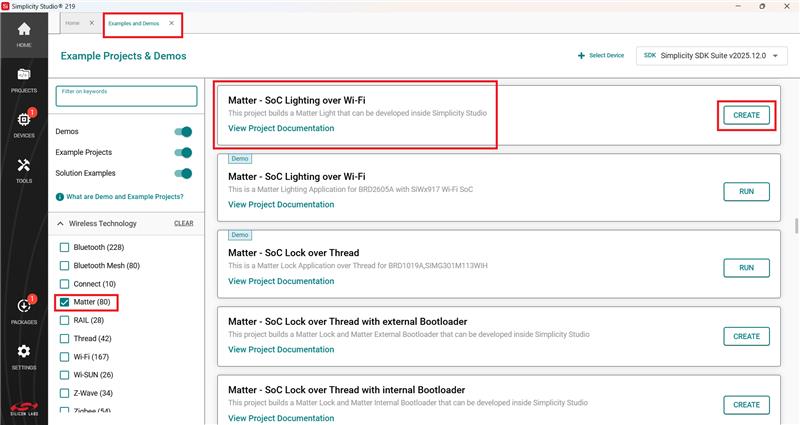
In Simplicity Studio, click Matter, under Example Projects and Demos, select a project, and click Create.
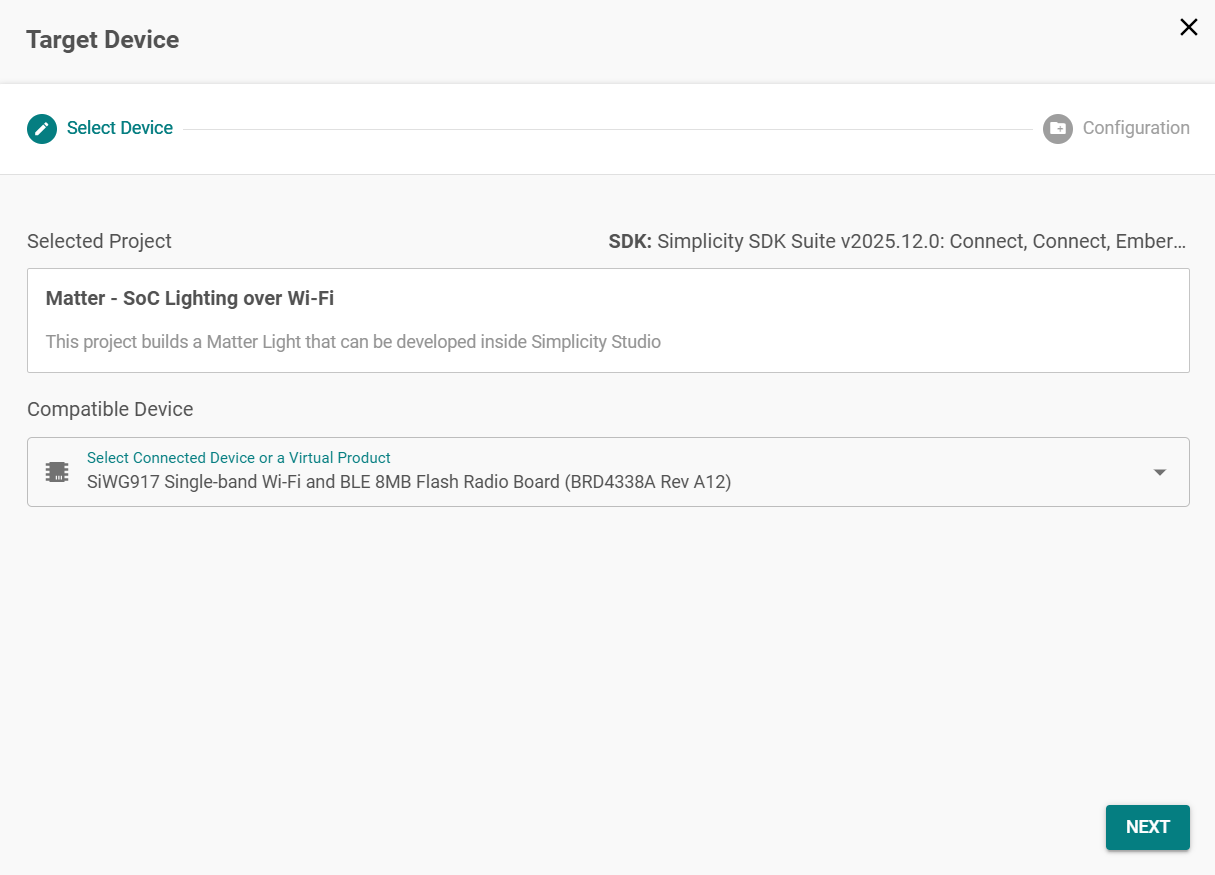
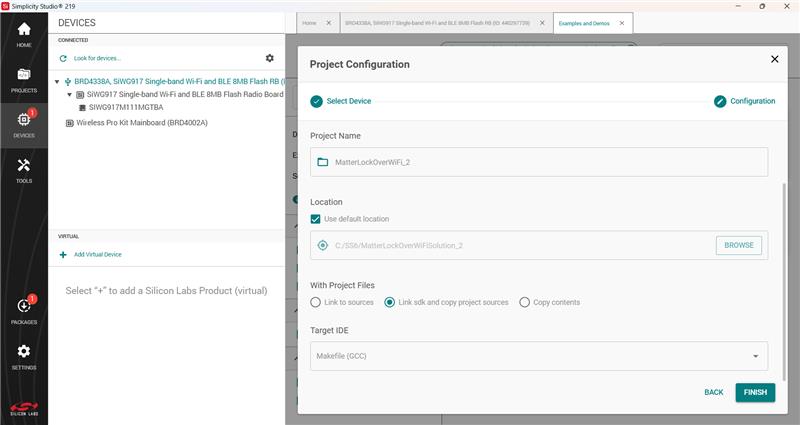
In the Project Configuration window, Select the board and click Next.
Set -
Solution and Project Name.
Select Target IDE.
Click Finish.
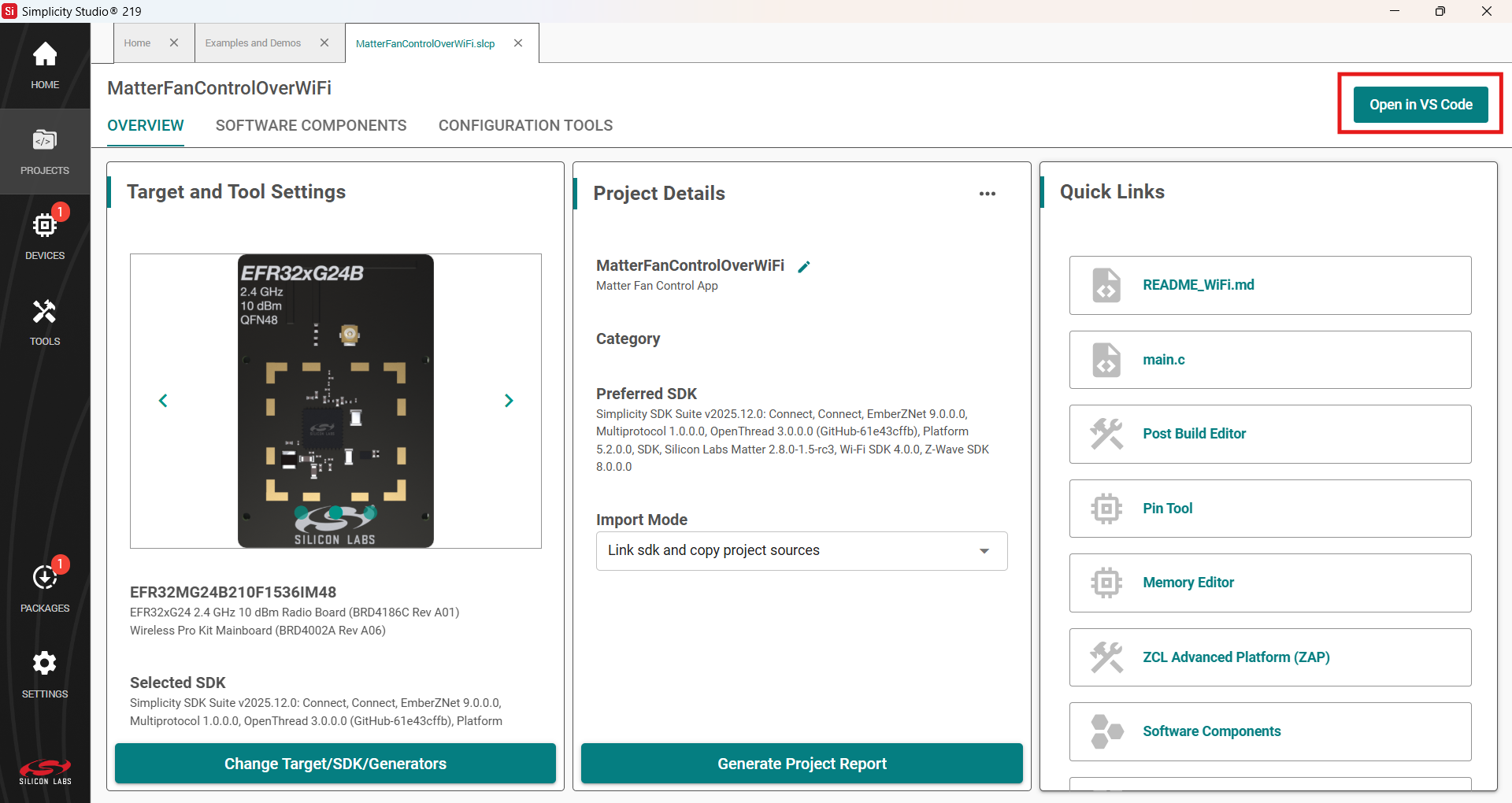
Once the project is created, click the Open in VS Code option on the top right corner.
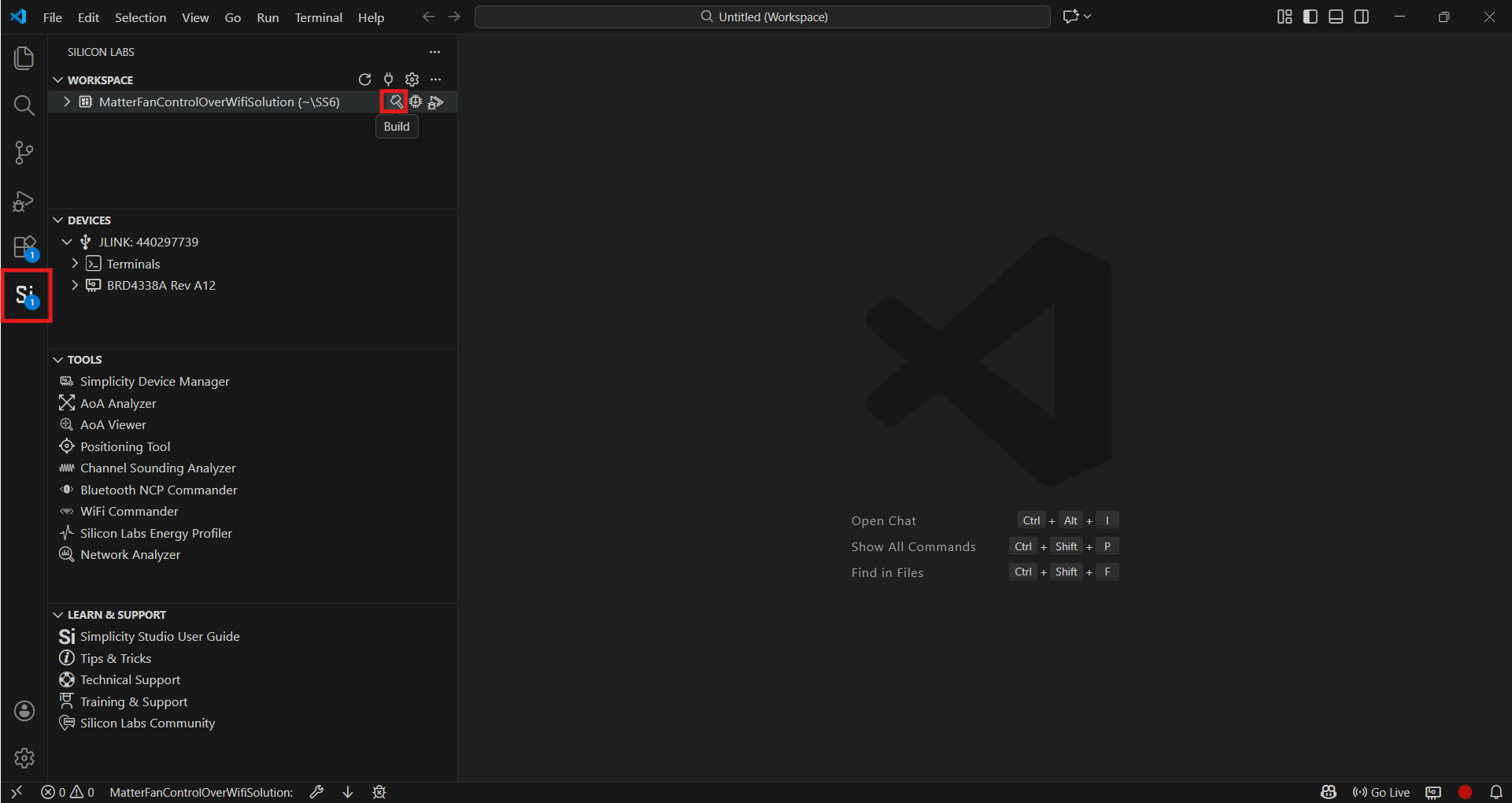
In VS Code, click the Studio Extension on the left panel and select Build option (Hammer Icon) in the Workspace tab.
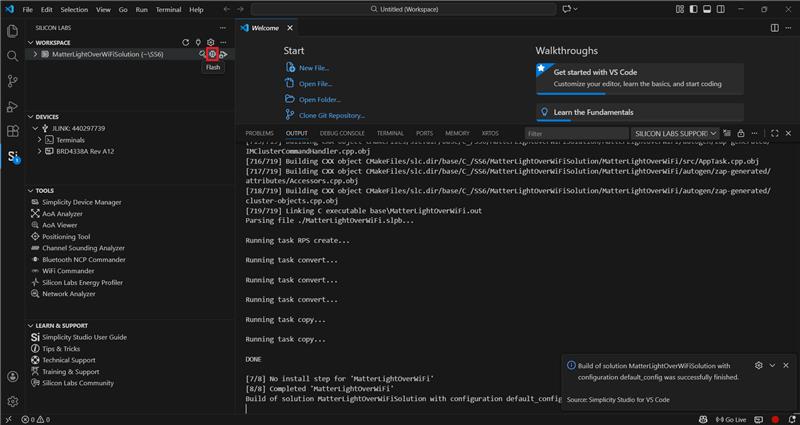
Once the project is compiled successfully, the binaries can be flashed either using the Simplicity Commander from the tools or using the Flash option beside the Build.
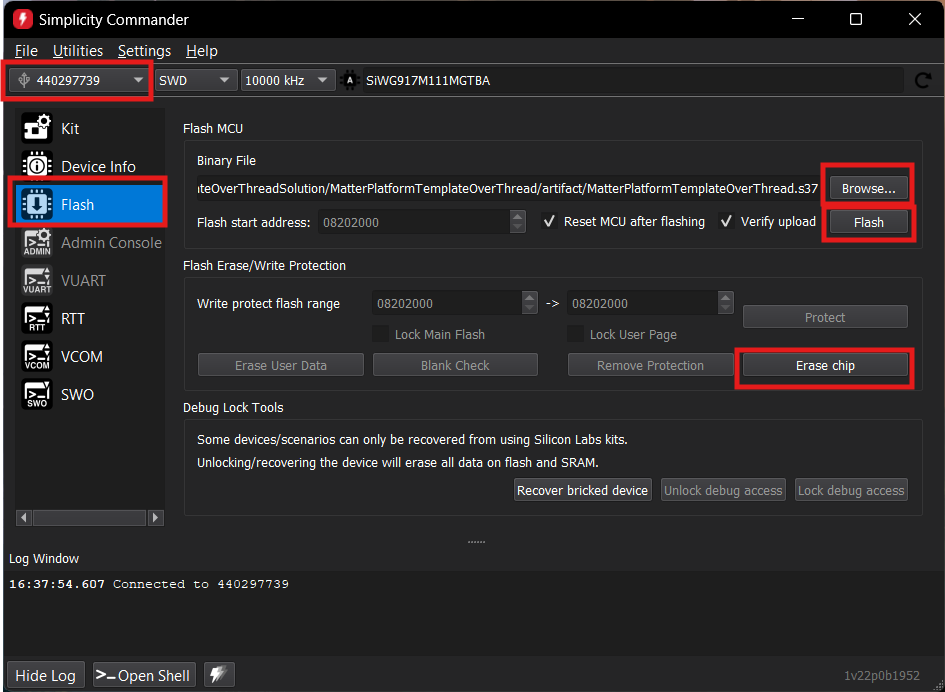
When using Commander, select the kit and click the Flash option in the left panel. Click Erase chip.
Select the path for the project's .rps binary and click Flash.