App Demos#
This release supports the following demos under Matter:
Light
Window covering
Lock
On Off Plug
Thermostat
Occupancy sensor
Contact sensor
Temperature sensor
Dishwasher
Air Quality
Switch
EVSE
Light Demo#
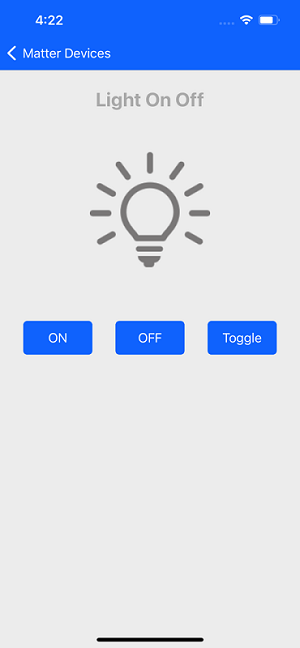
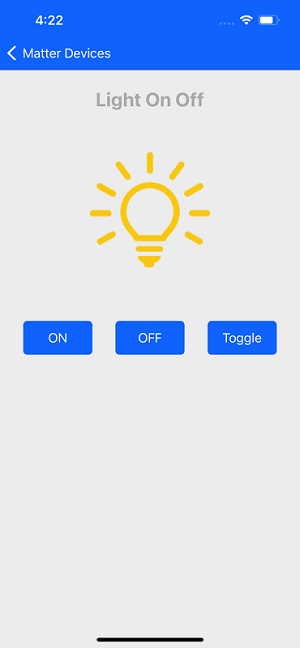
You can commission and control the Light Matter device by using the ON, OFF, or Toggle buttons. You can view the device status both on the dev board, as well as in the mobile application.
Window Covering Demo#
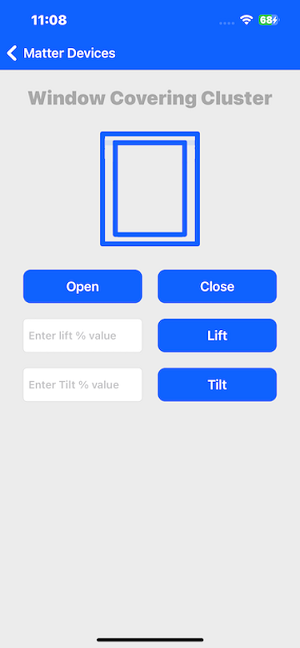
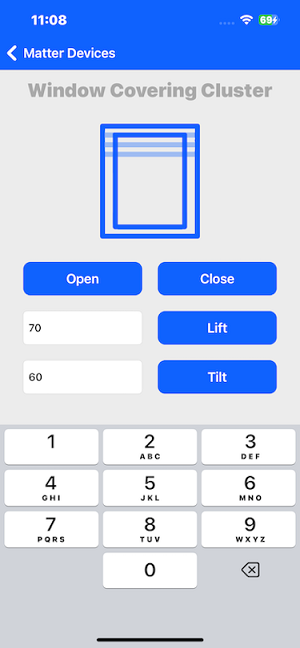
You can commission and control the Window Cover Matter device. By pressing the Open and Close button in the mobile application, you can operate and control the curtain. The device status is visible both on the physical device and in the mobile application.
You can adjust the lift and tilt window covering using the percentage value measured from the bottom of the window.
Below are details of the firmware and bootloader that support the Window covering demo:
Bootloader: Bootloader - SoC Internal Storage (single image on 1MB device)
Firmware: Matter - SoC Window Covering over Thread
Lock Demo#
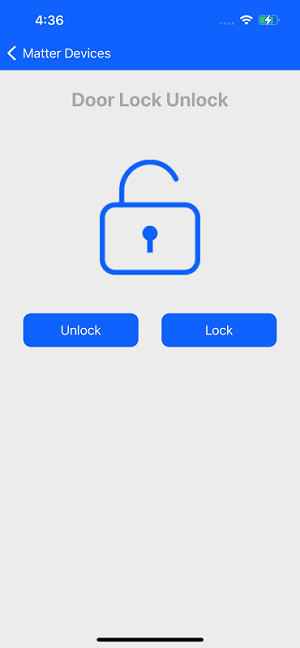
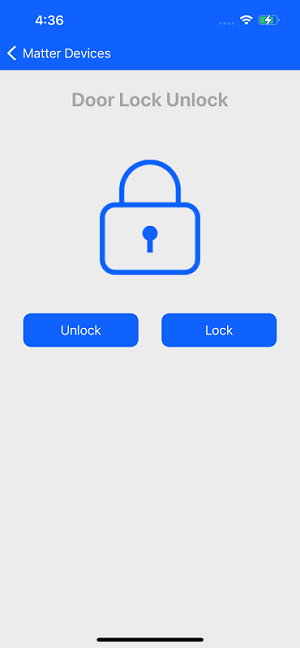
You can commission and control the Lock Matter device. You can Lock and Unlock the device using the mobile application and read the status of the lock from both the dev board and on the mobile application.
On Off Plug Demo#
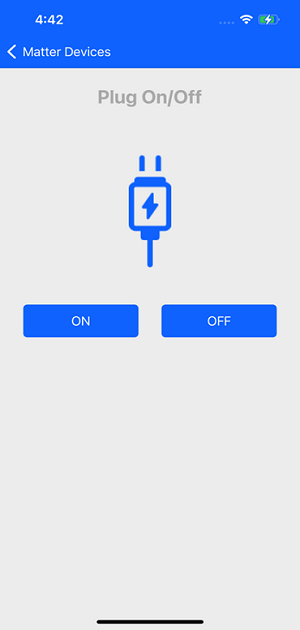
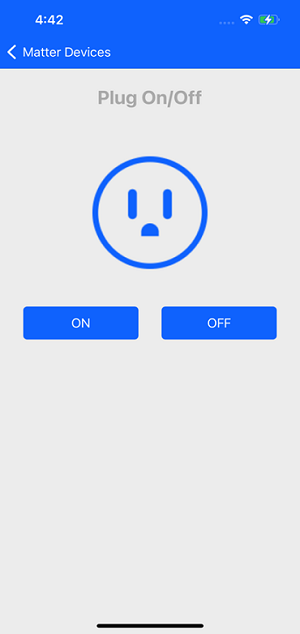
You can commission and control the Plug Matter device. You can turn it On and Off using the mobile application. The status of the Plug will be visible on both the dev board and on the mobile application.
Thermostat Demo#
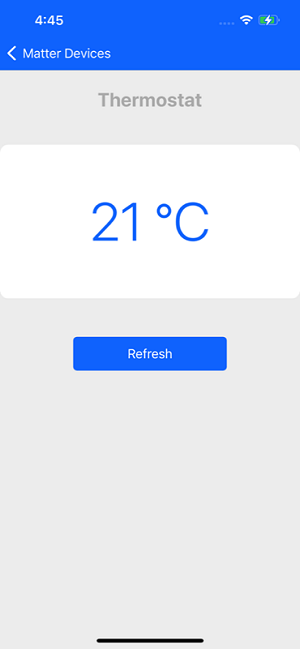
You can commission the Thermostat Matter device. You can read the current temperature on both the dev board and on the mobile application.
Occupancy Sensor#
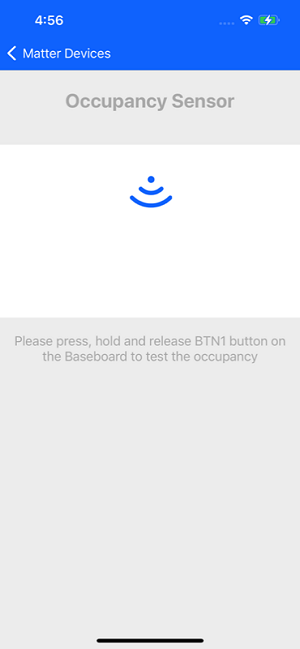
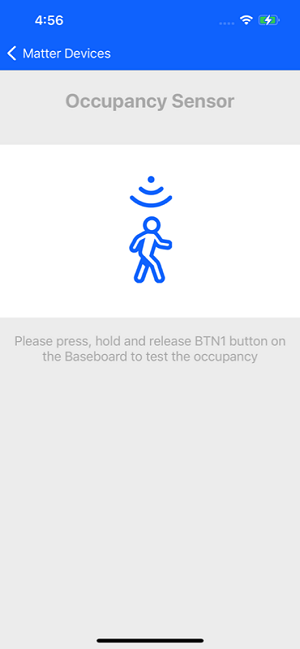
You can commission the Occupancy sensor Matter device and control it. You can long press the user button BTN1 on the dev board to change the status of the sensor. You can observe the device status on both the dev board and mobile application.
Contact Sensor#
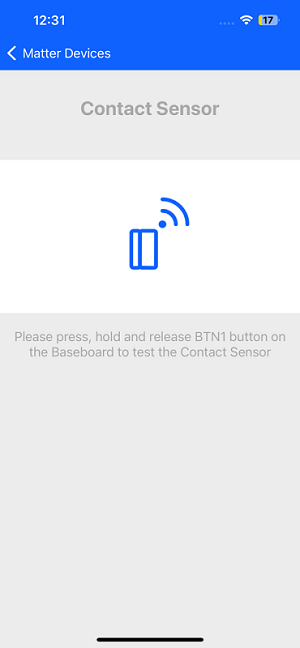
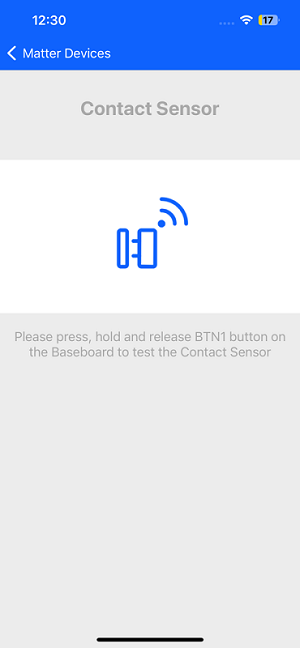
You can commission the Contact sensor matter device and control it. You can long press the user button BTN1 on the dev board to change the status of the sensor. You can observe the device status on both the dev board and mobile application.
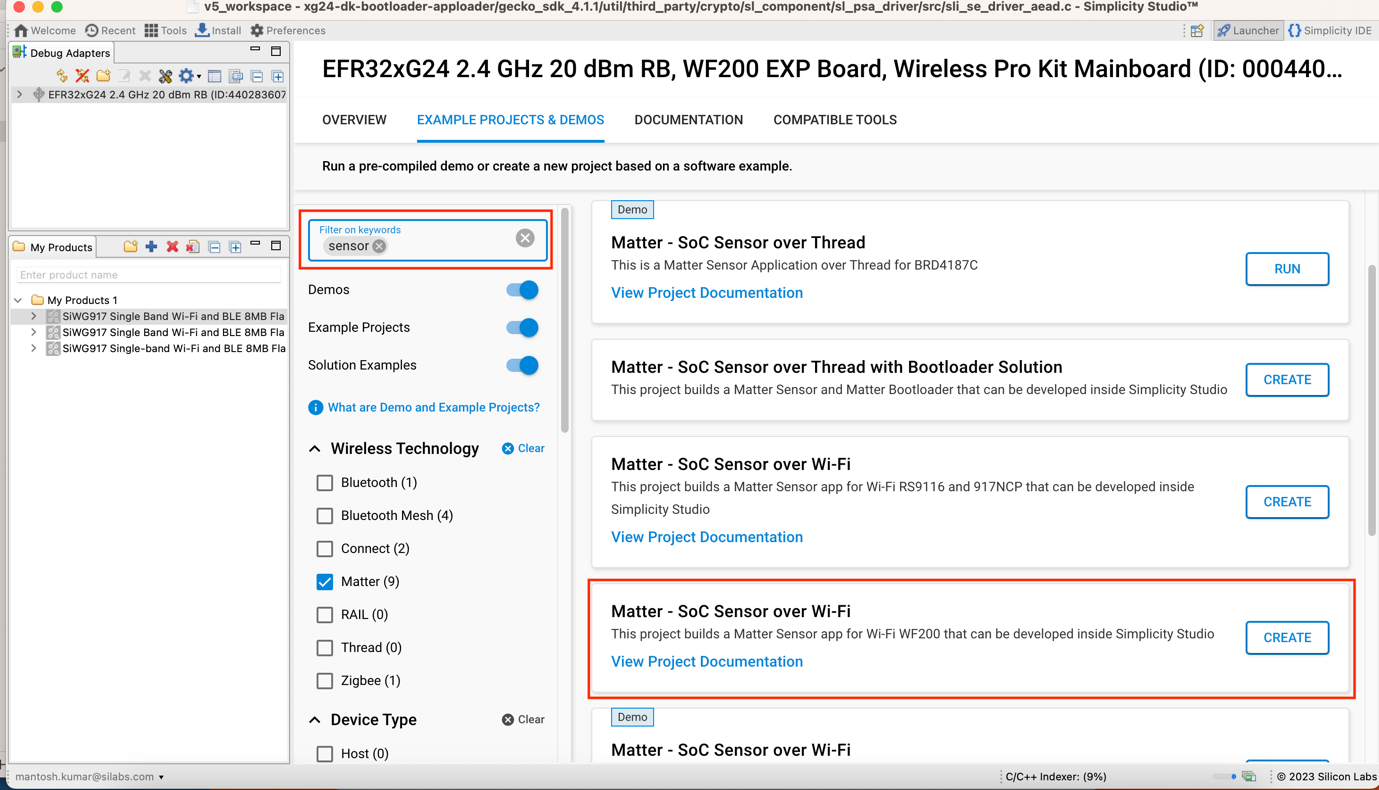
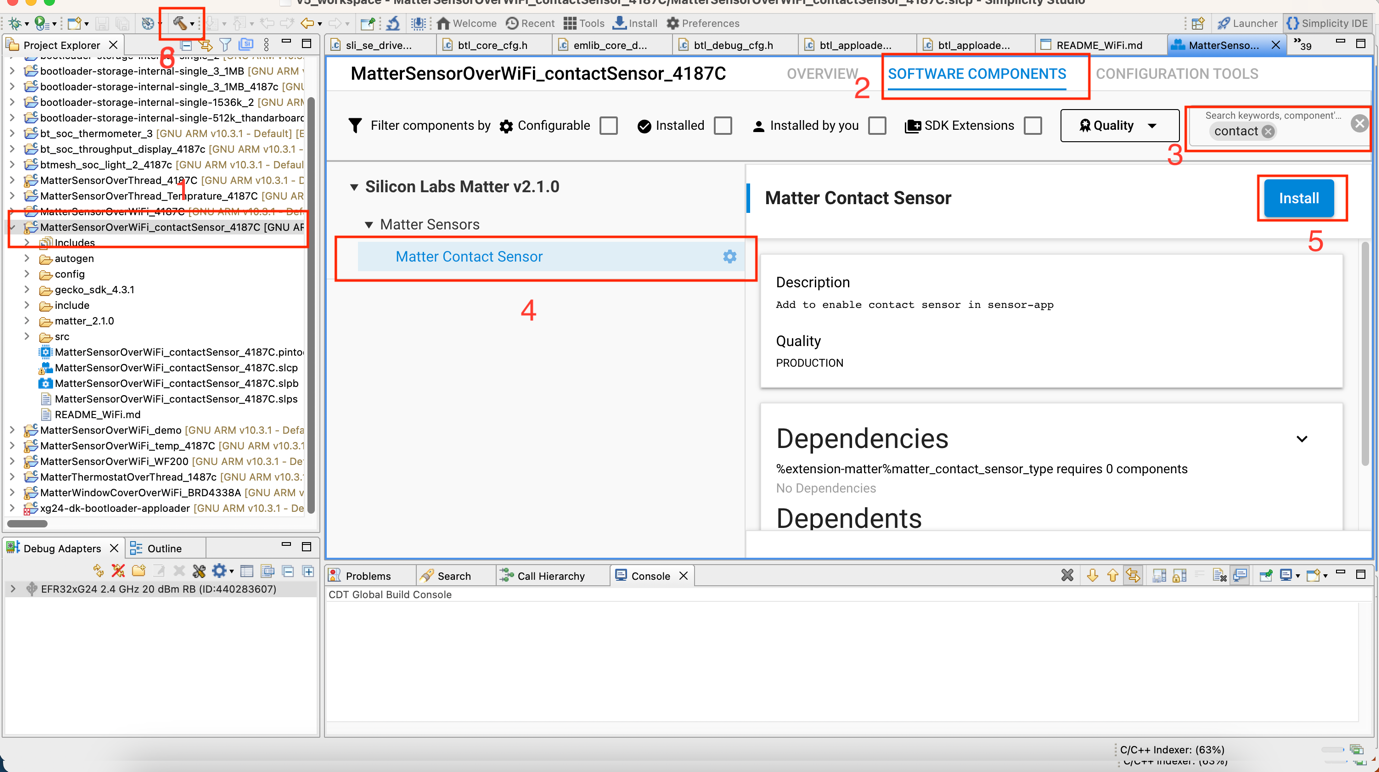
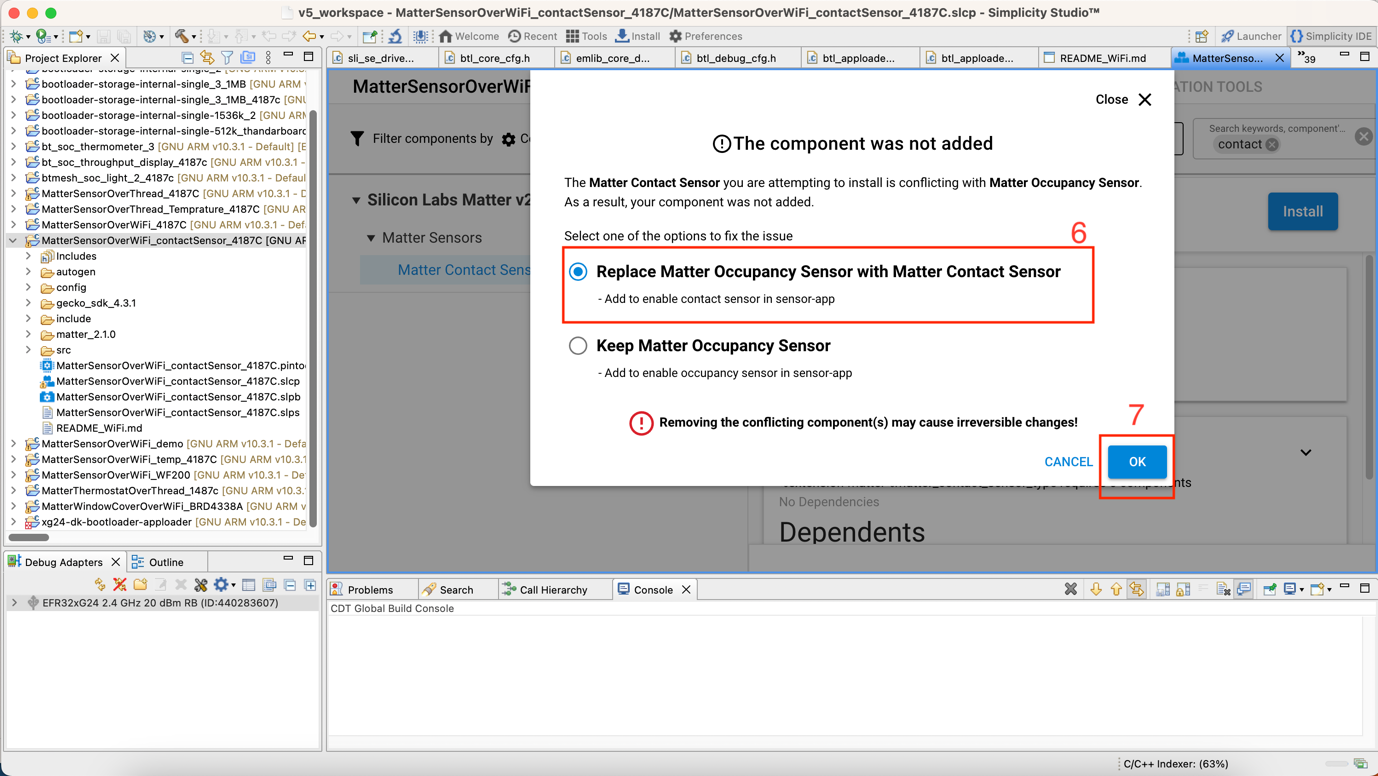
The “Matter Sensor” sample app needs to be configured as a Contact Sensor device, as described below, rebuilt, and flashed on the dev board.
To configure the contact sensor:
Search sensor in Simplicity Studio.
Select Matter – SoC Sensor over Wi-Fi.
Create firmware and build as in the following screens.
Temperature Sensor Demo#
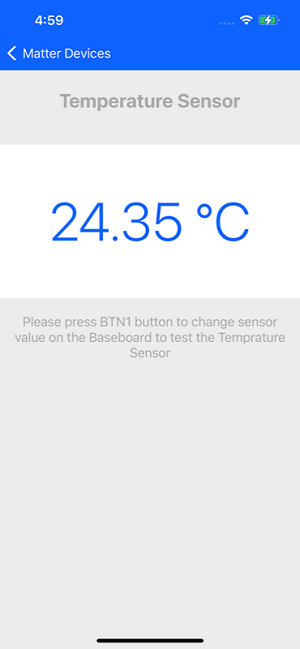
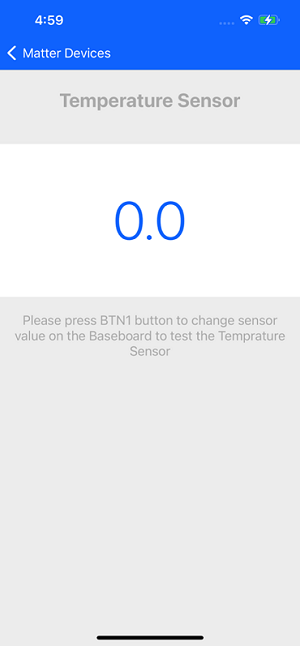
You can commission the Temperature Sensor Matter device and control it. You can long press the user button BTN1 on the dev board to change the status of the sensor. You can observe the device status on both the dev board and mobile application.
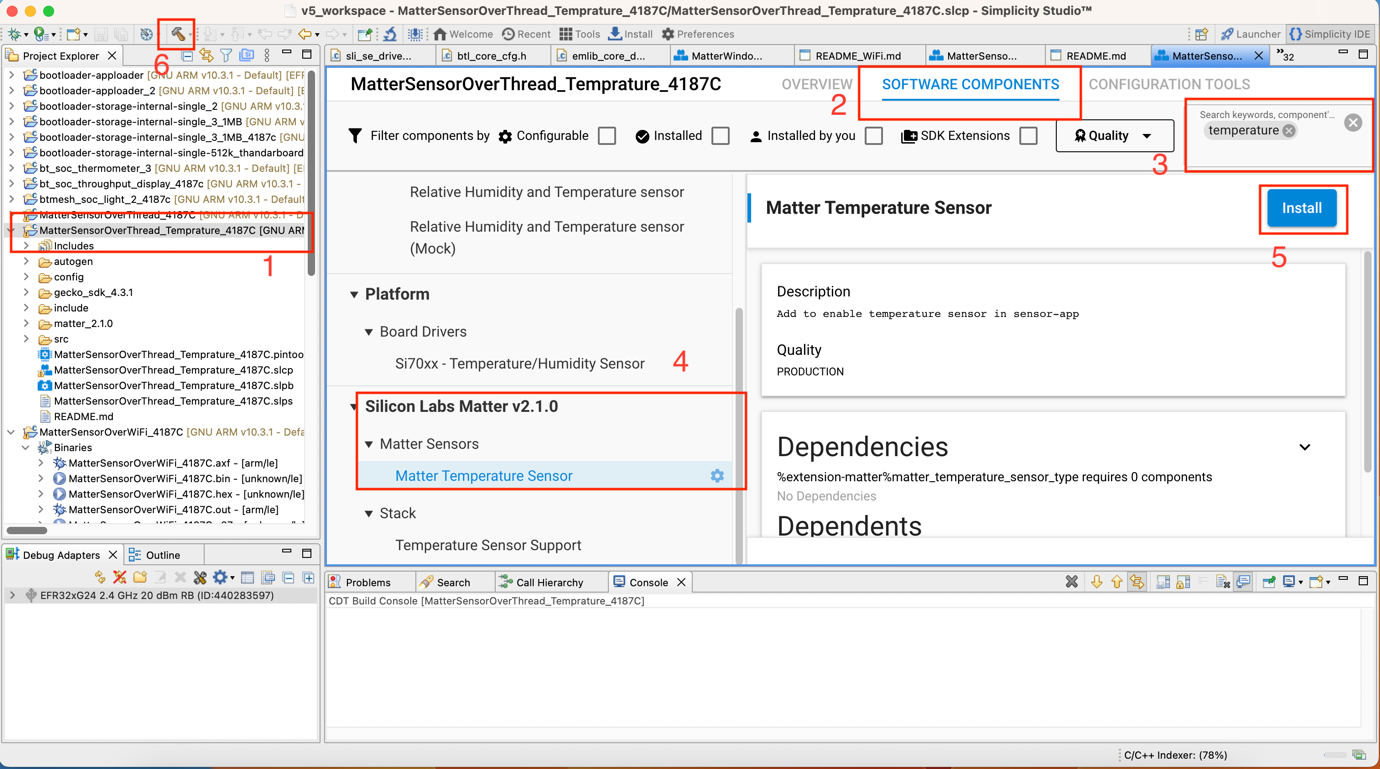
The “Matter Sensor” sample app needs to be configured as a Temperature Sensor device, as described below, rebuilt, and flashed on the dev board.
Dishwasher Demo#
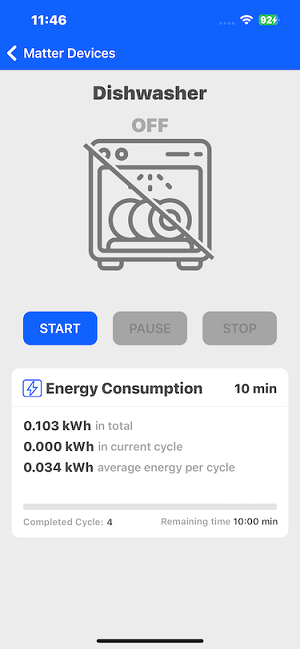
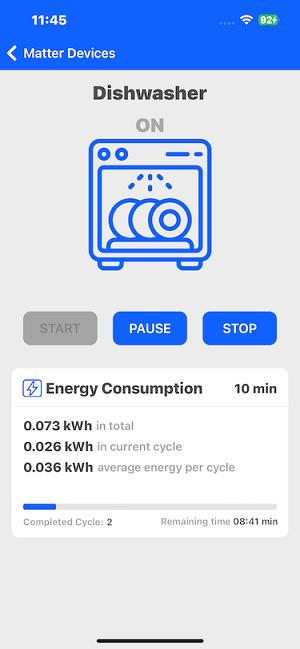
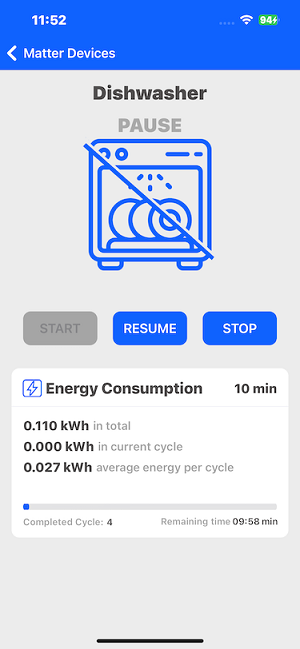
You can commission and control the Dishwasher Matter device through the Simplicity Connect mobile app. Using this mobile application, you can start, stop, pause, or resume the dishwasher, with the status displayed both on the physical device and on the mobile application.
You can also view the dishwasher’s cumulative energy consumption, energy usage for the current cycle, and average energy consumption per cycle in the mobile application.
Below are the details of the firmware and bootloader that support the Dishwasher demo:
Bootloader : Bootloader - SoC Internal Storage (single image on 1MB device)
Firmware:
Matter - SoC Dishwasher over Thread
Matter - SoC Dishwasher over Wi-Fi
Matter Switch Demo#
You can commission the Switch and Light Matter devices and control them using the Switch Matter device. You can view the device status both on the development board and in the mobile application.
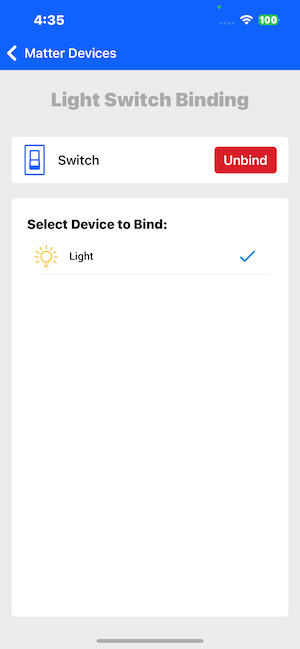
After commissioning the Switch and Matter Light device, you need to select the Switch device from the list to perform the binding functionality. Select the Light device and click the Bind button.
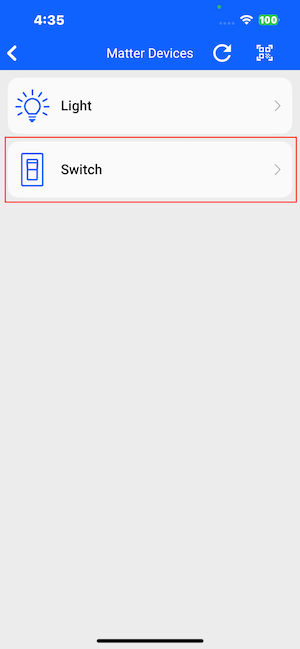
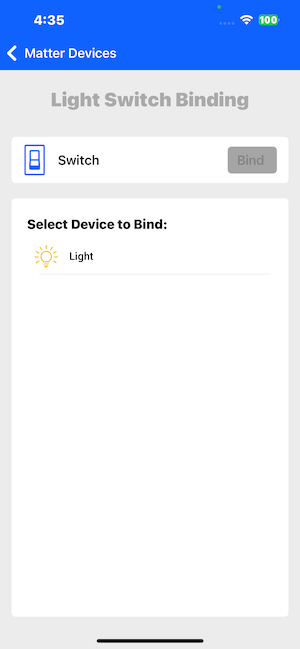
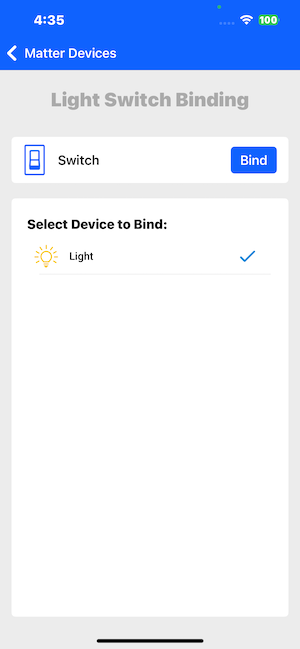
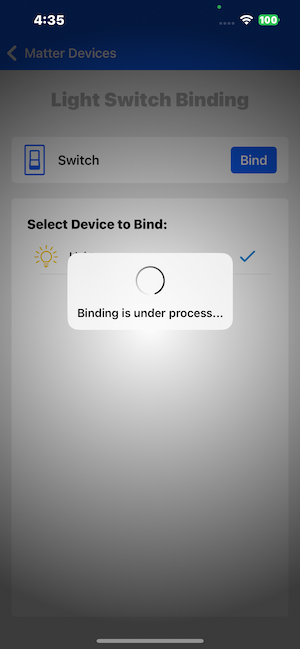
Click the Bind button to initiate the binding process between the Light device and the Switch. Once the binding is successful, you can control the Light device by clicking the BT1 button on the Matter Switch board.
EVSE Demo#
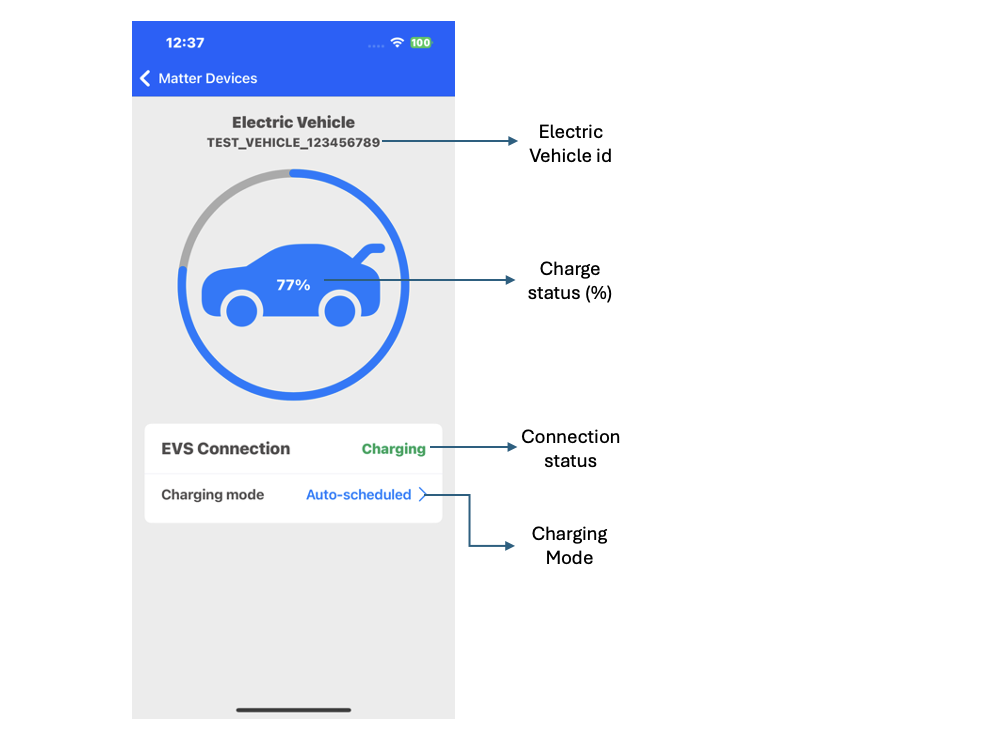
You commission, monitor, and control the EVSE Matter device through the Simplicity Connect mobile application.
Using this demo, you can:
View the commissioned vehicle ID
Check the current charging status (in percentage)
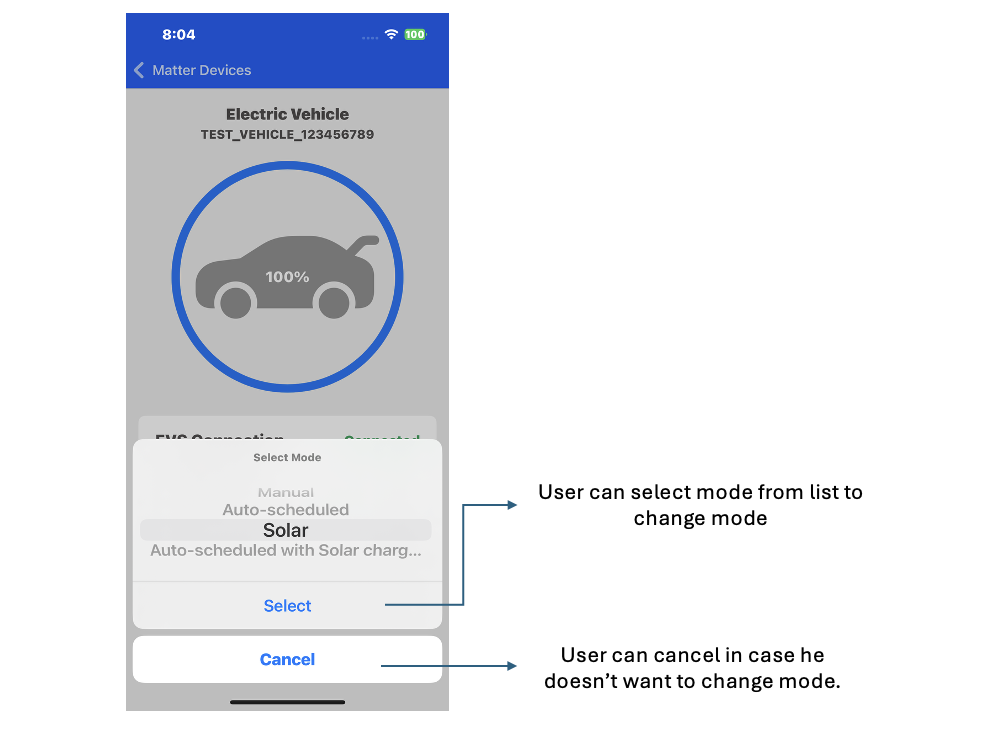
Change the charging mode
Below are the details of the firmware and bootloader that support the EVSE demo:
Bootloader: SoC Internal Storage (single image on 1MB device)
Firmware:
Matter – SoC EVSE over Thread
Matter – SoC EVSE over Wi-Fi