


Configure Preprocessor Build Settings#
This section describes how to configure the preprocessor build settings available with the WiSeConnect™ SDK with the SiWx91x™ and EFR32™ hosts.
Open Simplicity Studio 6 and log in.
If you haven't already created a project, create it by following the instructions in the relevant guide:
For the SiWx91x host, see the Developing with Radio Boards in SoC Mode guide.
For EFR32 hosts, see the Getting Started with EFR32 Host in NCP Mode guide.
Open the project in Simplicity Studio VS Code IDE.
In the project pane, locate the "example_name.cmake" file.
The list of preprocessor macros and their values will be displayed under target_compile_definitions.
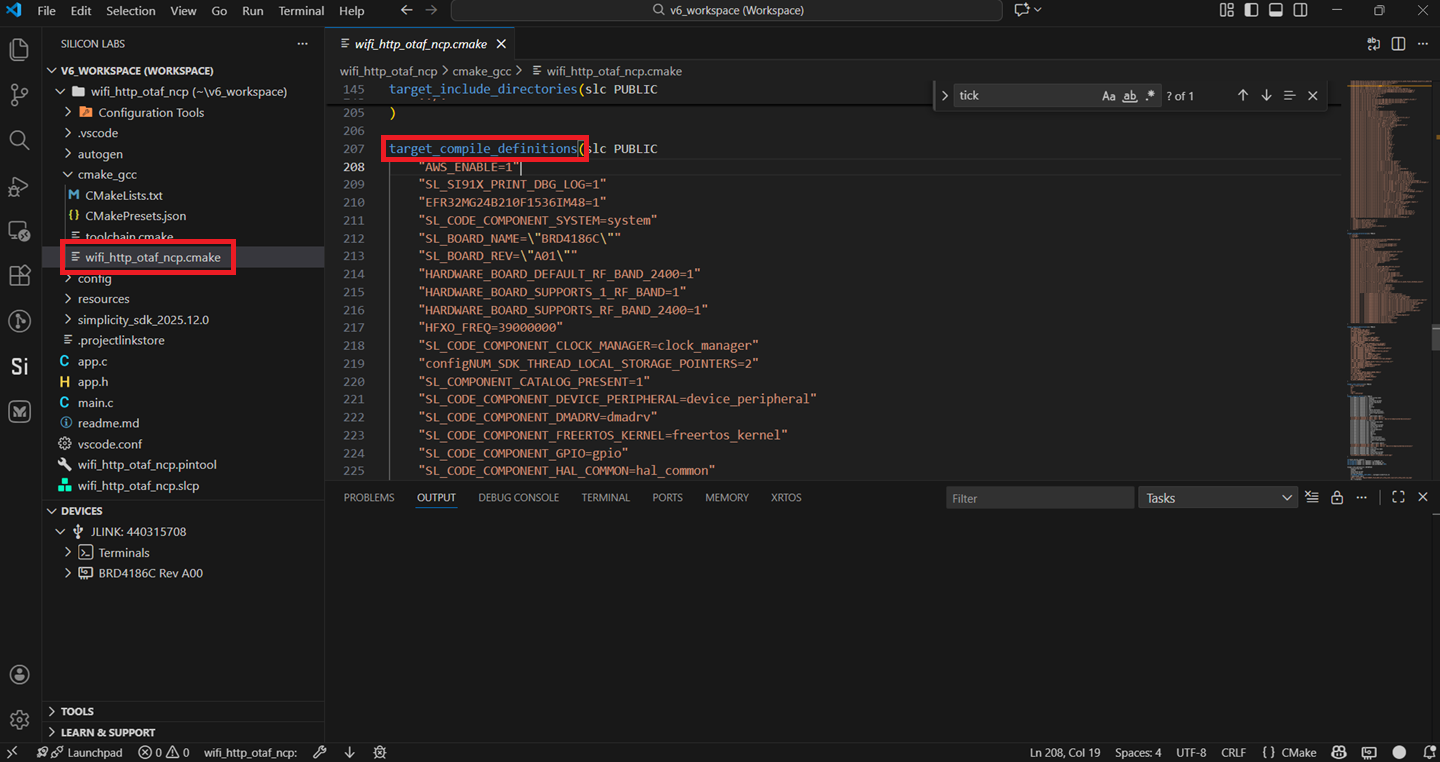
Modify the preprocessor macro you wish to edit.
Save the file and build the project.