Introduction#
Google’s OpenThread is an open-source implementation of Thread. Google has released OpenThread to make the networking technology used in Google Nest products more broadly available to developers in order to accelerate the development of products for the connected home and commercial buildings.
With a narrow platform abstraction layer and a small memory footprint, OpenThread is highly portable. It supports system-on-chip (SoC), network co-processor (NCP), and radio co-processor (RCP) designs. OpenThread implements all features defined up to the Thread 1.4.1 specification. This specification defines an IPv6-based reliable, secure, and low-power wireless device-to-device communication protocol for home and commercial building applications.
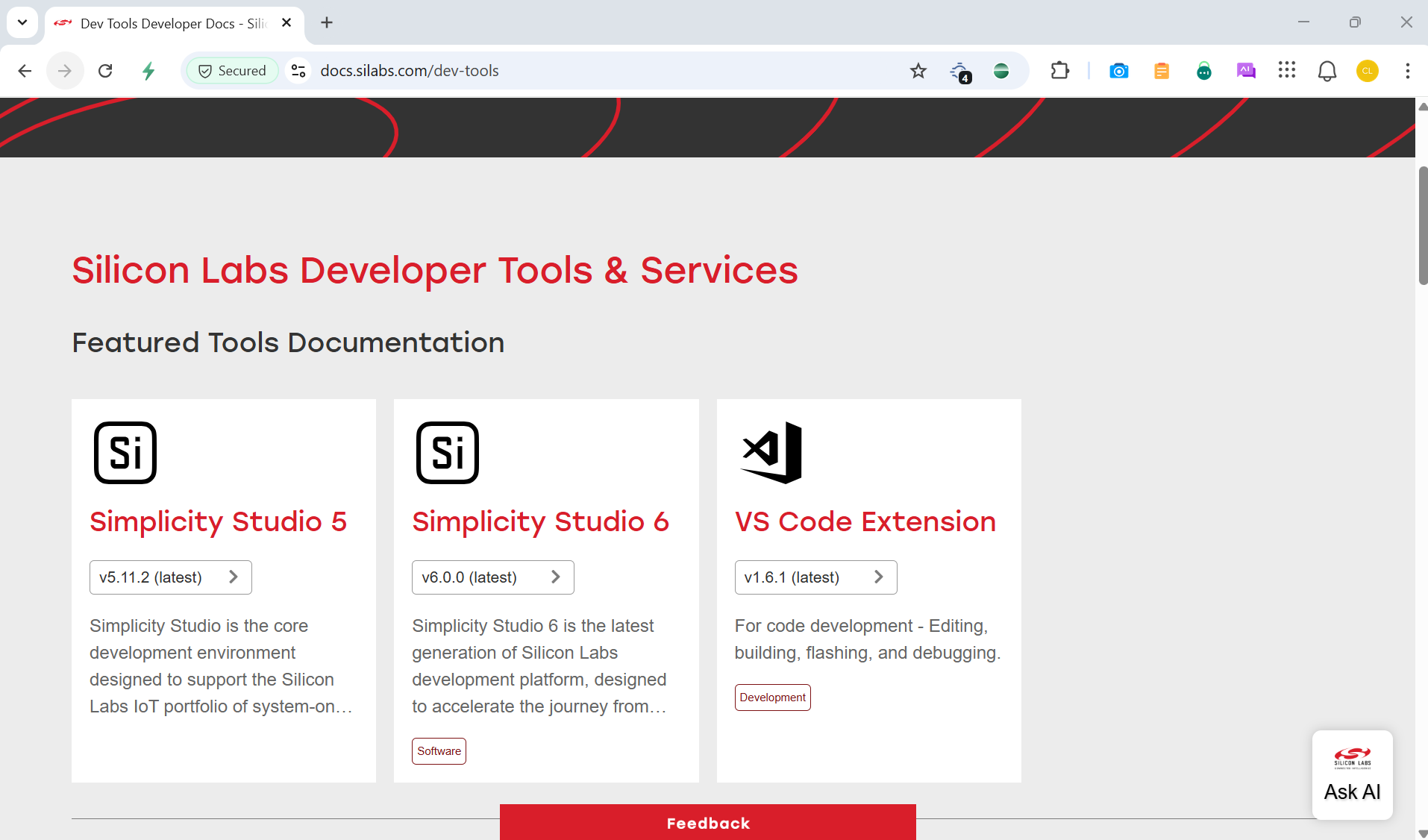
This guide describes how to get started developing OpenThread applications using the Silicon Labs OpenThread SDK, delivered with the Simplicity SDK, Simplicity Studio (SSv6) and Simplicity Studio Extension for VS Code. SSv6 and Simplicity Studio Extension for VS Code include everything needed for IoT product development with Silicon Labs devices, including a resource and project launcher, software configuration tools, full IDE with GNU toolchain, and analysis tools. This document focuses on use and development in the Simplicity Studio environment. Alternatively, the Gecko SDK may be installed manually by downloading or cloning the latest from GitHub. See https://github.com/SiliconLabs/gecko_sdk for more information.
Our newest embedded software platform, the Simplicity Software Development Kit (SDK), is designed specifically for our Series 2 and Series 3 devices. The Simplicity SDK is a significant advancement in IoT development, providing our customers with a cohesive development environment for wireless innovation. It enables wireless developers to utilize advanced features and capabilities with the most recent Silicon Labs IoT devices. See https://github.com/SiliconLabsSoftware/sisdk-release for more information.
Meanwhile, our Gecko Software Development Kit (GSDK) will continue to be available for users of our Series 0 and Series 1 devices. For additional information on Series 0 and Series 1 devices reference: Series 0 and series 1 EFM32/EZR32/EFR32 device (silabs.com).
About the Silicon Labs OpenThread SDK#
The Silicon Labs OpenThread SDK is based on the Gecko Platform component-based design, where each component provides a specific function. Components are made up of a collection of source files and properties. The component-based design enables customization by adding, configuring, and removing components. The application developer can use SSv6’s Project Configurator and Component Editor to easily assemble the desired features by including those components that match the required functionality and by configuring the various properties associated with those components.
The Silicon Labs OpenThread SDK is based on the OpenThread stack available in GitHub but with a number of enhancements, including support of additional platforms and functionality, additional example applications, and additional metadata to allow for the seamless integration into SSv6.
Platforms and functionality: Silicon Labs has enhanced the OpenThread source code and the platform abstraction layer supporting the EFR32 platform in order to offer additional features provided by the Gecko Platform, such as:
Wi-Fi coexistence
Antenna diversity
FreeRTOS support
Non-Volatile Memory storage support (NVM3)
Hardware acceleration with MbedTLS
Multi-PAN Radio Co-Processor (RCP)
Co-Processor Communication support (CPC)
PSA Vault support
Proprietary Sub-GHz
Power manager support
TrustZone support
Example applications: The example applications from GitHub are included in the SDK, along with new example applications showcasing additional functionality, such as OpenThread/Bluetooth Low Energy Dynamic Multiprotocol support or Sleepy Device behavior (see the sleepy device section in Developing and Debugging Silicon Labs OpenThread Applications for more information). The examples are described in section About Example Applications and Demos.
The Silicon Labs OpenThread SDK contains the complete OpenThread GitHub directory structure but does not use the makefile build system provided by the GitHub solution. Instead, the Silicon Labs OpenThread SDK uses the build system provided by SSv6. The GitHub makefile build options have been made available as component configuration options and are discussed in Configuring the Project. When using the Silicon Labs OpenThread SDK to build a Host-RCP or Host-NCP application (such as an OpenThread Border Router), make sure to use compatible co-processor and host code from the same SDK.
See the release notes for a description of the special features and the OpenThread stack version used for the release.
Fork Transparency#
Silicon Labs maintains openthread and ot-br-posix as forks of their respective upstream projects. The changes Silicon Labs applies on top of the upstream commits are shipped as patch files with the openthread_stack package:
openthread_stack/README.md— overview of the patch files and how to inspect or apply themopenthread_stack/openthread.patch— diff between the upstreamopenthreadbase commit and the Silicon Labs forkopenthread_stack/ot-br-posix.patch— diff between the upstreamot-br-posixbase commit and the Silicon Labs forkopenthread_stack/upstream-commits— the upstream base commits for both repositoriesopenthread_stack/CHANGELOG.md— per-release summary of fork changes relative to upstream
The upstream commit SHAs are also listed in the Silicon Labs OpenThread Release Notes. These patch files are primarily relevant when building the OpenThread Border Router from source or maintaining an internal fork — see the Border Router Host build guide for operational details.
Simplicity Studio (SSv6) and Simplicity Studio Extension for VS Code#
SSv6 and Simplicity Studio Extension for VS Code are the core development environment designed to support the Silicon Labs IoT portfolio of system-on-chips (SoCs) and modules. They provide access to target device-specific web and SDK resources; software and hardware configuration tools; an integrated development environment (IDE) featuring industry-standard code editors, compilers and debuggers; and advanced, value-add tools for network analysis and code-correlated energy profiling.
SSv6 is designed to simplify developer workflow. It intelligently recognizes all Silicon Labs evaluation and development kit parts and, based on the selected development target, presents appropriate software development kits (SDKs) and other development resources.
The Silicon Labs OpenThread SDK is downloaded through SSv6. The GNU Compiler Collection (GCC) is provided with Simplicity Studio Extension. Other important development tools provided with SSv6 are introduced in section Development Tools.
Gecko Bootloader#
A bootloader is a program stored in reserved flash memory that can initialize a device, update firmware images, and possibly perform some integrity checks. Silicon Labs networking devices use bootloaders that perform firmware updates in two different modes: standalone (also called standalone bootloaders) and application (also called application bootloaders). An application bootloader performs a firmware image update by reprogramming the flash with an update image stored in internal or external memory. Silicon Labs recommends that you always flash a bootloader image along with your application, so that flash memory usage is appropriately allocated from the beginning. For more information about bootloaders see Bootloader Fundamentals.
Gecko Platform#
The Gecko Platform is a set of drivers and other lower layer features that interact directly with Silicon Labs chips and modules. Gecko Platform components include EMLIB, EMDRV, RAIL Library, NVM3, and MbedTLS. For more information about Gecko Platform, see release notes that can be found in SSv6’s Documentation tab, as well as online API documentation in https://docs.silabs.com/.
Prerequisites#
Before following the procedures in this guide you must have:
Purchased one of the Wireless Gecko (EFR32) Portfolio Wireless Kits.
Downloaded SSv6 and the Gecko SDK, which includes the Silicon Labs OpenThread SDK, and be generally familiar with the SSv6 Launcher perspective. SSv6 installation and getting started instructions along with a set of detailed references can be found in the online Simplicity Studio 6 User’s Guide, available on https://docs.silabs.com/ and in the Learn & Support section on the Home page of SSv6.
For a compiler, use the version of the GNU ARM toolchain installed with the Silicon Labs OpenThread SDK. The IAR Embedded Workbench for ARM (IAR EWARM) Compiler is currently not supported with OpenThread.
Support#
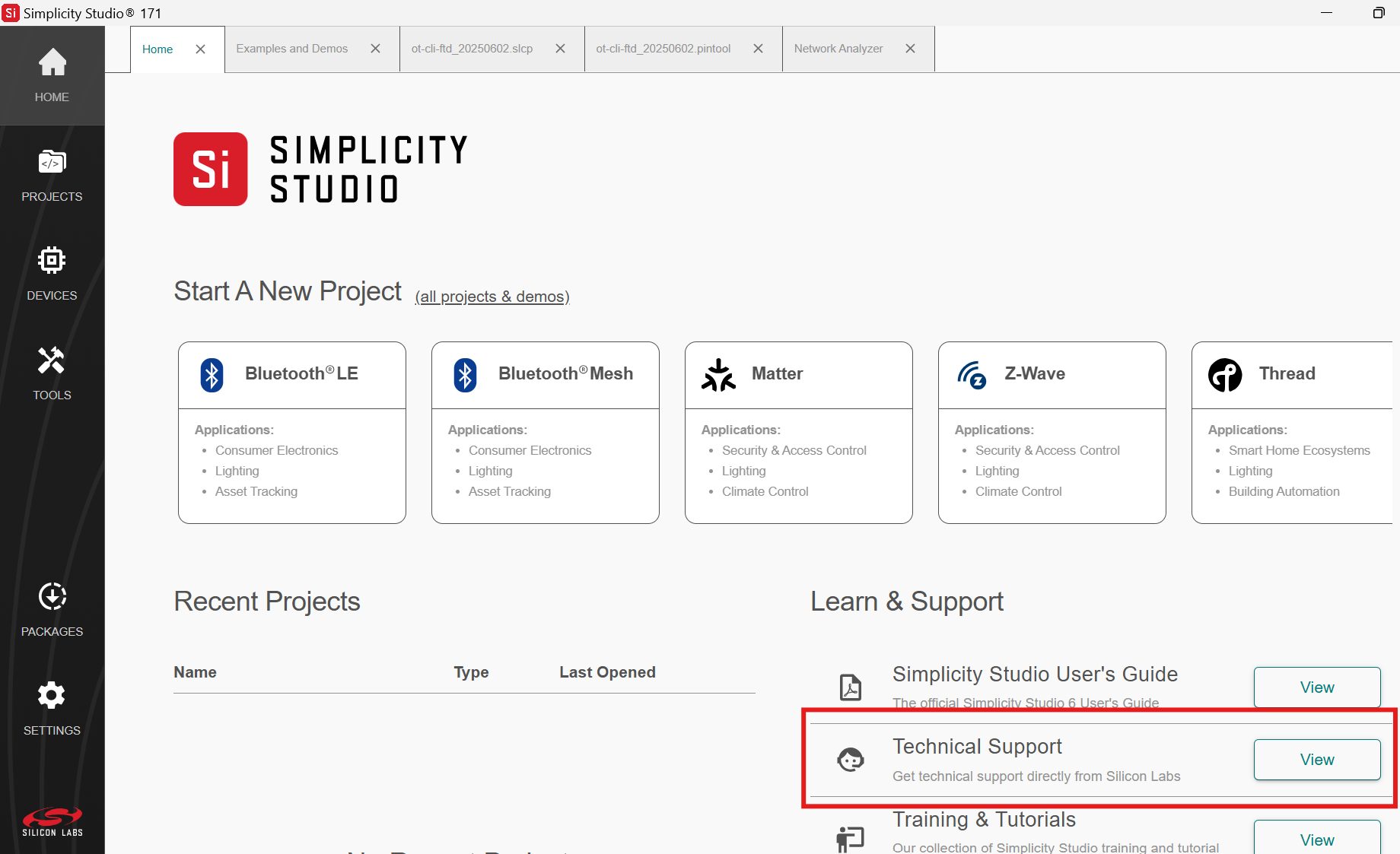
Access the Silicon Labs support portal at https://www.silabs.com/support through SSv6’s Welcome view under Learn and Support. Use the support portal to contact Customer Support for any questions you might have during the development process.
Documentation#
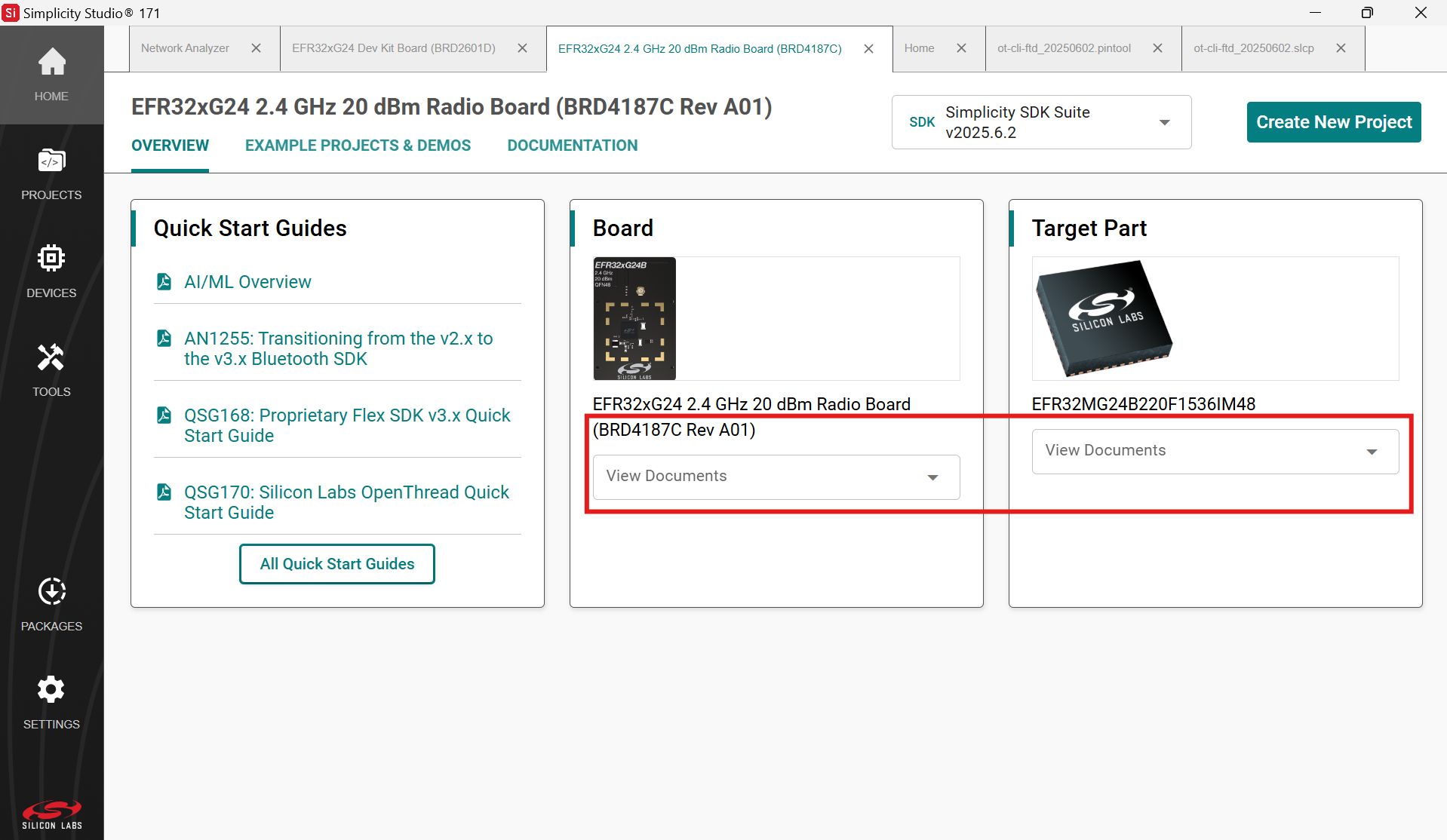
In addition to this site, documentation is also available through Simplicity Studio. It is filtered based on your selected part. Hardware-specific documentation can be accessed through links on the part OVERVIEW tab.
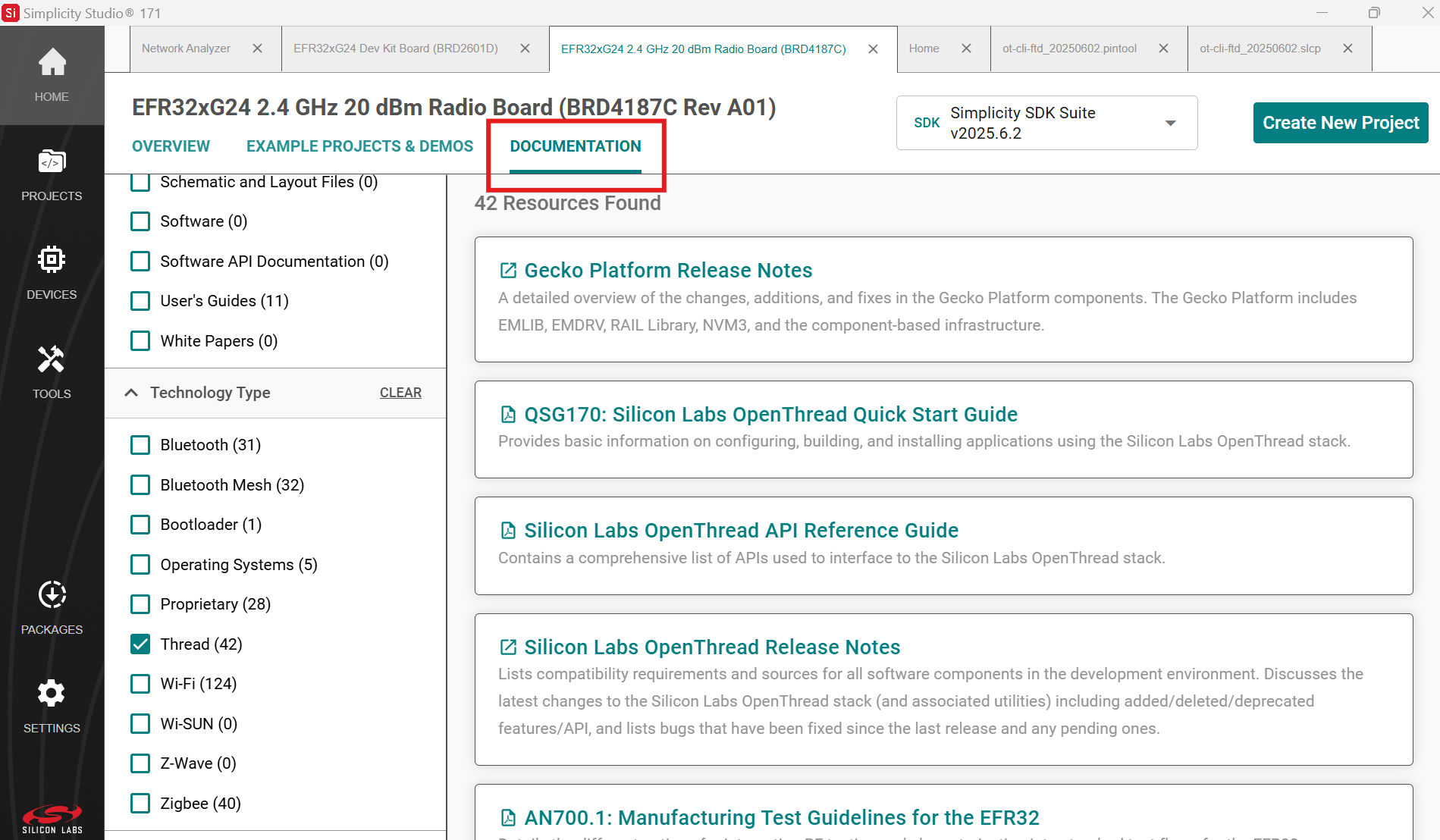
SDK documentation and other references are available through the DOCUMENTATION tab. Filter with the Thread Technology Type checkbox to see documentation most closely related to the OpenThread SDK.
Simplicity Studio v6 and its tools are documented in the online Silicon Labs Developer Tools.