


Multi-PHY Configuration Example#
Consider the following requirements:
Five channels (channels 0-4) FSK with 300 kHz channel spacing, starting at 905 MHz, using the built-in 50 kbps 915 MHz PHY of the base profile as a base.
Add another channel (channel 5) with the same setup as the first group, but at 907 MHz, as a special channel distance.
Add one more channel (channel 6) where the same config is used but with 32B length packets. This should be at 908MHz
On the 908 MHz channel it should be possible to receive frames with both 50 kbps and 100 kbps bitrates. Note: In order to implement this an additional channel definition (channel 7) is required.
To create a configuration covering these requirements, do the following in the Radio Configurator, where each step corresponds to a requirement above:
To set up the protocol according to the requirements in 1 above:
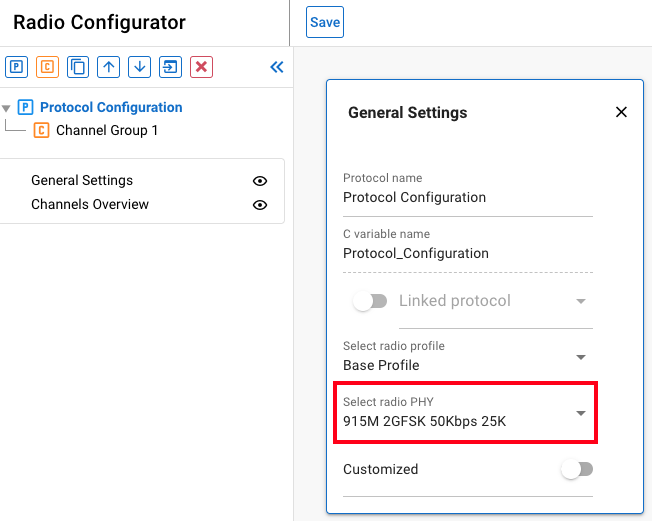
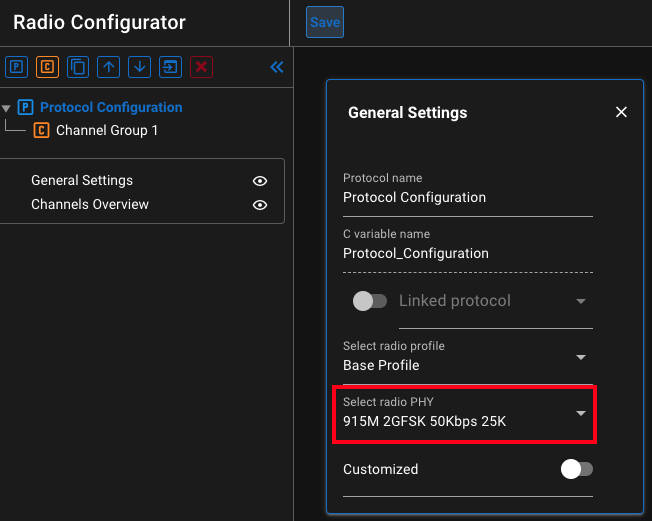
Select the 915M 50 Kbps PHY as shown in the following figure:
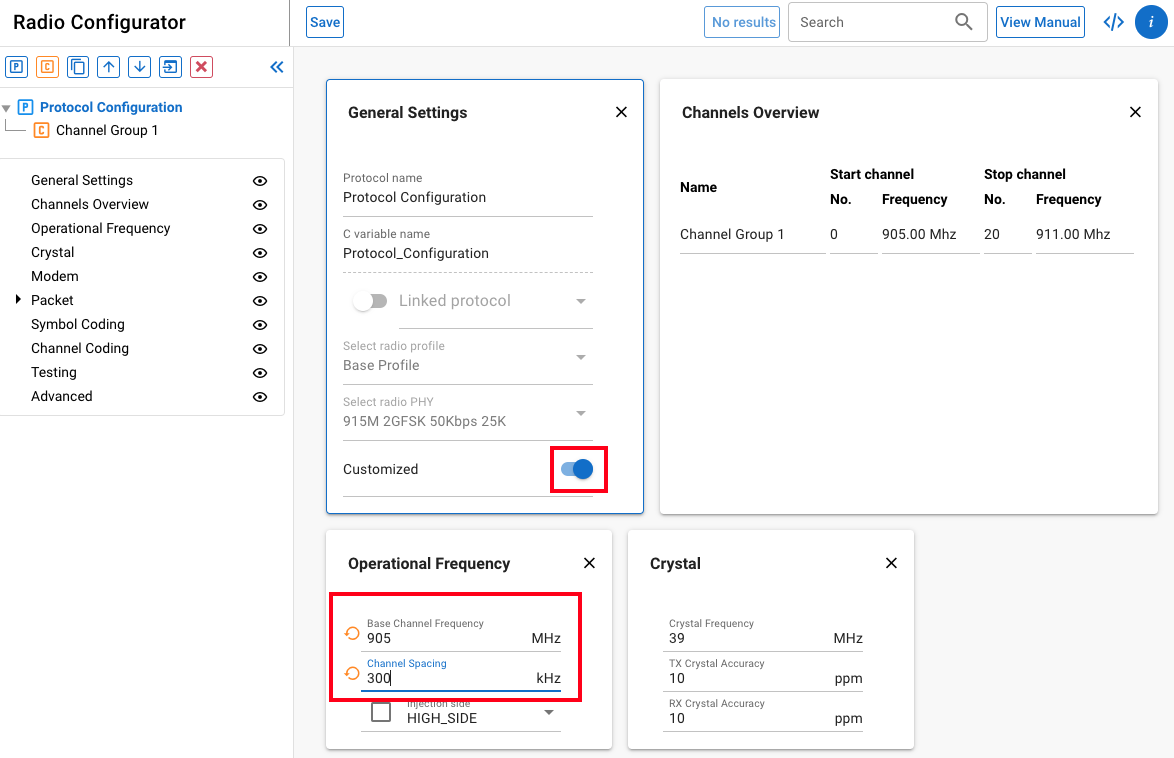
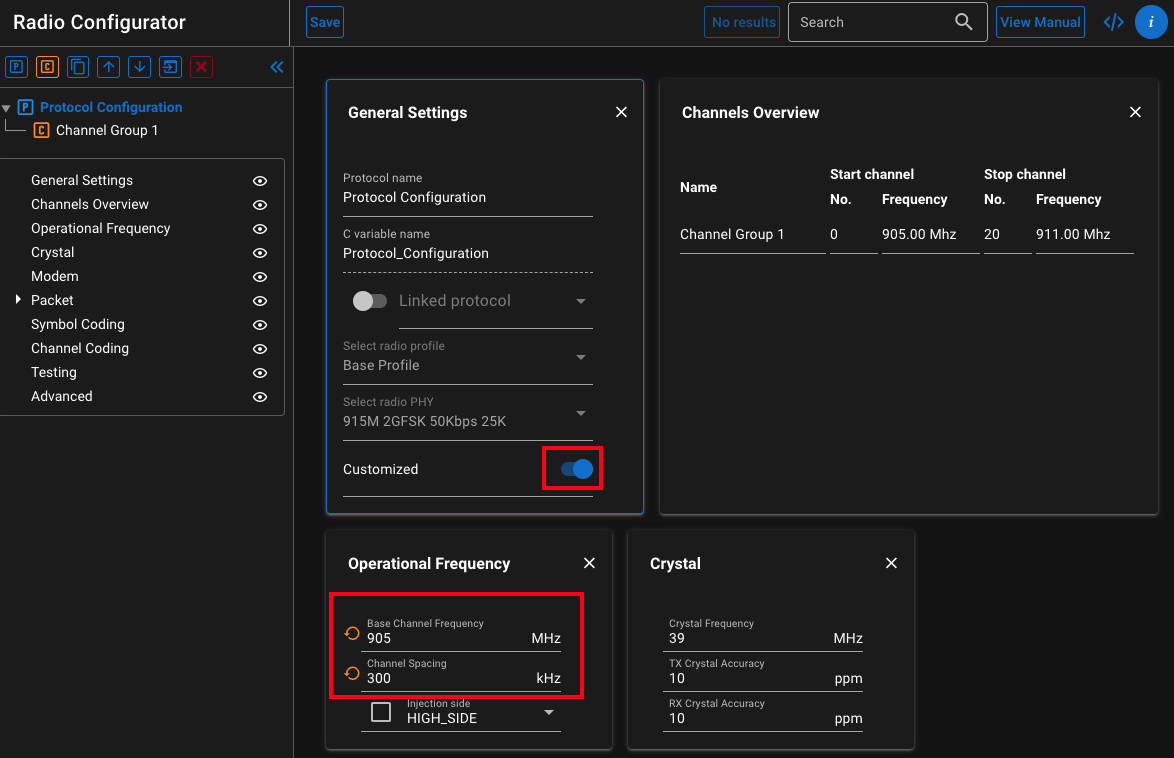
Enable customization and set up a 905 MHz base frequency with 300 kHz channel spacing:
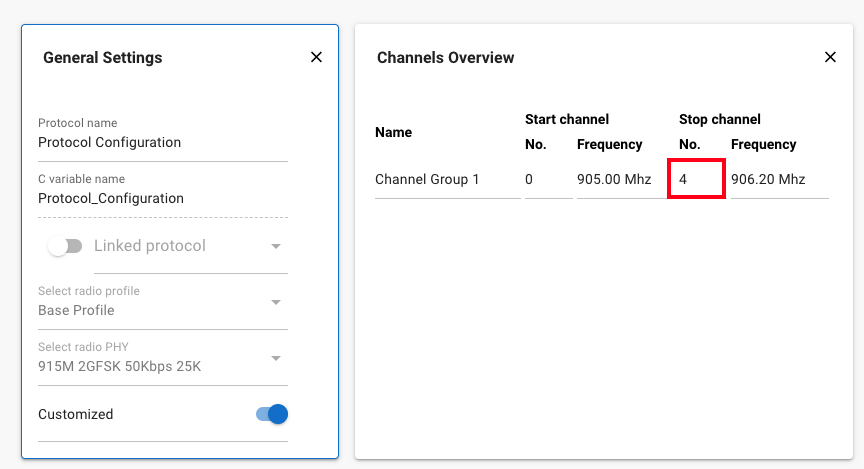
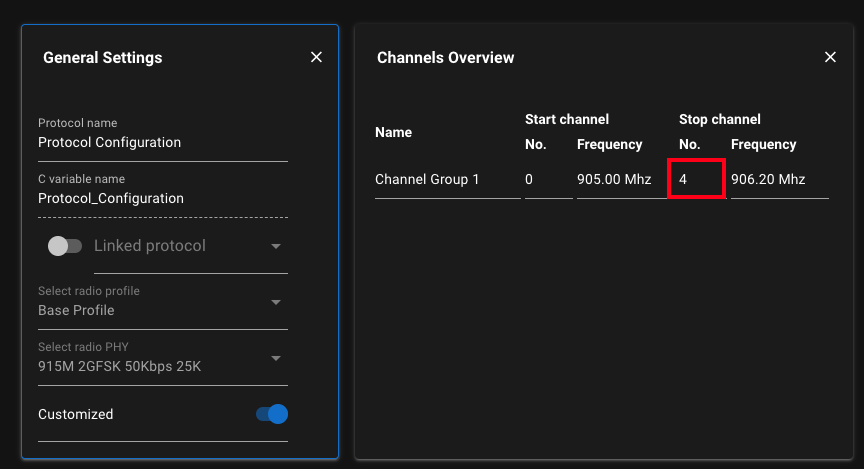
With this setup, by default we have one channel group with 21 channels from 0 to 20, so change the last channel number to 4 on the channels overview:
907 MHz cannot be defined with the group created in the first step, as it does not follow the 300 kHz channel spacing. We can however create a new channel group that starts from a different base frequency. Channel groups can be created by either the copy or new channel group buttons:
Create a new channel group with a single channel (channel 5) at 907MHz:
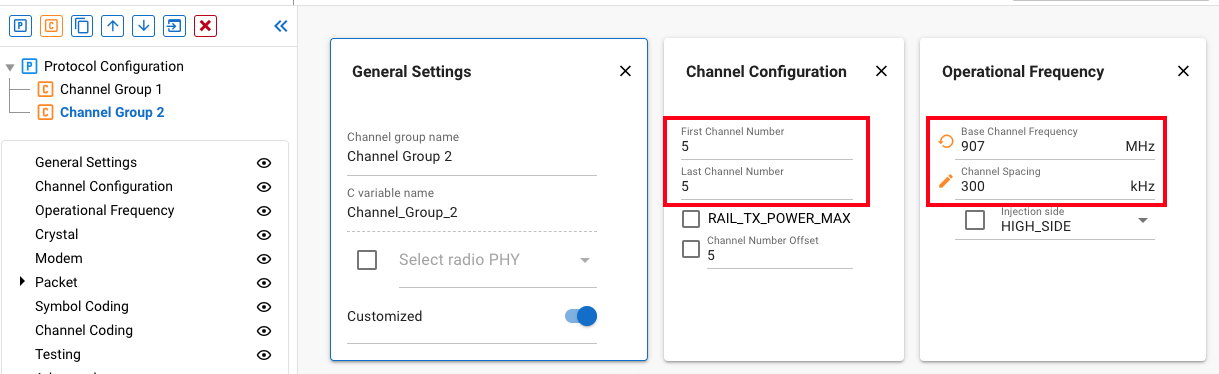
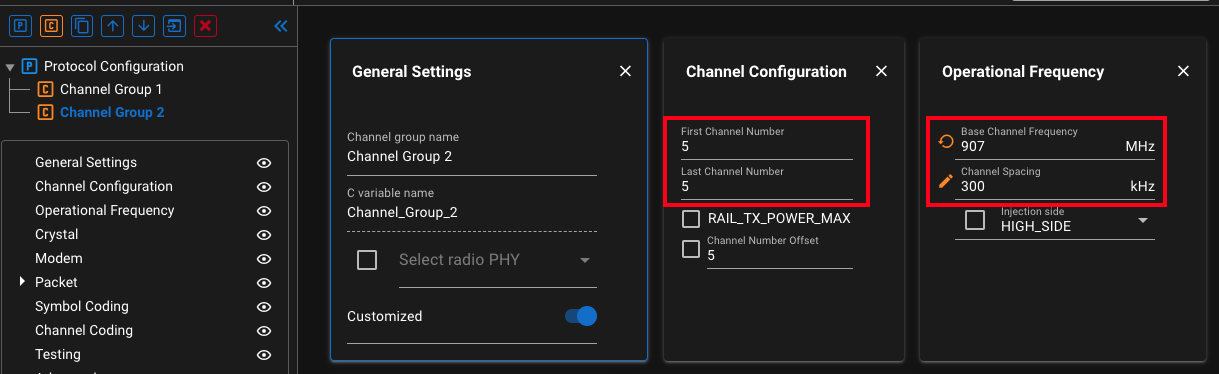
Note the


Create the 908 MHz channel the same way as in step 2, set up the base frequency to 908 MHz, and the first and last channel to 6. This time however, we also change the payload size:
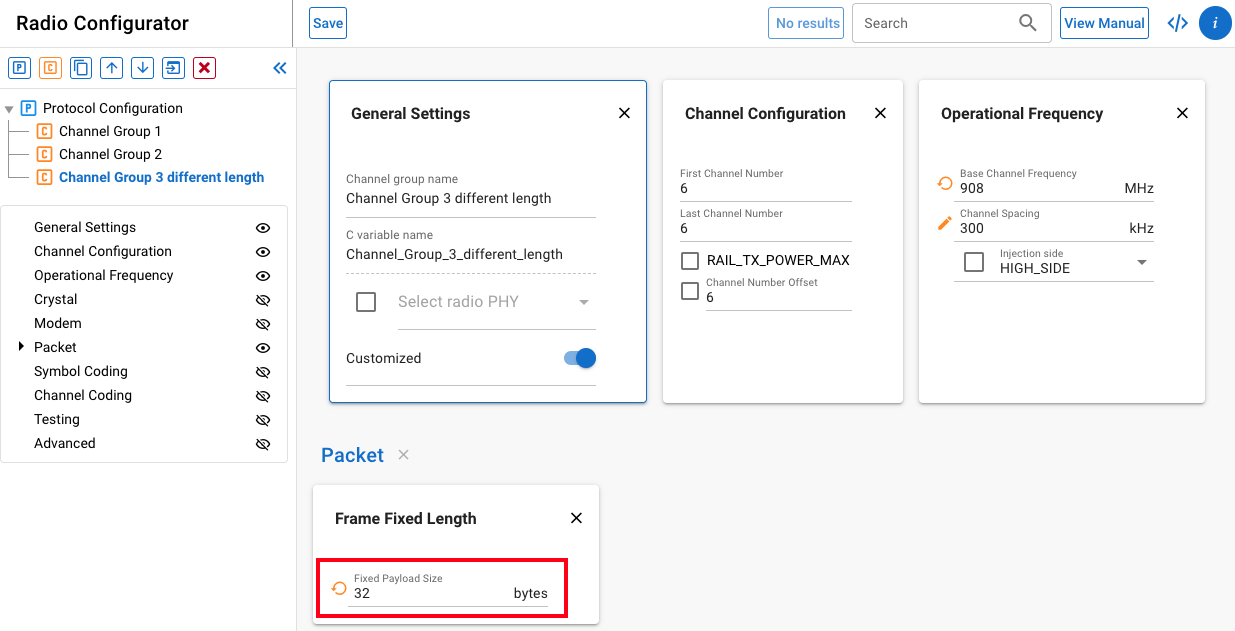
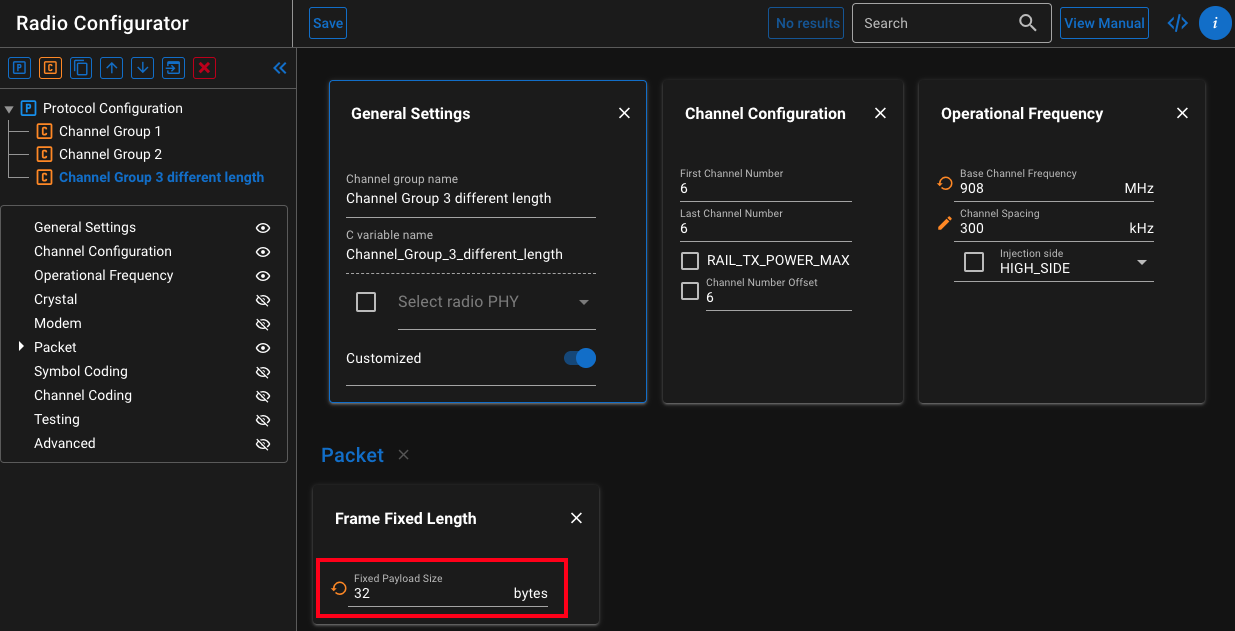
This generates two small configuration difference arrays (delta configs), which configure the frame length between the channel 6 and the channels 0-5. RAIL will load one of these config deltas automatically when you switch between channels of different channel groups (see
sl_rail_channel_config_entry.phy_config_delta_addin the RAIL API documentation).The bitrate of channel 6 is the default 50 kbps inherited from the protocol. It cannot set to both 50 and 100 kbps, but a new channel 7 can be created on the same frequency, with a different bitrate using a new channel group.
Create and set up a channel group for channel 7 by copying channel 6, changing the channel number to 7 and modify the bitrate:
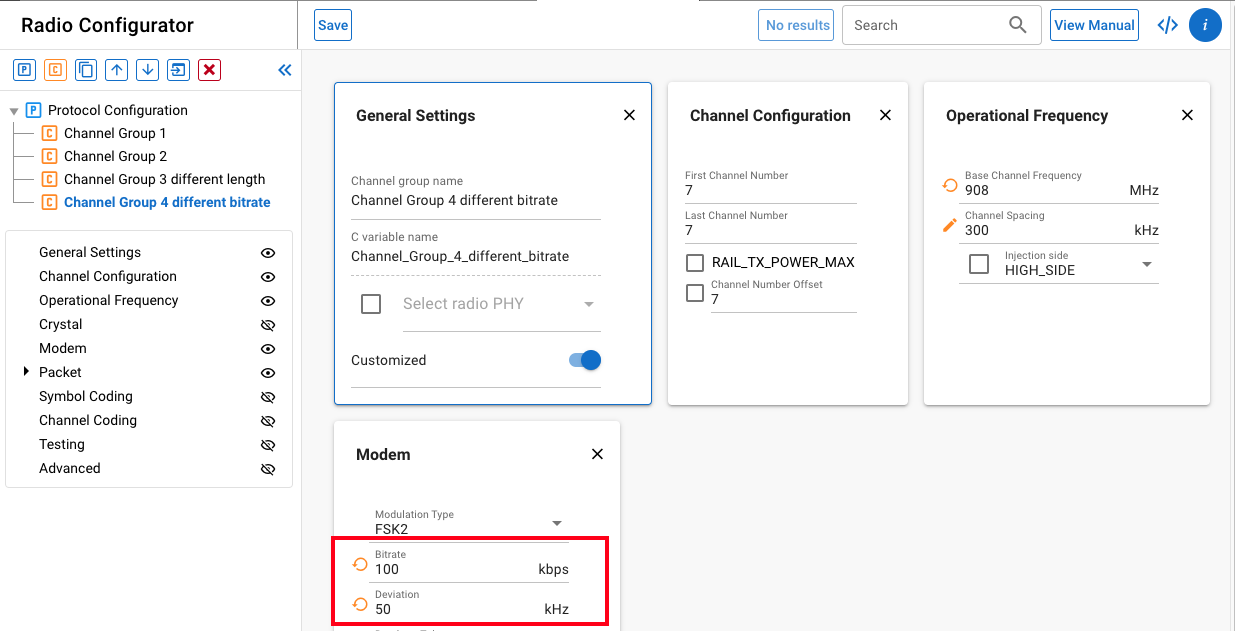
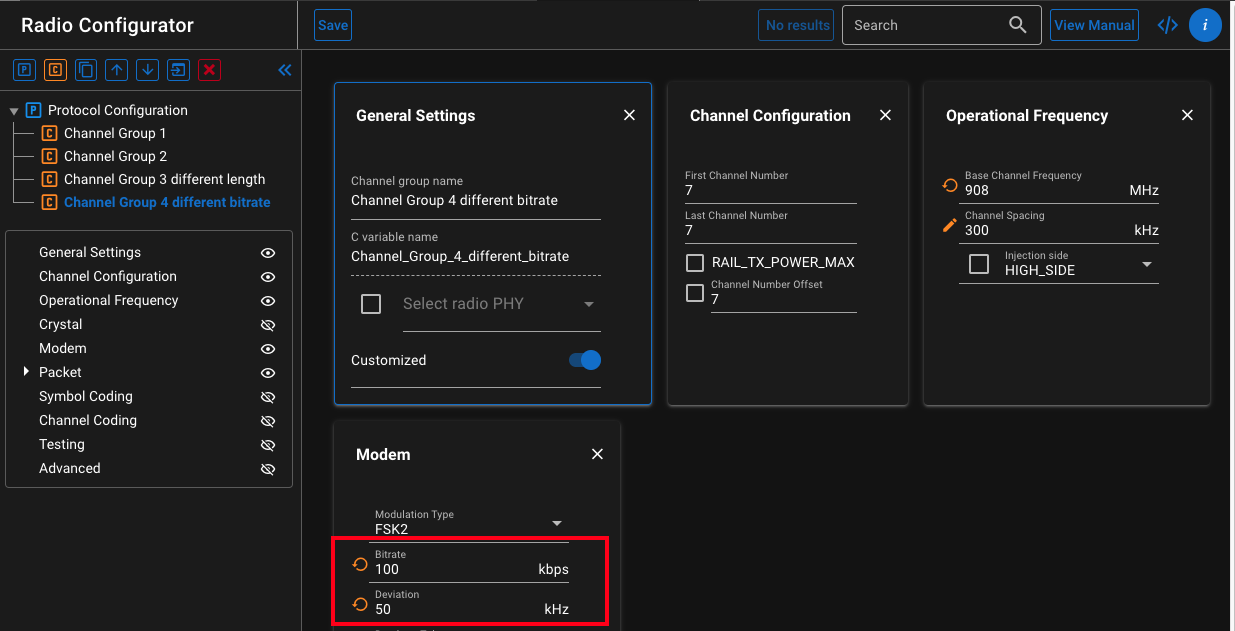
We also changed the deviation here, to keep the same modulation index.
RAIL will always load the same amount of configuration data when changing between channel groups. In this example, RAIL will reconfigure the bitrate even when changing between channel 6 and 7, which have the same bitrate. If config change or channel change is time critical, it is recommended to review the generated rail_config.c, making sure we only have delta configs where we really need them.
If we go back to the protocol configuration, you can see the channels you set up on the channels overview:
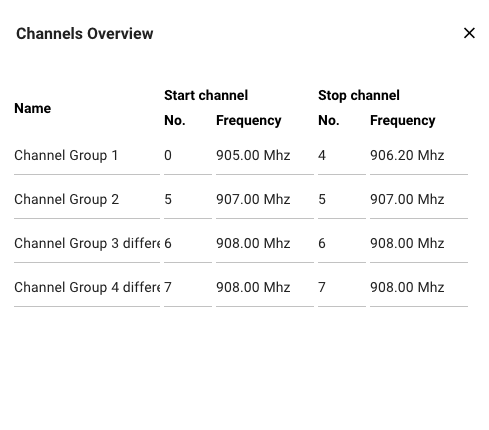
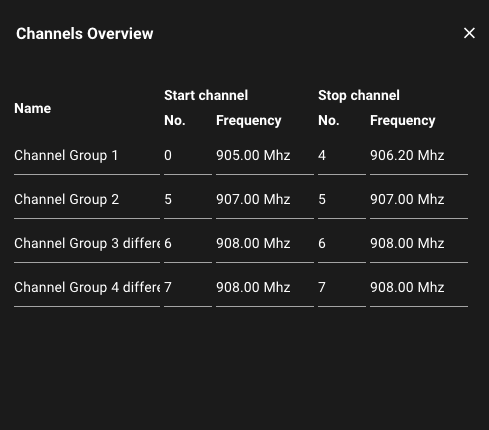
As discussed earlier, channel 6 and 7 are on the same frequency, so they are not channels in the traditional sense. We use RAIL's config loading capability to define these virtual channels that will allow us to load radio configuration changes.