Theory of Operation#
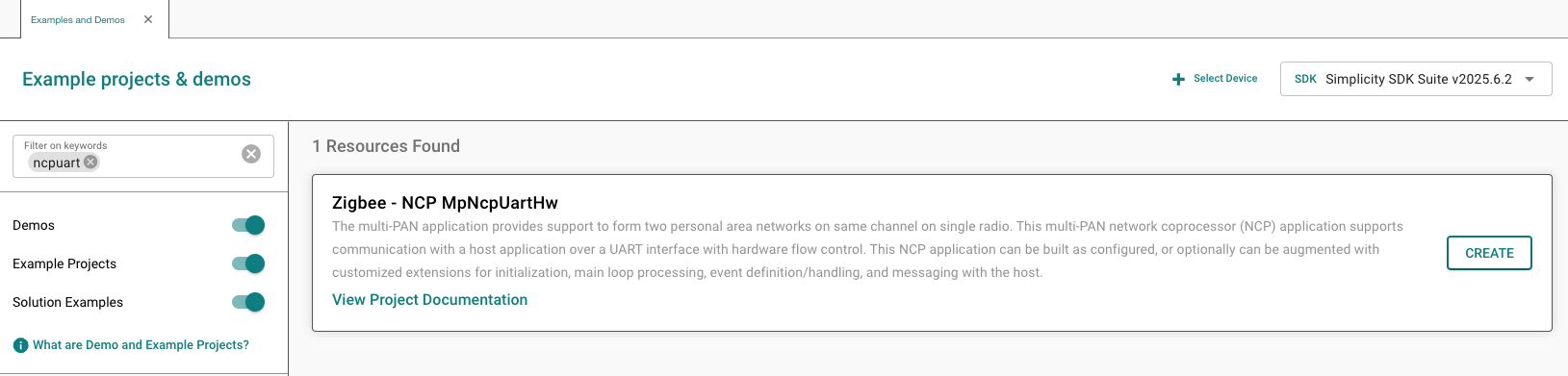
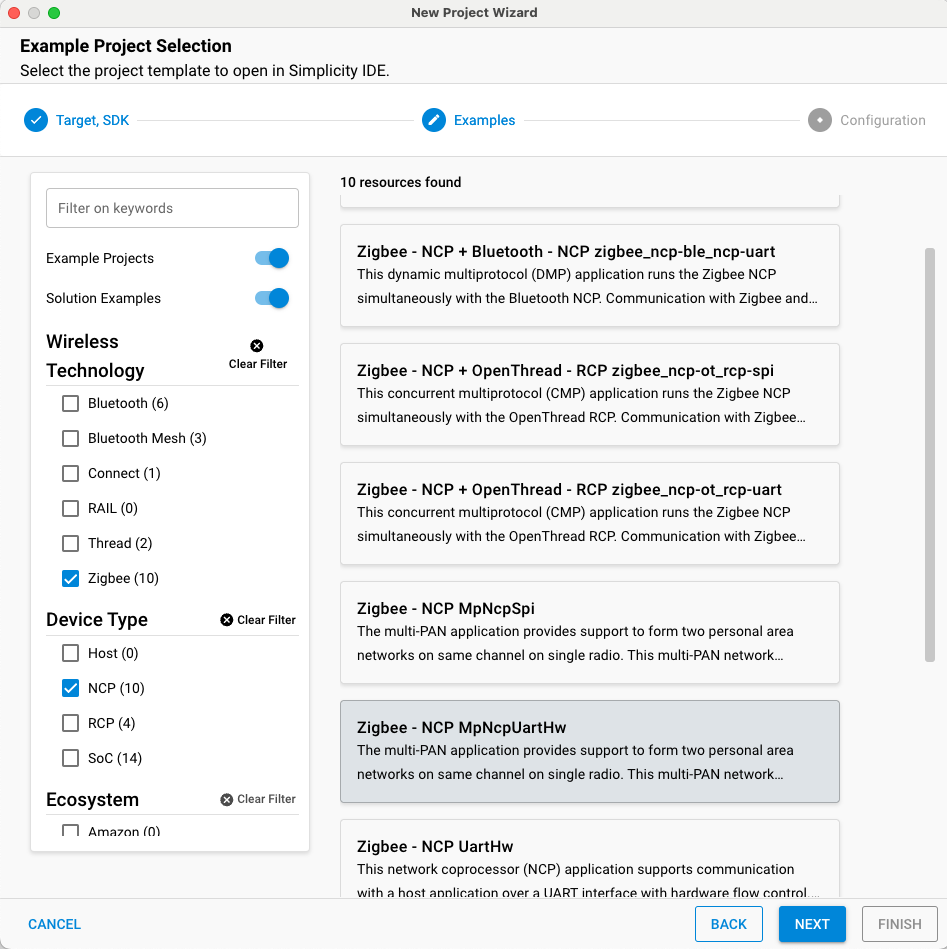
The Zigbee EmberZNet stack includes example applications that can be configured to work over either SPI or UART. Silicon Labs recommends that you use either the NCP SPI or NCP UART (HW) example applications as a starting point for building a customized NCP application. Host and NCP applications can be configured to work over a Co-Processor Communication (CPC) link, whereby CPC handles the physical UART or SPI connection. CPC provides reliable and secure transport across either SPI or UART serial lines. In addition, CPC supports multiprotocol operation by allowing multiple endpoints on either side of the serial line. For more information on how CPC works, see AN1351: Using the Co-Processor Communication Daemon (CPCd). For information on using CPC with multiprotocol RCP and NCP applications, see AN1333: Running Zigbee, OpenThread, and Bluetooth Concurrently on a Linux Host with a Multiprotocol Co-Processor.
The following instructions show how to build a standard NCP SPI or NCP UART (HW) application. More information is provided later in this document on how to build an NCP CPC application, or an NCP that is meant to interface with CPC in order to communicate to the host processor.
Simplicity Studio 6 (SSv6)
Simplicity Studio 5 (SSv5)
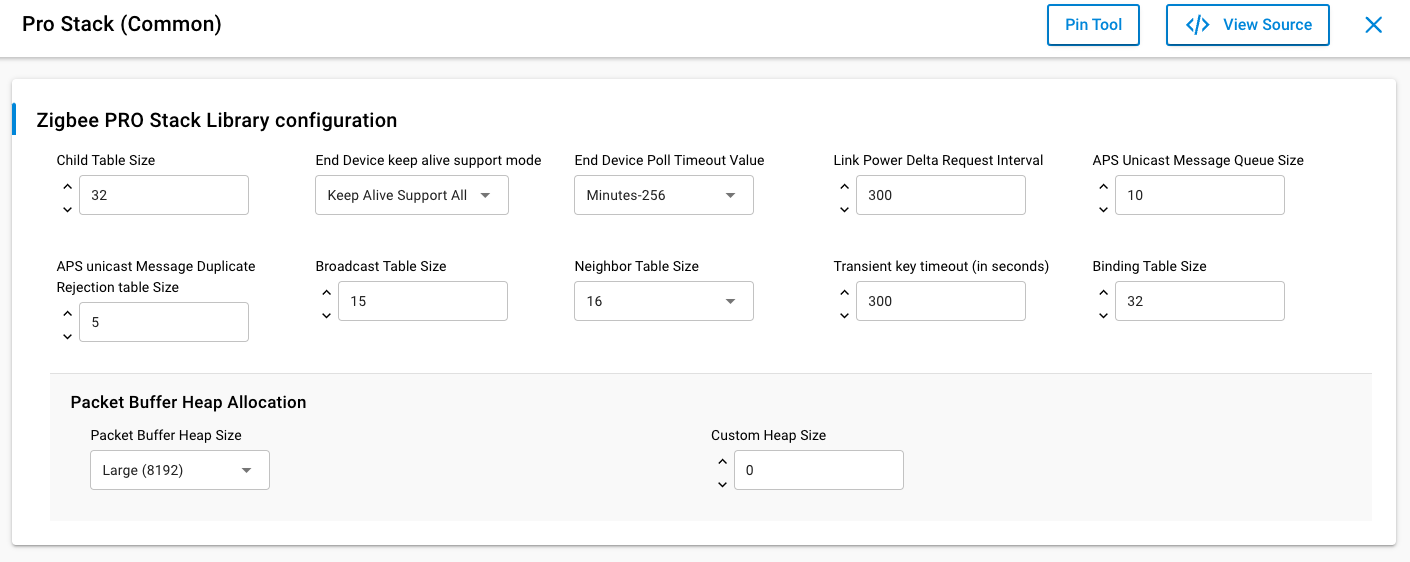
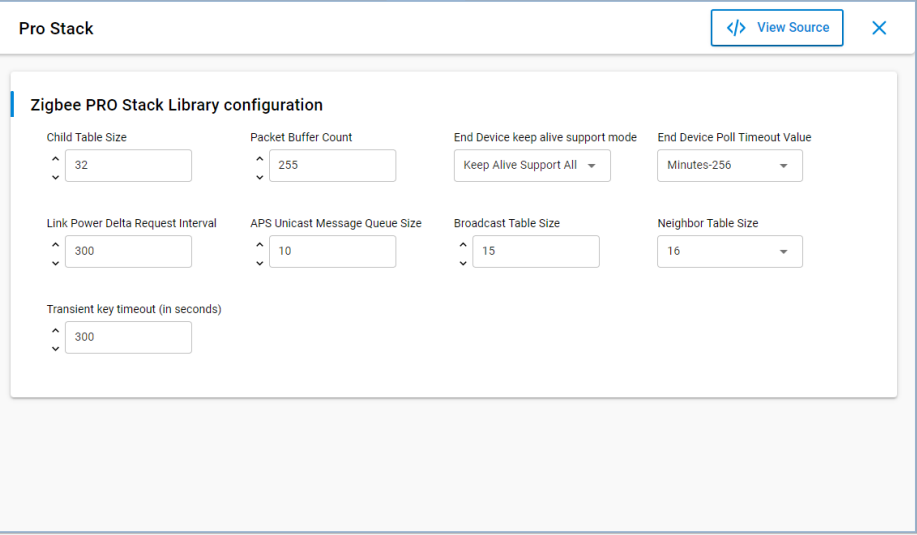
To override the default stack settings for the NCP, find and select the Pro Stack component, and click Configure. For example, to change the maximum number of supported end device children from the default of 32, under the Child Table Size parameter, enter the desired maximum number of end device children that you can join directly to the NCP. Note that the maximum value is 64. The precompiled NCP binaries are limited to 32 children.