Batch Operations#
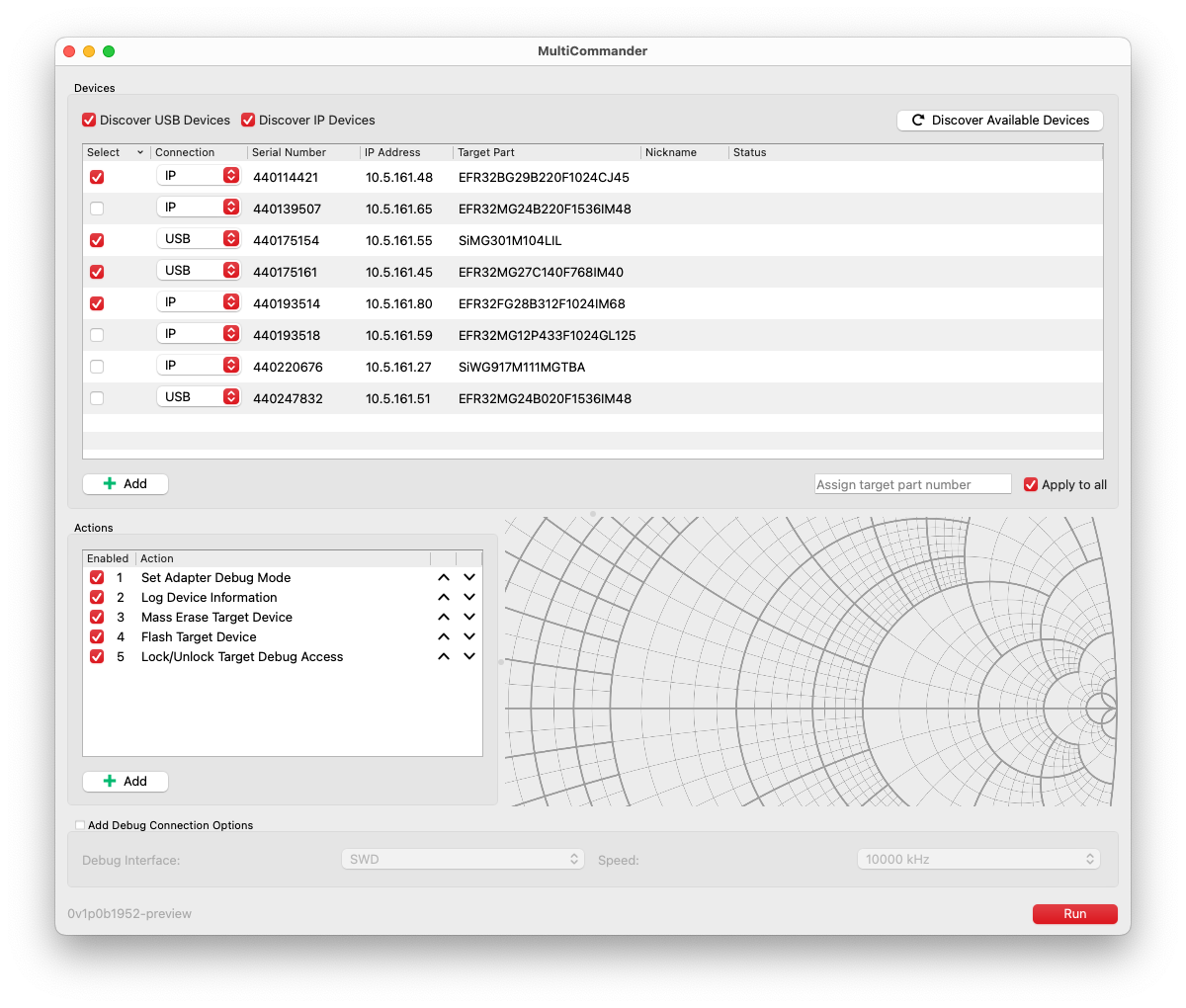
Simplicity Commander includes MultiCommander, a tool for running sequences of Simplicity Commander commands (called actions) across multiple adapters in parallel. This capability is especially useful in manufacturing environments, where you need to configure and program many devices efficiently.
MultiCommander provides a user interface that lets you:
Discover, add, and select the adapters you want to operate on.
Define a sequence of actions to run on the selected adapters. Adapter-specific variables, such as serial number, IP address, and target device, give you flexibility when defining actions.
Run the defined actions across all selected adapters in parallel. You can configure the number of concurrent operations.
Monitor the progress and results of each action on each adapter in real time, and log output for later review.
Save and load adapter and action configurations for reuse or sharing.
Apply debug connection options that are used when connecting to target devices.
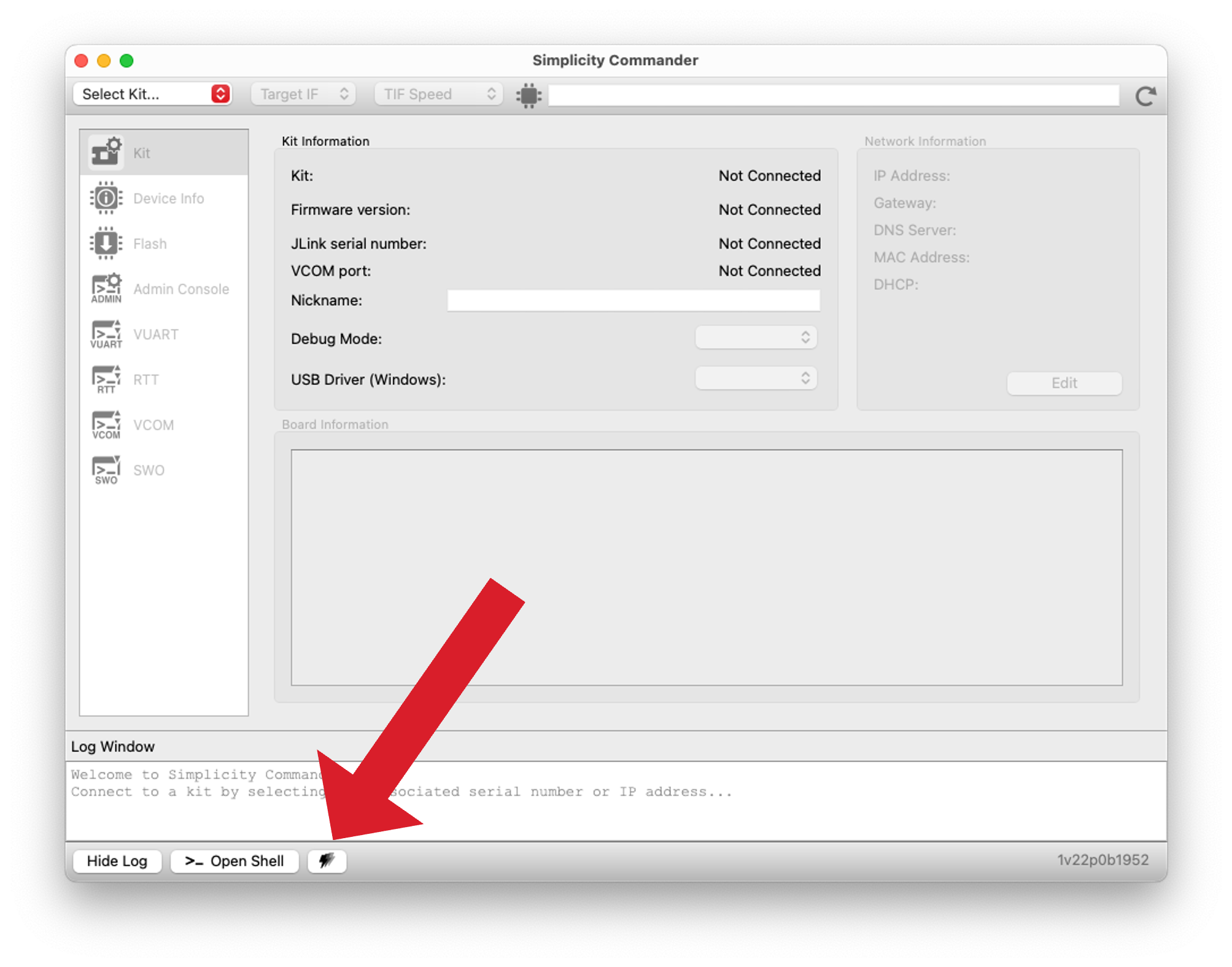
You can open MultiCommander from the Simplicity Commander installation by selecting the MultiCommander icon in the lower-left corner of the Simplicity Commander GUI. When you close MultiCommander, the current adapter and action configuration is saved and restored the next time you open the application, allowing you to continue where you left off.
You can also run MultiCommander as a standalone application by launching the MultiCommander executable from the Simplicity Commander installation directory. On macOS, MultiCommander is located inside the Simplicity Commander app bundle.
Note: This guide includes screenshots of MultiCommander running on macOS. The user interface is functionally identical on all supported platforms, including Windows, macOS, and Linux.
MultiCommander relies on Simplicity Commander being installed on your machine, which it uses as its backend for executing commands. As a result, even though MultiCommander is a separate executable, it cannot function unless Simplicity Commander is present. If you want MultiCommander to use a specific version of Simplicity Commander on your machine, you can configure this in the MultiCommander settings, under Settings > Set Path to Commander Executable....
As of Simplicity Commander version 1.22.0, MultiCommander is in a preview state and may be subject to changes in future releases.
You can find the MultiCommander version number under Help > About MultiCommander. The version is also shown in the lower-left corner of the MultiCommander user interface.
Under the Help menu, you can also find links to this documentation as well to the Simplicity Link Adapter Firmware documentation.
For more details on using MultiCommander, see the following sections: