


Applying Debug Connection Options#
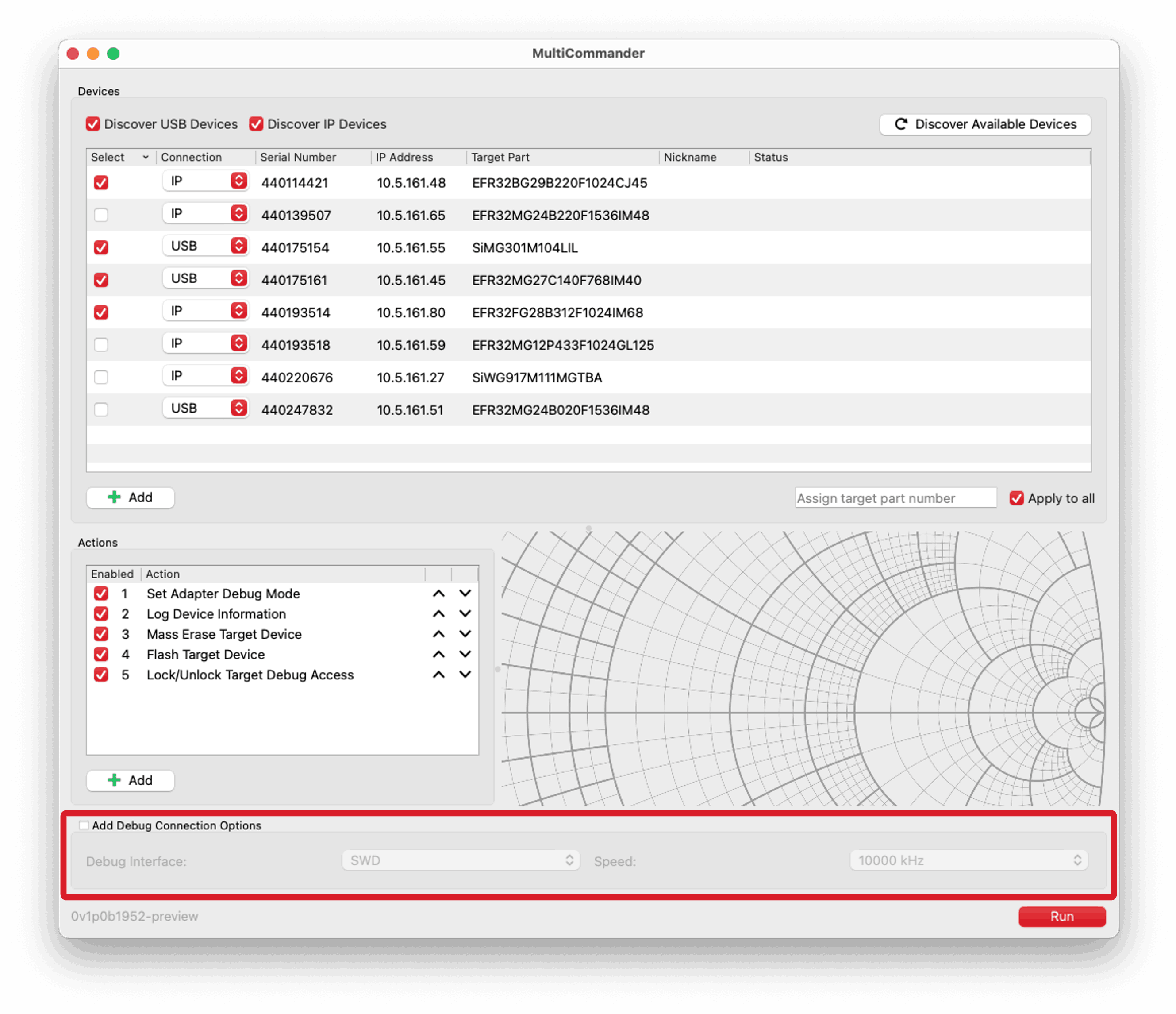
The lower portion of the MultiCommander user interface includes options for configuring debug connection settings. You can specify the debug interface type, such as SWD or JTAG, and the debug speed in kHz. If you select the Add Debug Connection Options checkbox, these settings are applied to all adapters during command execution.
The currently set debug interface and speed are available as variables ({{debug_interface}} and {{debug_speed}}) that can be used in actions. These variables are available regardless of whether the Add Debug Connection Options checkbox is selected.
Debug connection options are never applied to the Run Custom Command action. If you want to use debug connection options in a custom command, you must include them manually by adding the appropriate Simplicity Commander command-line options and variable names, for example:
--tif {{debug_interface}} --speed {{debug_speed}}.