


Create Project from a Connected Device#
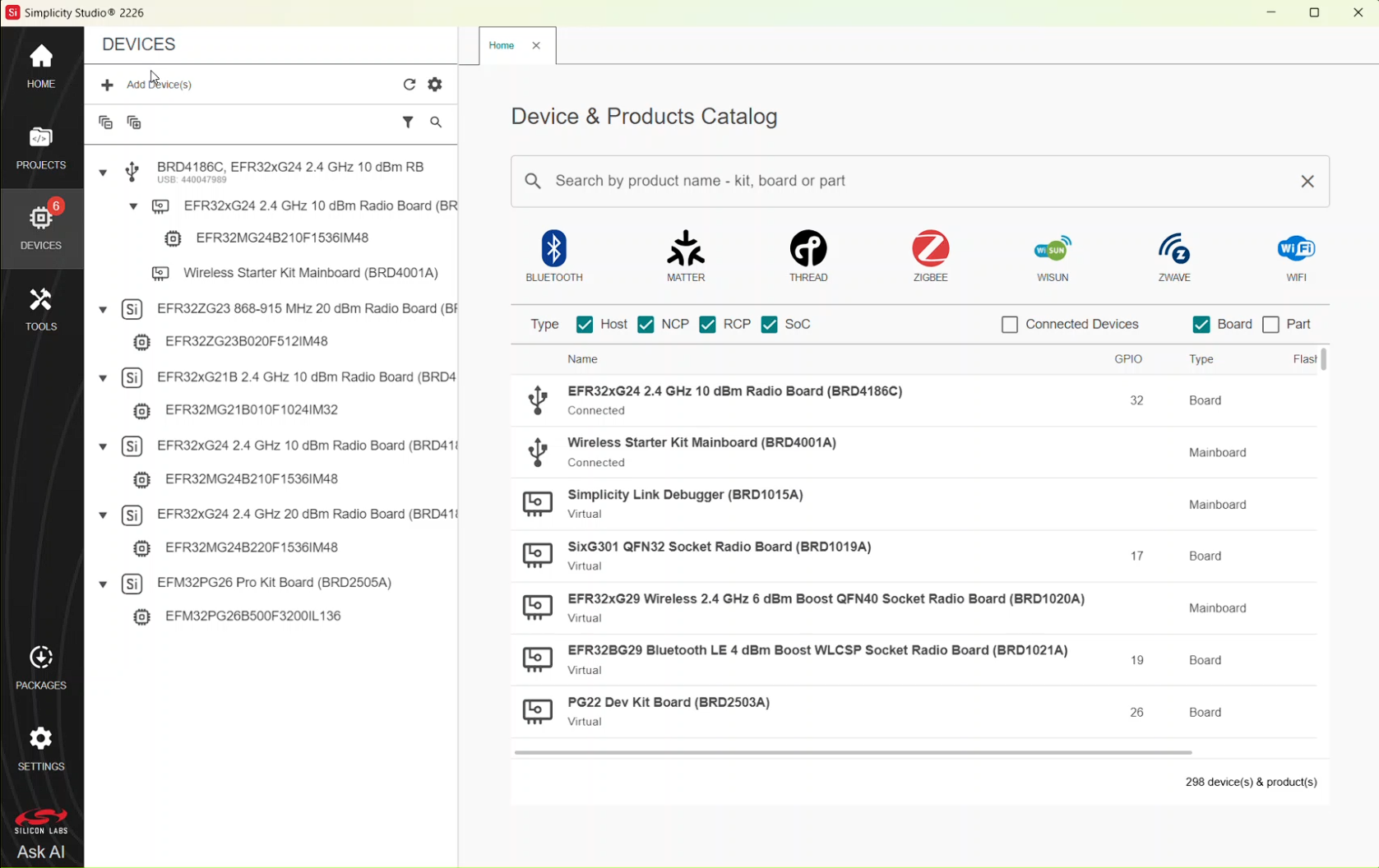
When radio boards or devices are connected, they appear in the Device Tree in the left pane. In the left navigation bar, the number of connected boards appears in a red circle next to the Devices menu icon. In the following example, one device is connected.
In the left navigation bar, select DEVICES to display the DEVICES page. The Device tree on the left displays connected and selected devices, and the Home tab on the right displays the catalog of available products and devices.
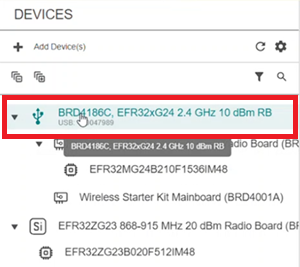
In the Device tree, select the device you want to use to create your project.
The Project Configurator opens and displays the selected device in a separate tab on the right. The device name appears on this tab.
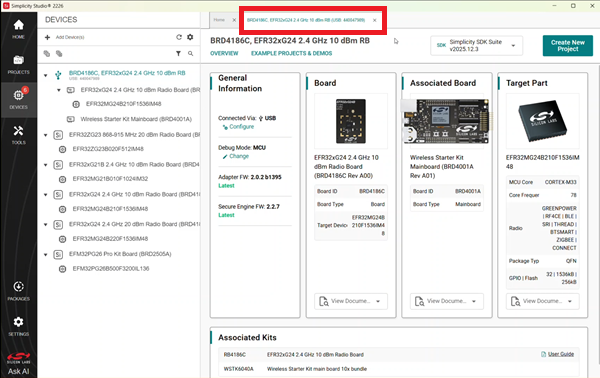
In the upper-right corner, select Create New Project.

The Example projects & demos page opens in a separate tab.
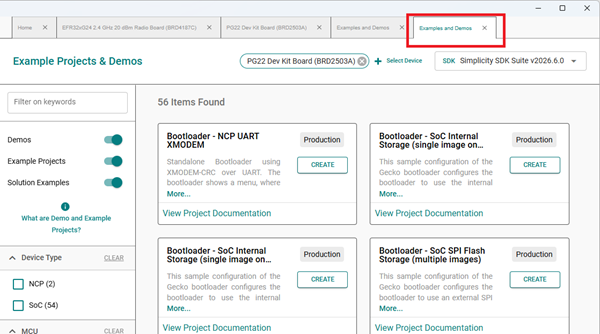
For information about exploring and selecting a sample application, see Example Projects & Demos. To create a project, select CREATE in the tile for the sample project you want to use.
For information about project generation options, see Project Configuration.