Work with Devices#
The DEVICES page in Simplicity Studio is a centralized location where you can:
Access the Device Manager to configure devices.
When devices are connected to Simplicity Studio, the DEVICES button in the navigation bar displays the number of connected devices in a red circle in the upper-right corner. In the following example, one device is connected.
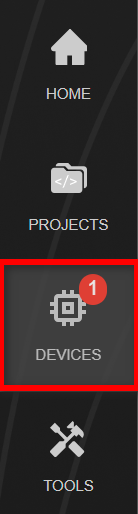
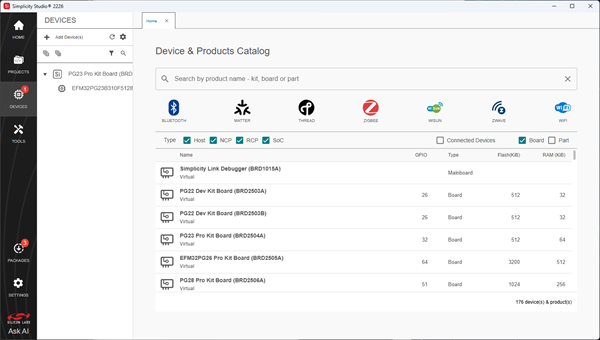
Select the DEVICES button to open the DEVICES page. The left side of the page displays the Device tree, which contains a list of connected and selected devices, and the Home tab on the right displays the catalog of available products and devices.