


Add or Remove a Device#
In Simplicity Studio, you can create a hardware setup by selecting a device from the device list, a feature that lets you add or remove target boards without connecting a physical device. Use the left pane on the DEVICES page to manage the selected device configurations.
Add a Device#
In the Device & Products Catalog, click Add Device(s).
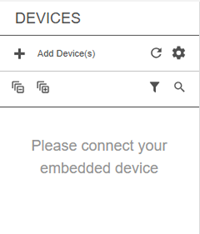
When the cursor appears in the Search field, enter the name of the device.

Browse the catalog and locate the device you want to add.
Click the device name in the list. The device is added to the left pane, and a new tab opens with the device profile on the right.
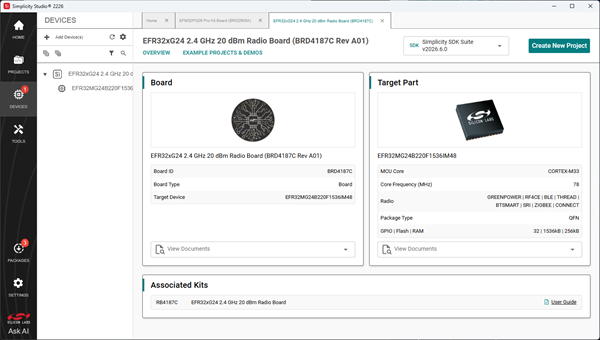
Repeat the steps above to select another device.
Remove a Device#
In the Device tree, right-click the device you want to remove and select Remove Virtual Device from the pop-up menu.
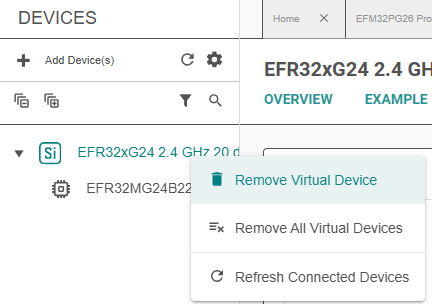
To remove all devices, select Remove All Virtual Devices.