Example Projects and Demos#
The Example Projects & Demos page provides a collection of demos, example projects, and solution examples to help you get started with your design. After creating a project, you can customize and configure it to meet your specific requirements.
Follow these steps to narrow your search for sample projects and create a project.
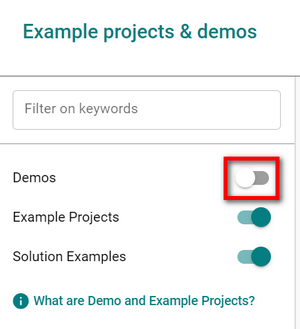
In the left pane of the Example Projects & Demos page, select the toggle next to Demos to remove demos from the resource list. The toggle changes from green to white.
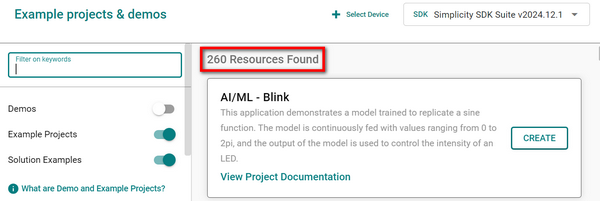
The number of matching resources appears on the left side of the page. In the following example, 56 resources, including example projects and solution examples, are displayed.
In the Filter on keywords field, enter one or more keywords to refine your search.
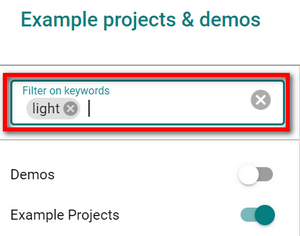
In the following example, the number of resources is reduced from 56 to 13.
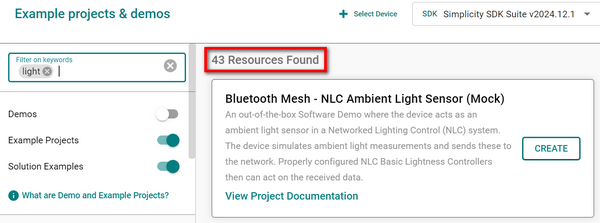
Categories are listed below the resource type toggles, with check boxes next to each item. Select one or more check boxes to narrow the search results further.
In the following example, Bluetooth is selected in the Wireless Technology category, and SoC is selected in the Device Type category. The number in parentheses next to each item indicates how many matching resources are available.
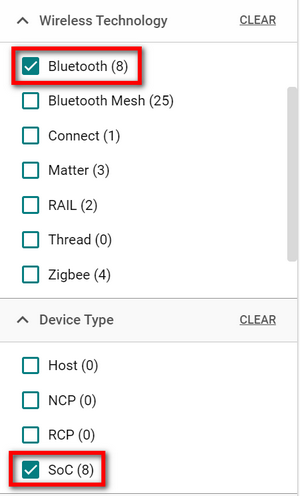
In the following example, the additional filtering reduces the number of resources from 13 to 3.
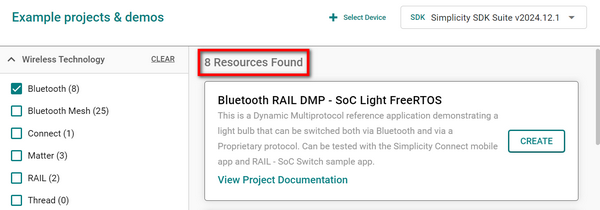
Review the search results, and then select CREATE in the tile for the sample project that you want to use.
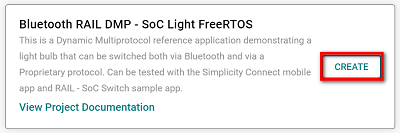
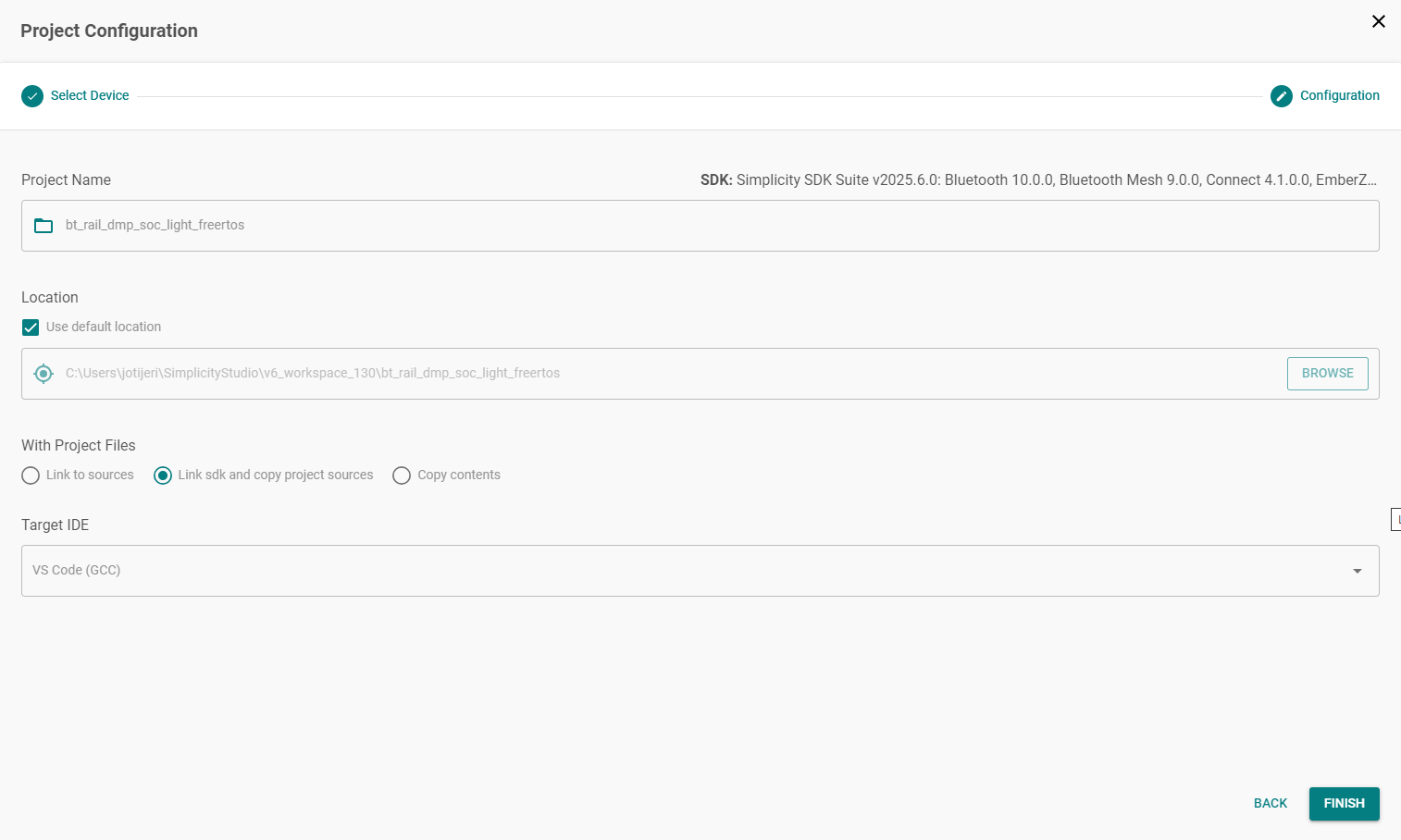
The Project Configuration window appears. Select FINISH to generate the project.