


Dynamic GATT Configuration#
Overview#
Silicon Labs Bluetooth SDK version 3.2 introduced the ability to create a Generic Attribute Profile (GATT) database dynamically by using Bluetooth application programming interfaces (APIs). Dynamically created GATT attributes can coexist with a static database generated from a GATT Extensible Markup Language (XML) file. The static attribute table appears at the beginning of the database. Dynamically created services and characteristics are added after the static database attributes.
This feature is recommended for network co-processor (NCP) projects. With this method, you do not need to modify the target application that contains the GATT database. Instead, the host application can build the database by using the APIs. For other project types, use the GATT Configurator.
Configure a Dynamic GATT Database#
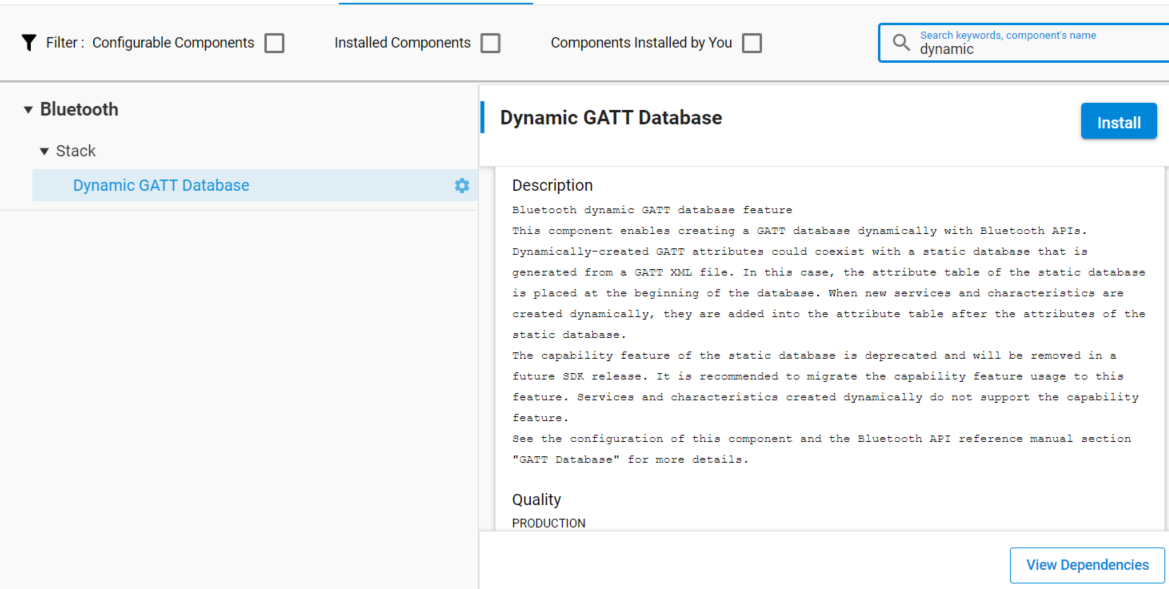
The Dynamic GATT Database feature is not included in projects by default. Install it from the Software Components tab.
GATT database operations occur within a session. Committing the changes saves them and ends the session. Unsaved changes are not visible to a connected remote GATT client. Modifications take effect only after the session ends.
Start each added service and characteristic with the appropriate API to make it visible to connected clients. Use this start-and-stop mechanism to create a polymorphic GATT database because dynamic GATT databases do not support GATT capabilities.
The following example dynamically adds the Health Thermometer Service and the Temperature Measurement characteristic to the database. For more information, see the GATT Database section of the Bluetooth API reference.
//create a session for the database update
sl_bt_gattdb_new_session(&session);
//add the Thermometer service (UUID: 0x1809) to the database, as an advertised primary service
sl_bt_gattdb_add_service(session, sl_bt_gattdb_primary_service,
SL_BT_GATTDB_ADVERTISED_SERVICE,2,uuid_service, &service);
//add the Temperature measurement (UUID:0x2A1C) characteristic to the service
sl_bt_gattdb_add_uuid16_characteristic(session, service, SL_BT_GATTDB_CHARACTERISTIC_INDICATE,
0, 0, uuid_characteristic, sl_bt_gattdb_fixed_length_value,
1, 1, 0, &characteristic);
//activate the new service
sl_bt_gattdb_start_service(session, service);
//activate the new characteristic
sl_bt_gattdb_start_characteristic(session, characteristic);
//save changes and close the database editing session
sl_bt_gattdb_commit(session);