


Commander User Interface (UI)#
In addition to the Command Line Interface (CLI), Simplicity Commander can also be accessed through a Graphical User Interface (GUI) within Simplicity Studio.
The Commander UI provides a visual environment for performing key operations such as provisioning, flashing, and resetting SiWG917 devices.
The GUI is ideal for users who prefer an interactive workflow, while the CLI remains best suited for automation, scripting, and manufacturing processes.
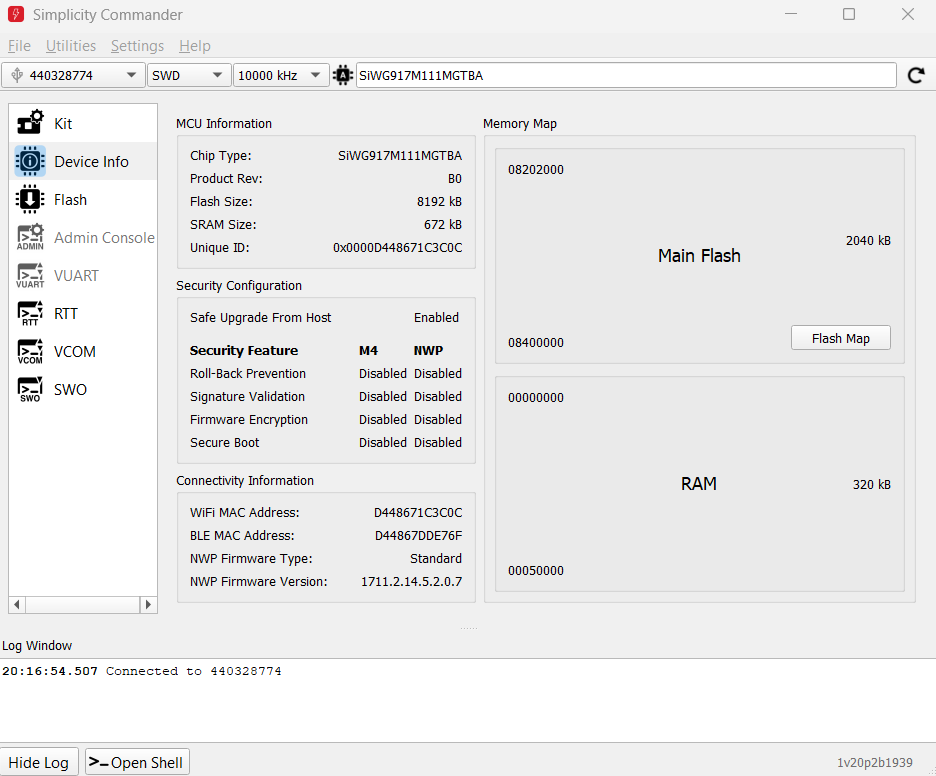
Figure: Simplicity Commander UI
CLI vs. UI Comparison#
Mode | Best For | Description |
|---|---|---|
CLI | Automation and manufacturing | Allows scripted execution of commands for large-scale production or automated workflows. |
UI | Quick testing, evaluation, or learning | Provides a visual interface to perform common tasks without using command-line commands. |
Note: The Commander UI can be launched directly from within Simplicity Studio. For setup instructions and feature details, see the official documentation: Simplicity Commander General Information