


Firmware Fallback Feature - Disable#
The MBR defines flash-partition layout. Disabling fallback rewrites the partition table to include dual-slot regions and slot metadata, so reprovisioning the MBR is mandatory to enable/disable the Firmware Fallback feature.
Devices with default MBR#
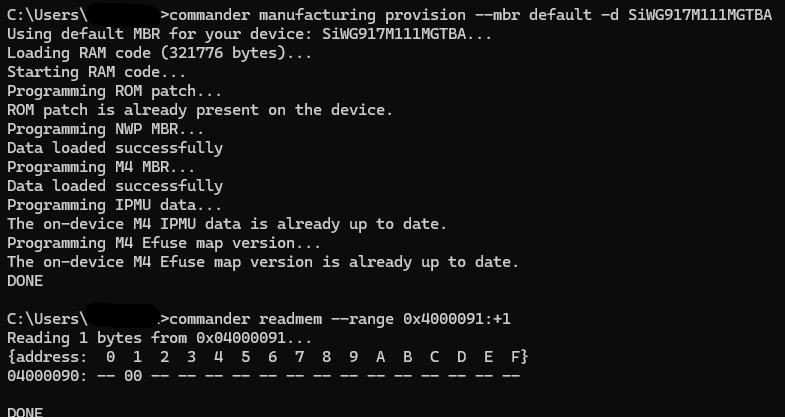
To disable the firmware fallback feature, load the default MBR by giving the command below in Commander CLI:
commander manufacturing provision --mbr default -d SiWG917M111MGTBADevices with custom MBR#
To disable the firmware fallback feature, use the MBR command without --profile fallback. An example command is given below for reference.
commander manufacturing provision --mbr device_mbr.bin --keys device_keys.json --device SiWG917Y111MGABARefer to the image below to enable the Firmware Fallback Feature using the default MBR:
Note: Refer UG574: SiWx917 SoC Manufacturing Utility Userguide for more information on the capabilities of commander manufacturing provision command.