App Demos#
This release supports the following demos under Matter:
Light
Window Covering
Lock
On/Off Plug
Thermostat
Occupancy Sensor
Contact Sensor
Temperature Sensor
Air Quality
Switch
EVSE
Oven
Range Hood
Light Demo#
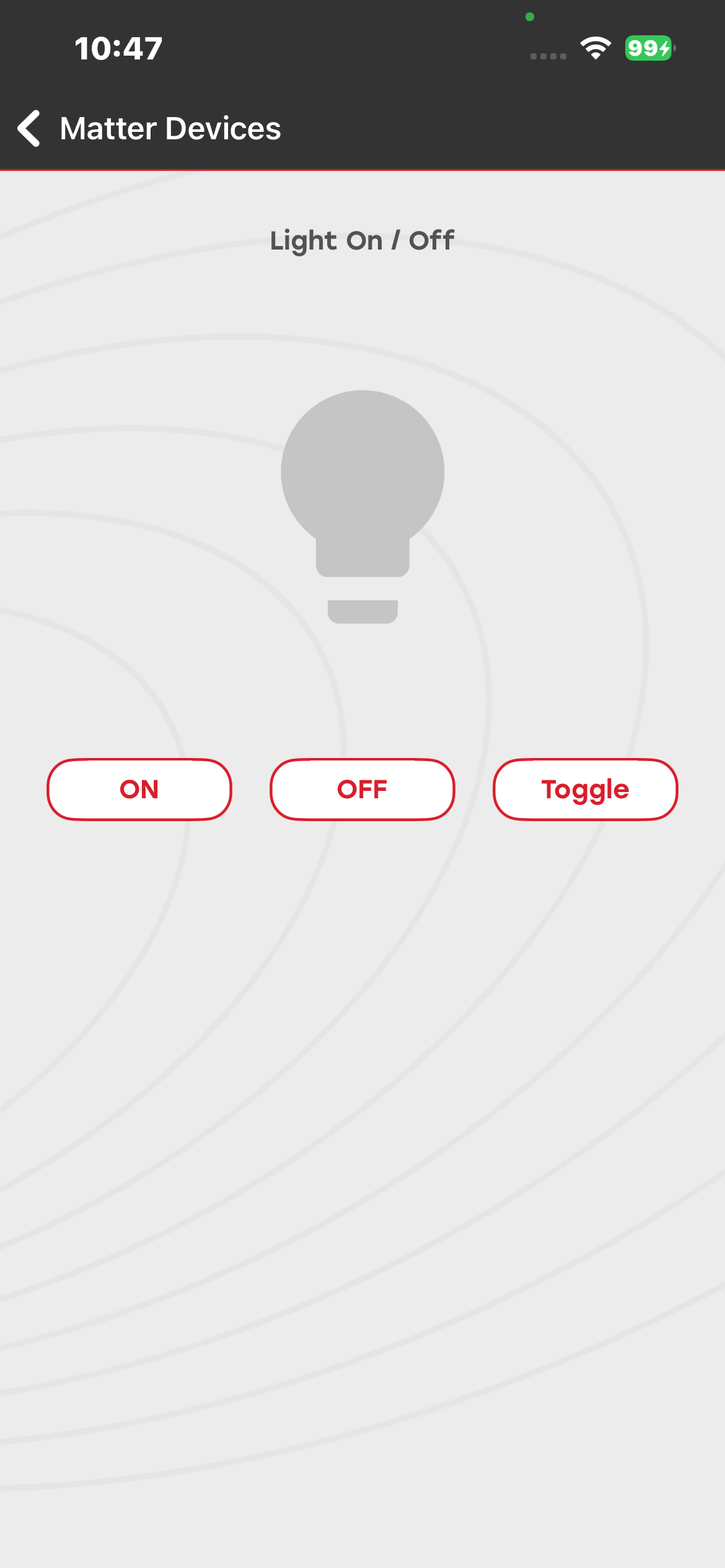
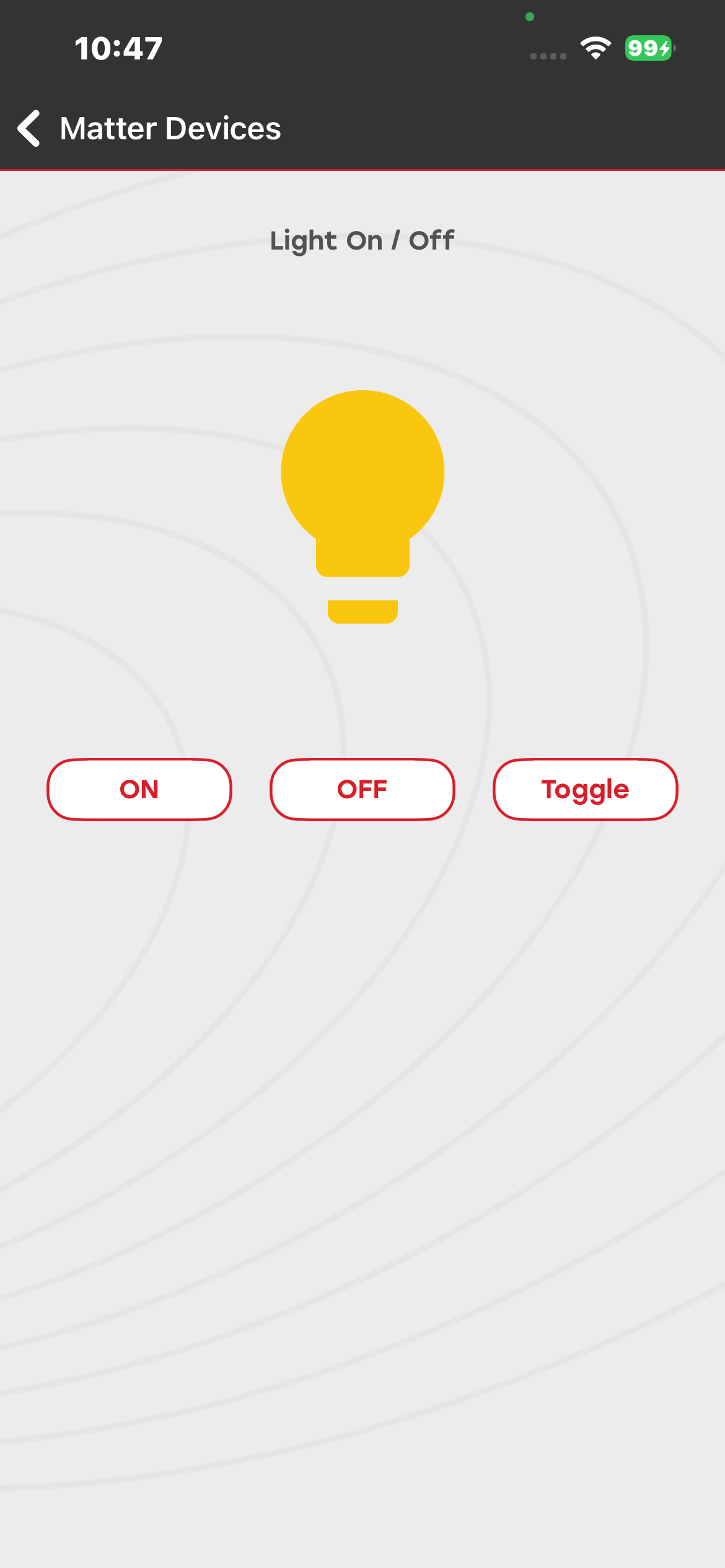
You can commission and control the Light Matter device by using the ON, OFF, or Toggle buttons. You can view the device status both on the development board and in the mobile application.
Firmware and Bootloader Details#
Thread:#
Bootloader: Bootloader - SoC Internal Storage
Firmware: Matter Thread - SoC Lighting FreeRTOS
Wi-Fi:#
Firmware: Matter WiFi - SoC Lighting FreeRTOS
Window Covering Demo#
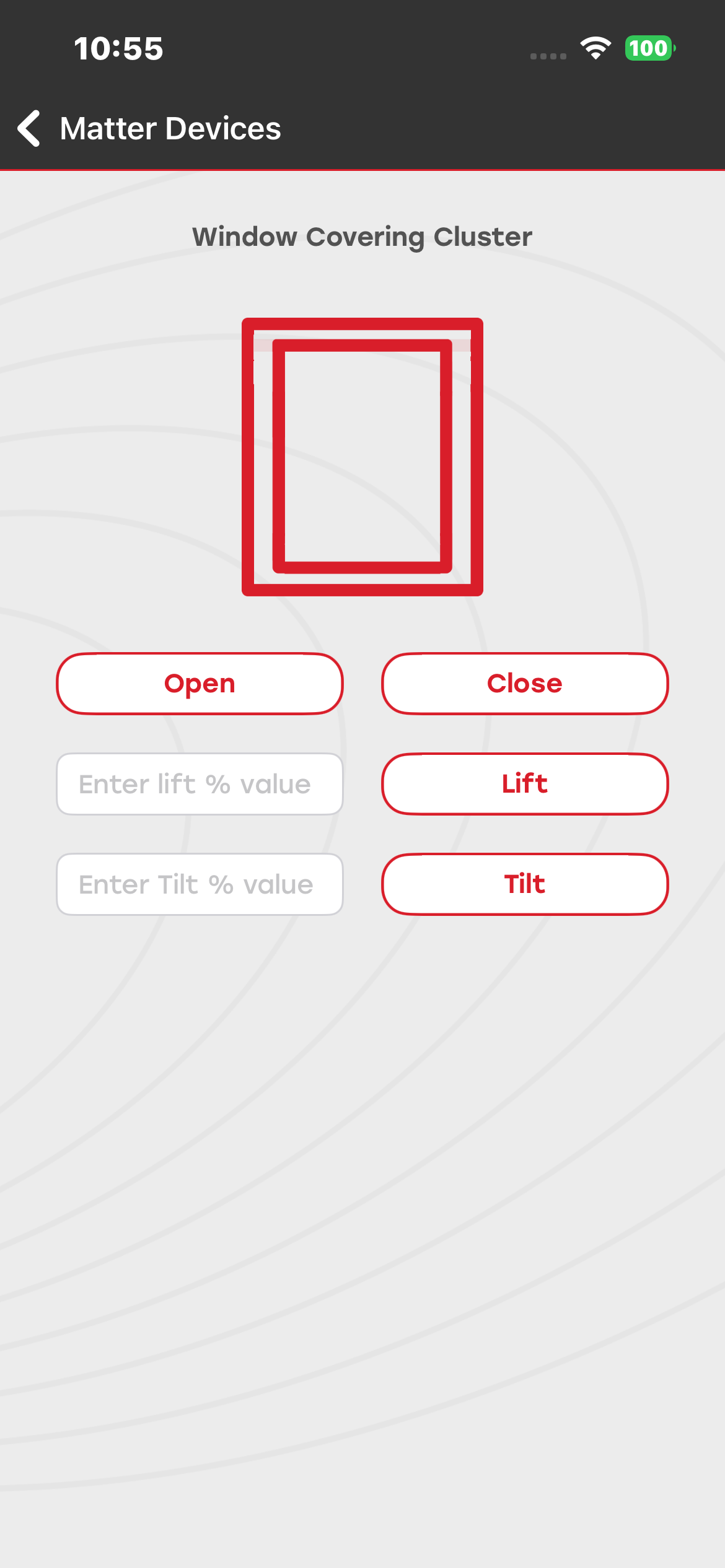
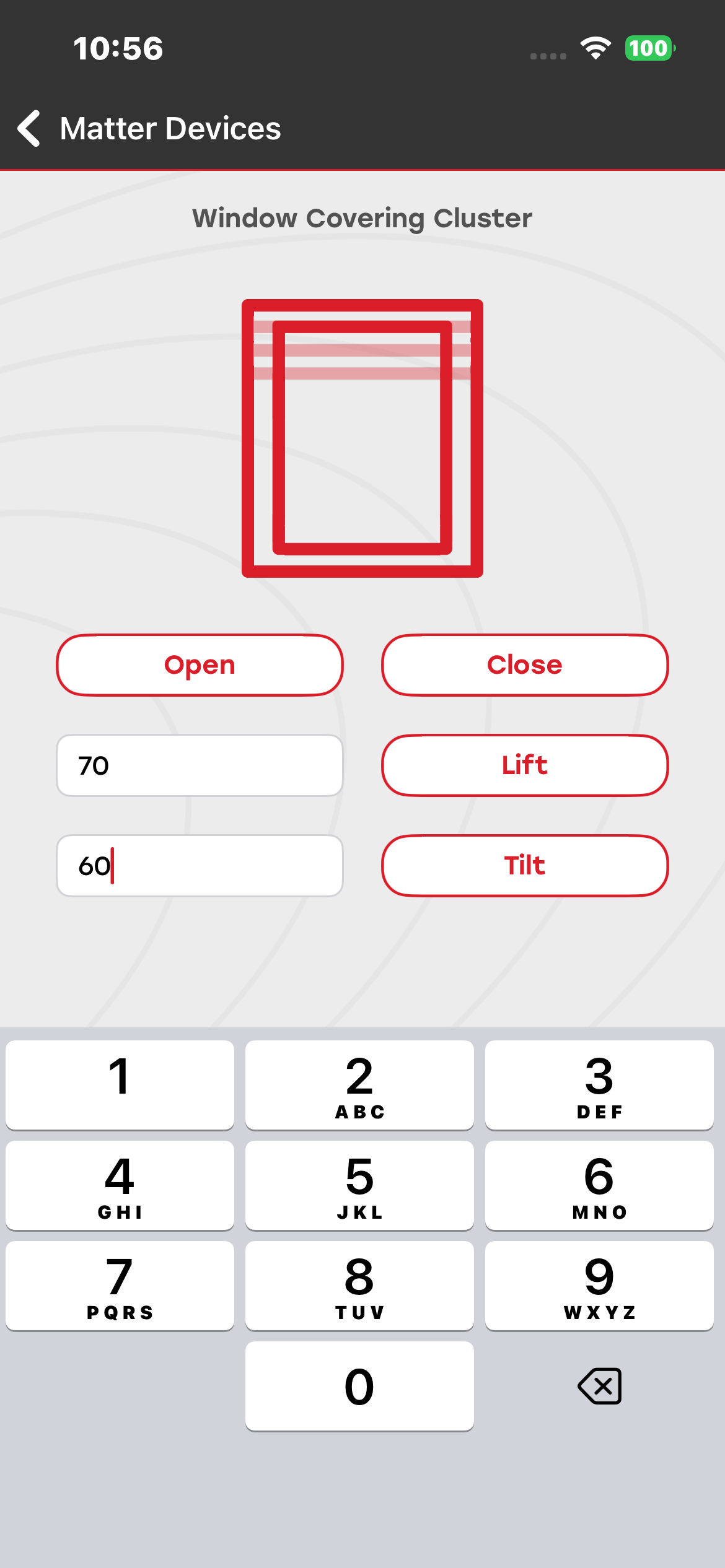
You can commission and control the Window Covering Matter device. By pressing the Open and Close buttons in the mobile application, you can operate and control the curtain. The device status is visible both on the physical device and in the mobile application.
You can adjust the lift and tilt of the window covering using the percentage value measured from the bottom of the window.
Firmware and Bootloader Details#
Thread:#
Bootloader: Bootloader - SoC Internal Storage
Firmware: Matter Thread - SoC Window App FreeRTOS
Wi-Fi:#
Firmware: Matter WiFi - SoC Window App FreeRTOS
Lock Demo#
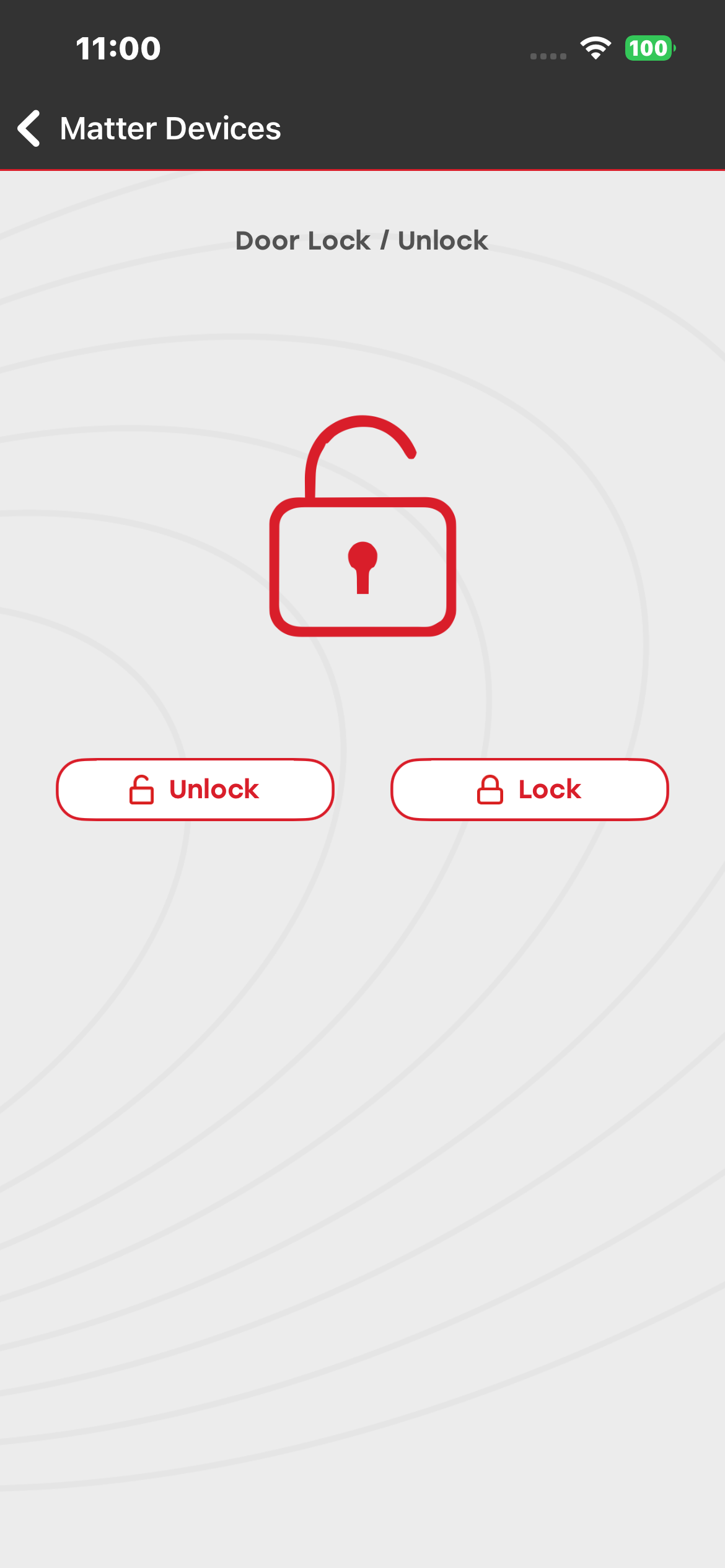
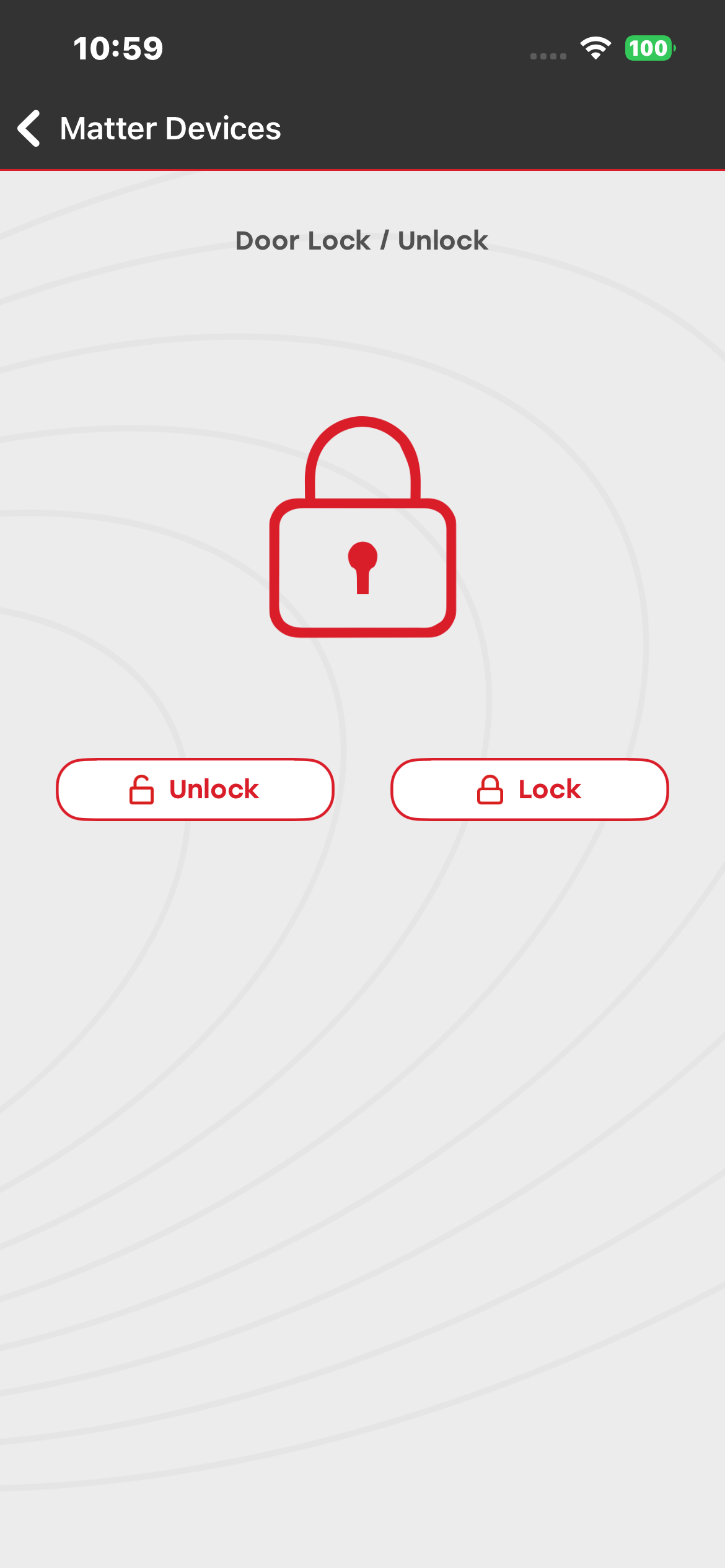
You can commission and control the Lock Matter device. You can lock and unlock the device using the mobile application and read the status of the lock from both the development board and the mobile application.
Firmware and Bootloader Details#
Thread:#
Bootloader: Bootloader - SoC Internal Storage
Firmware: Matter Thread - SoC Lock FreeRTOS
Wi-Fi:#
Firmware: Matter WiFi - SoC Lock FreeRTOS
On/Off Plug Demo#
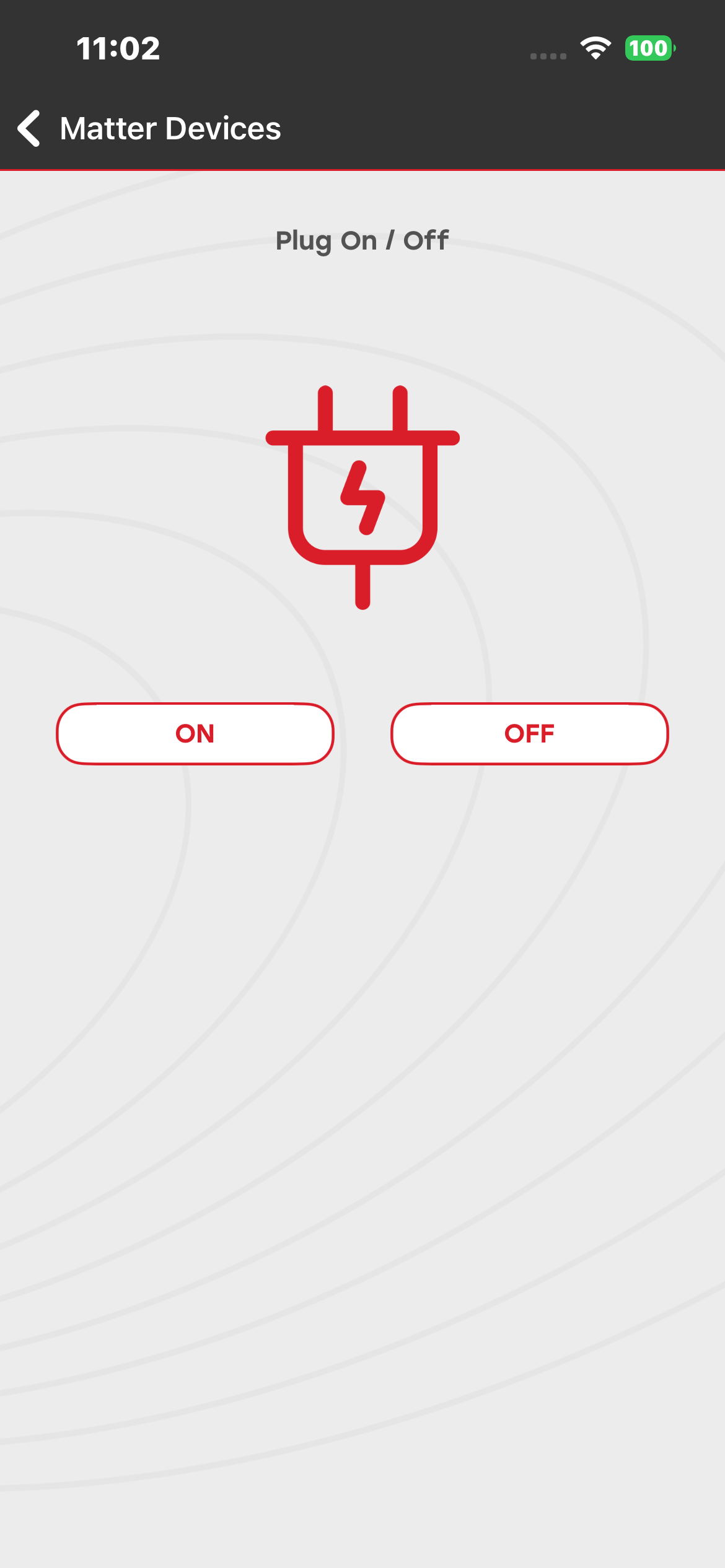
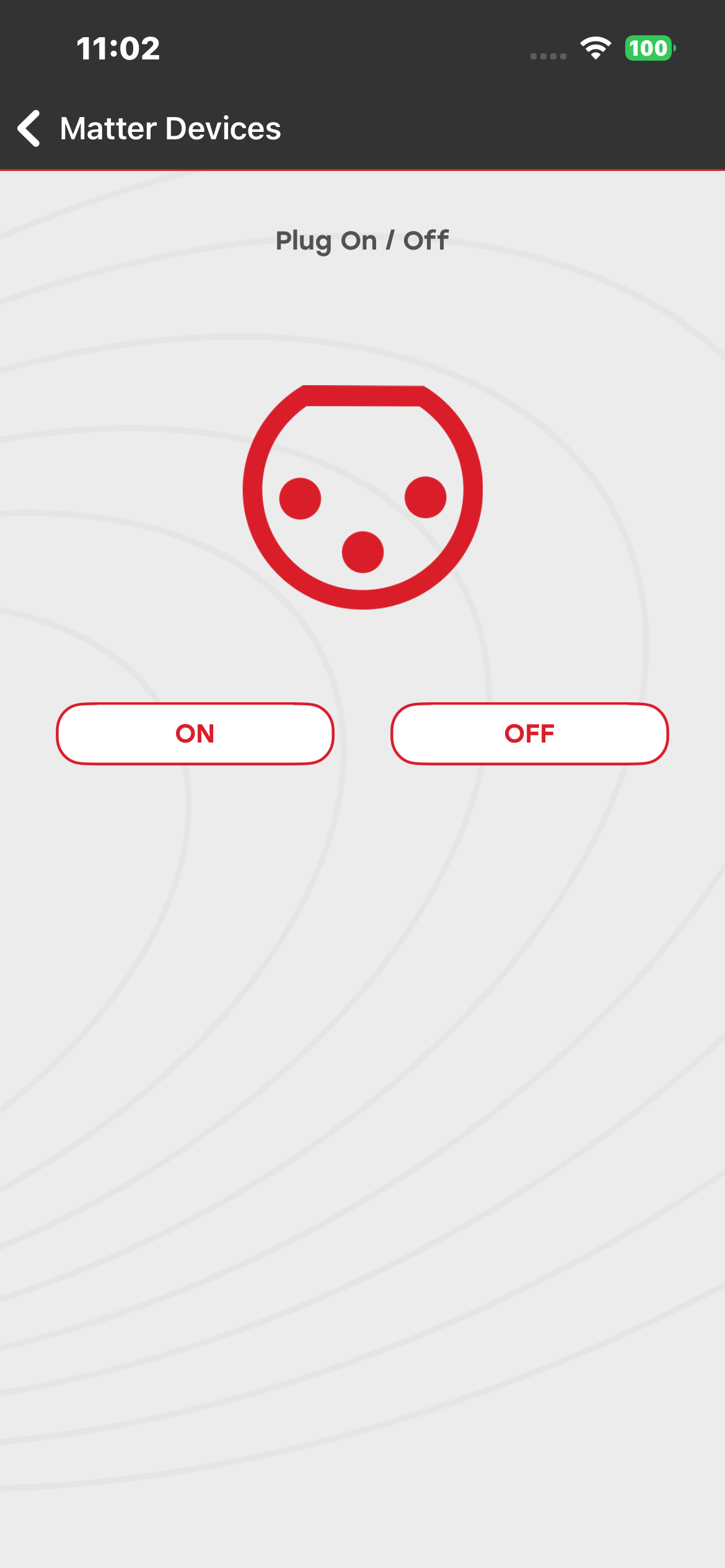
You can commission and control the Plug Matter device. You can turn it on and off using the mobile application. The status of the plug is visible on both the development board and the mobile application.
Firmware and Bootloader Details#
Thread:#
Bootloader: Bootloader - SoC Internal Storage
Firmware: Matter Thread - SoC Onoff Plug FreeRTOS
Wi-Fi:#
Firmware: Matter WiFi - SoC Onoff Plug FreeRTOS
Thermostat Demo#
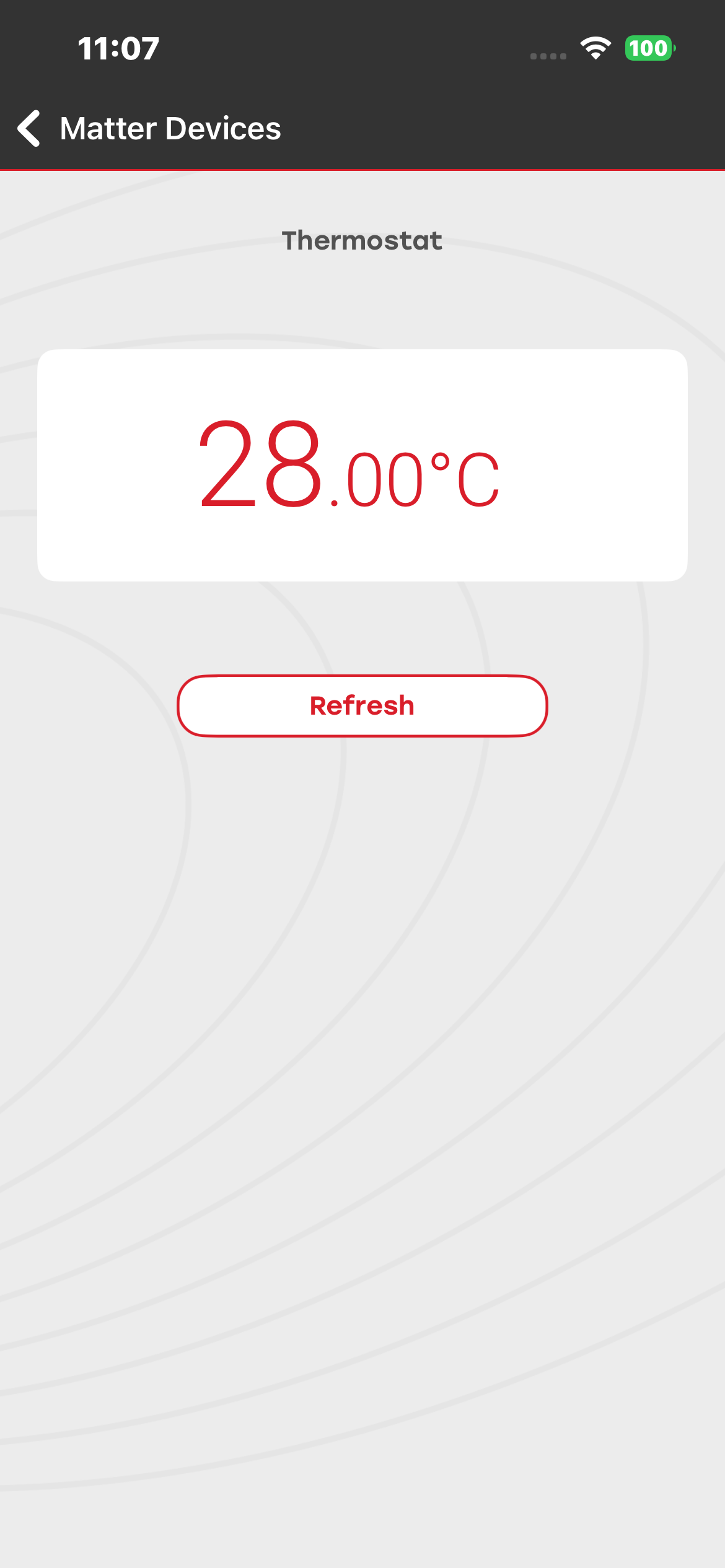
You can commission the Thermostat Matter device. You can read the current temperature on both the development board and the mobile application.
Firmware and Bootloader Details#
Thread:#
Bootloader: Bootloader - SoC Internal Storage
Firmware: Matter Thread - SoC Thermostat FreeRTOS
Wi-Fi:#
Firmware: Matter WiFi - SoC Thermostat FreeRTOS
Occupancy Sensor#
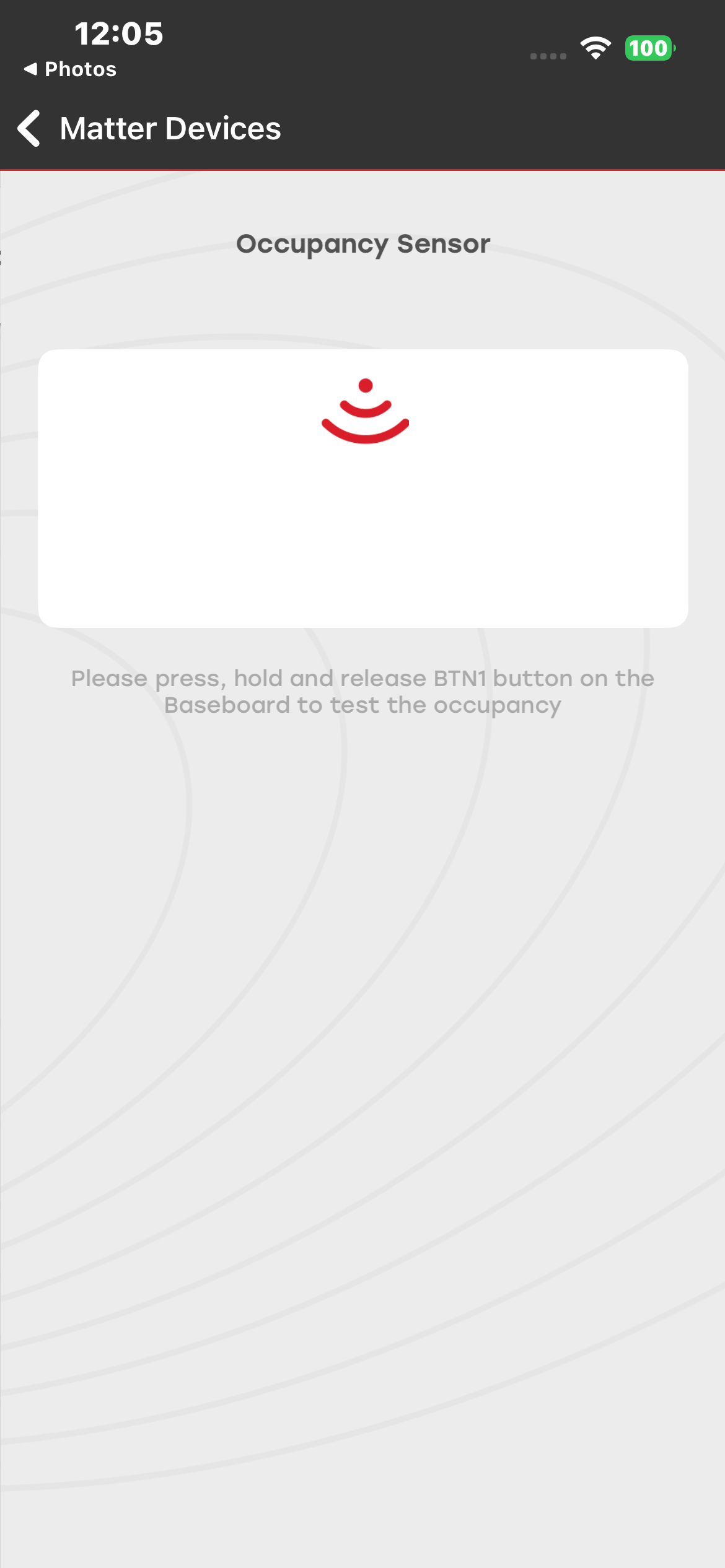
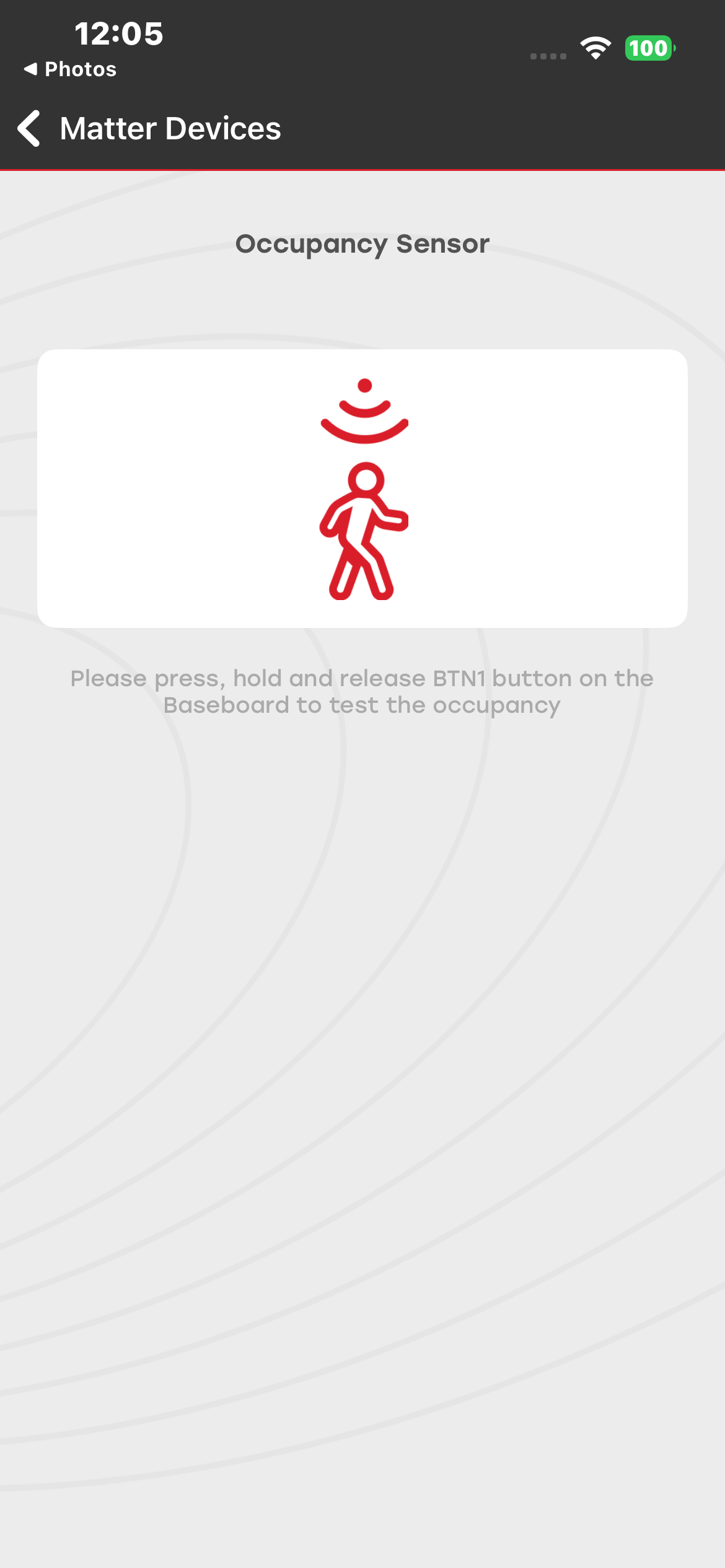
You can commission and control the Occupancy Sensor Matter device. You can long-press the user button BTN1 on the development board to change the status of the sensor. You can observe the device status on both the development board and the mobile application.
Firmware and Bootloader Details#
Thread:#
Bootloader: Bootloader - SoC Internal Storage
Firmware: Matter Thread - SoC Multi Sensor FreeRTOS
Wi-Fi:#
Firmware: Matter WiFi - SoC Multi Sensor FreeRTOS
Contact Sensor#
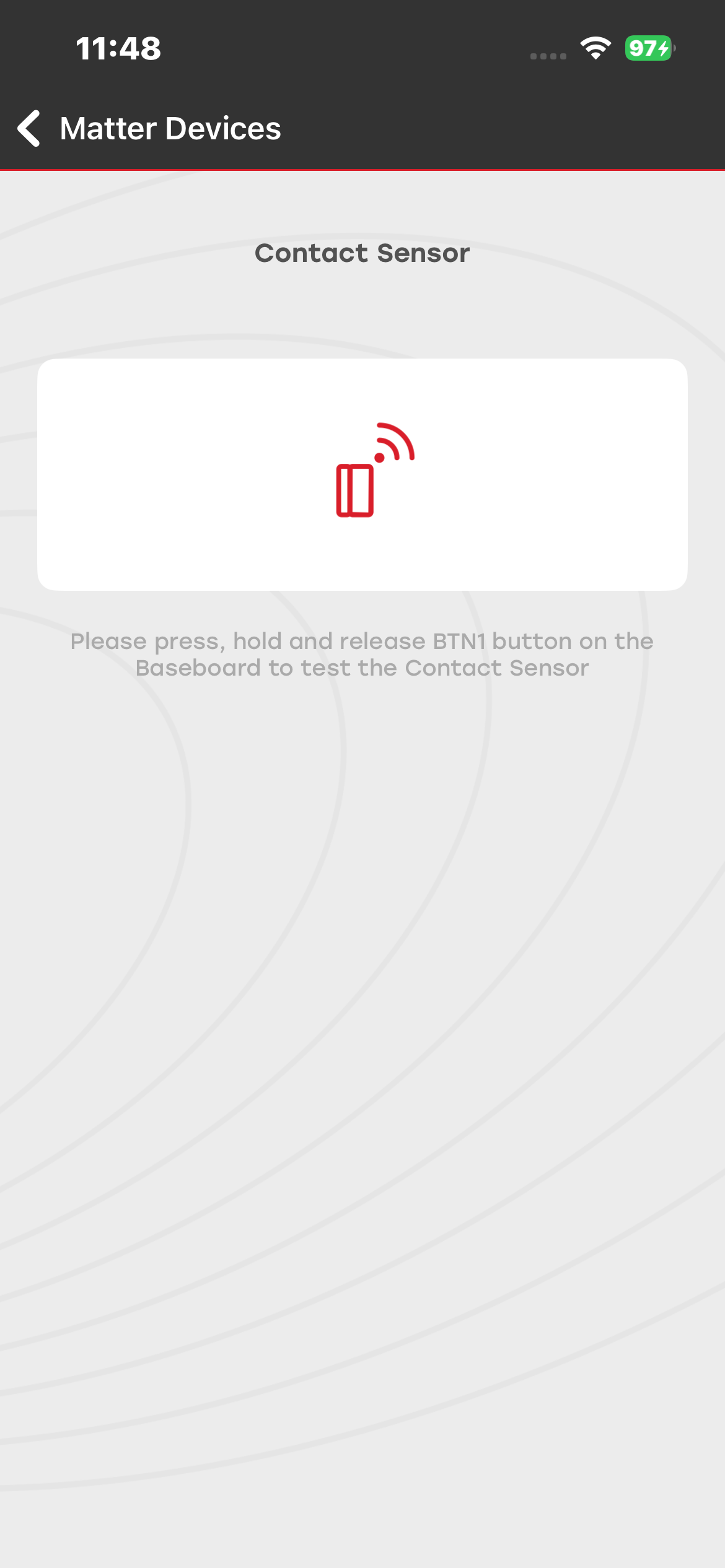
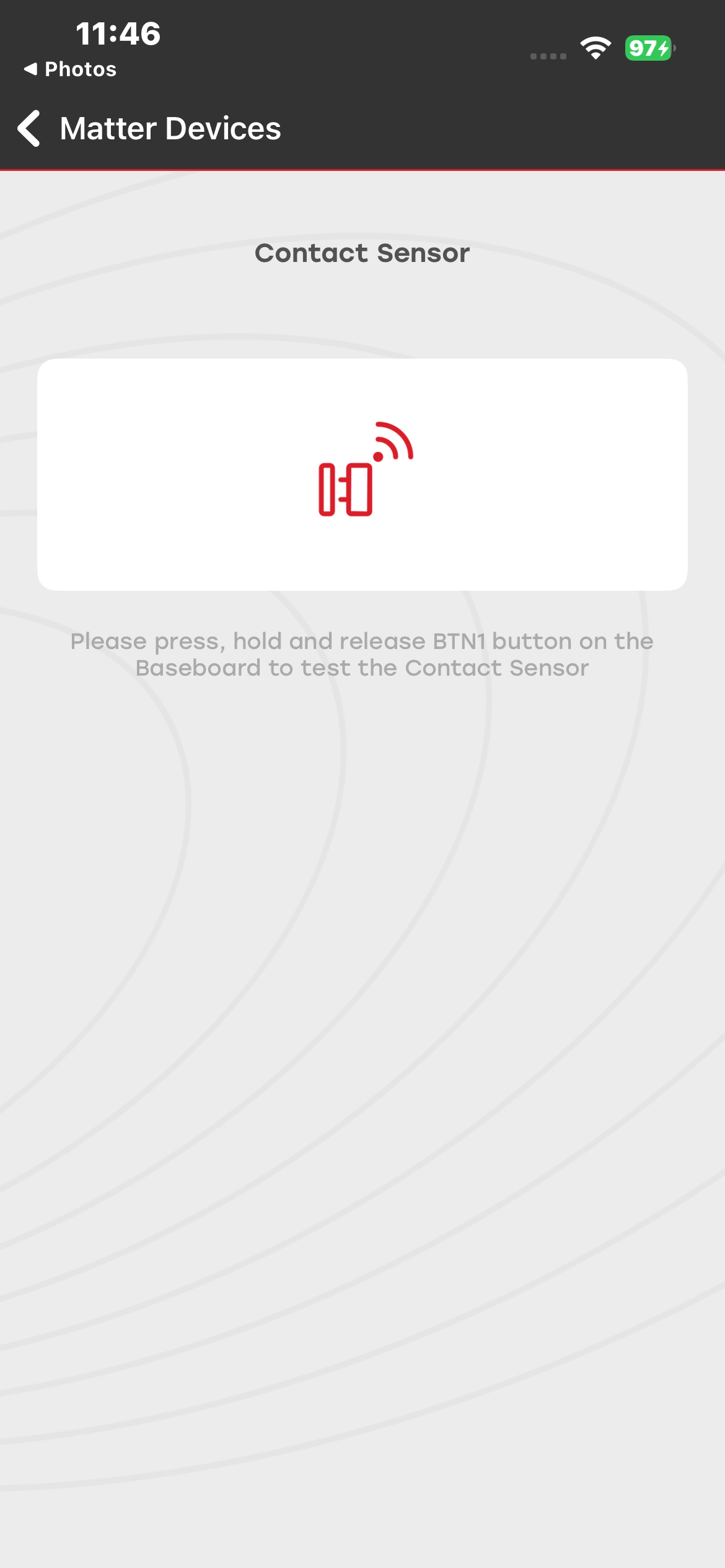
You can commission and control the Contact Sensor Matter device. You can long-press the user button BTN1 on the development board to change the status of the sensor. You can observe the device status on both the development board and the mobile application.
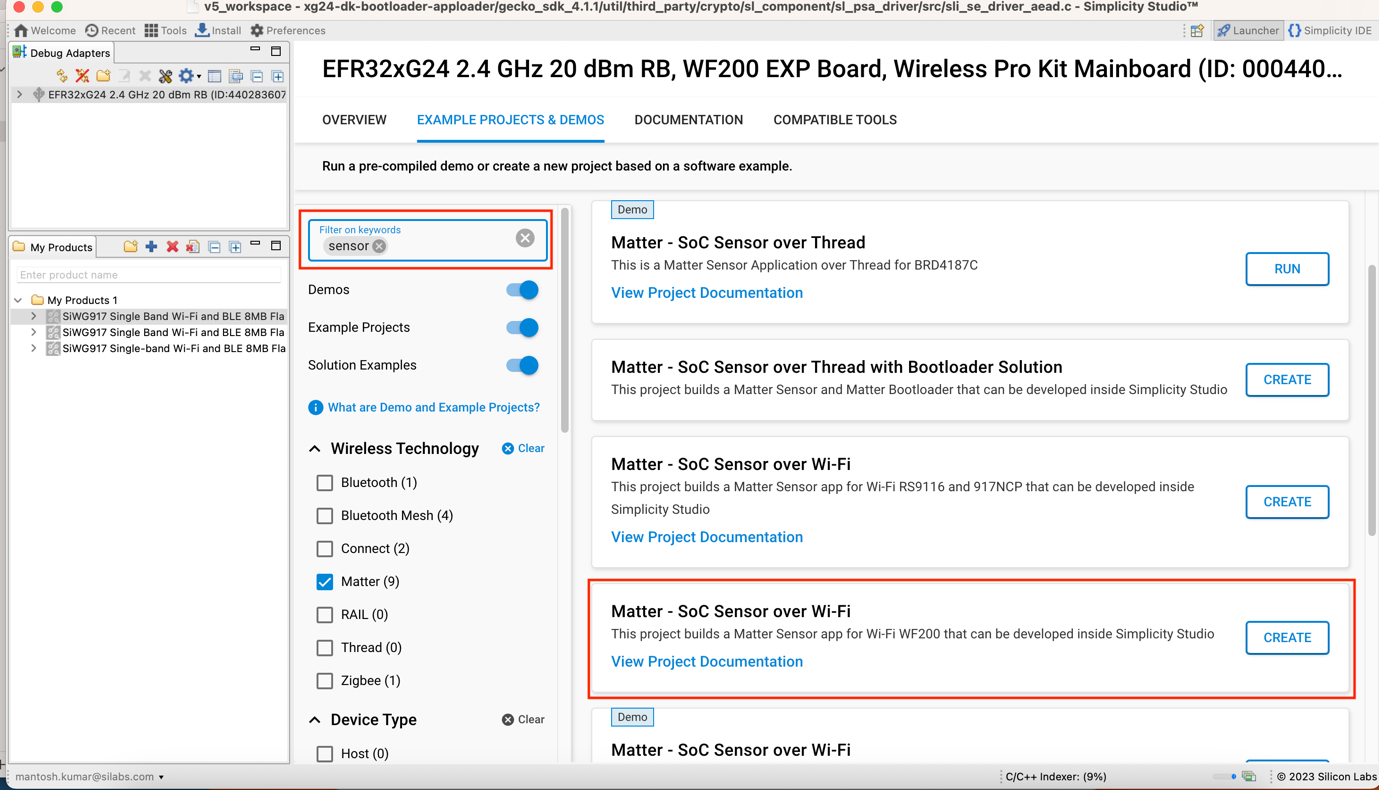
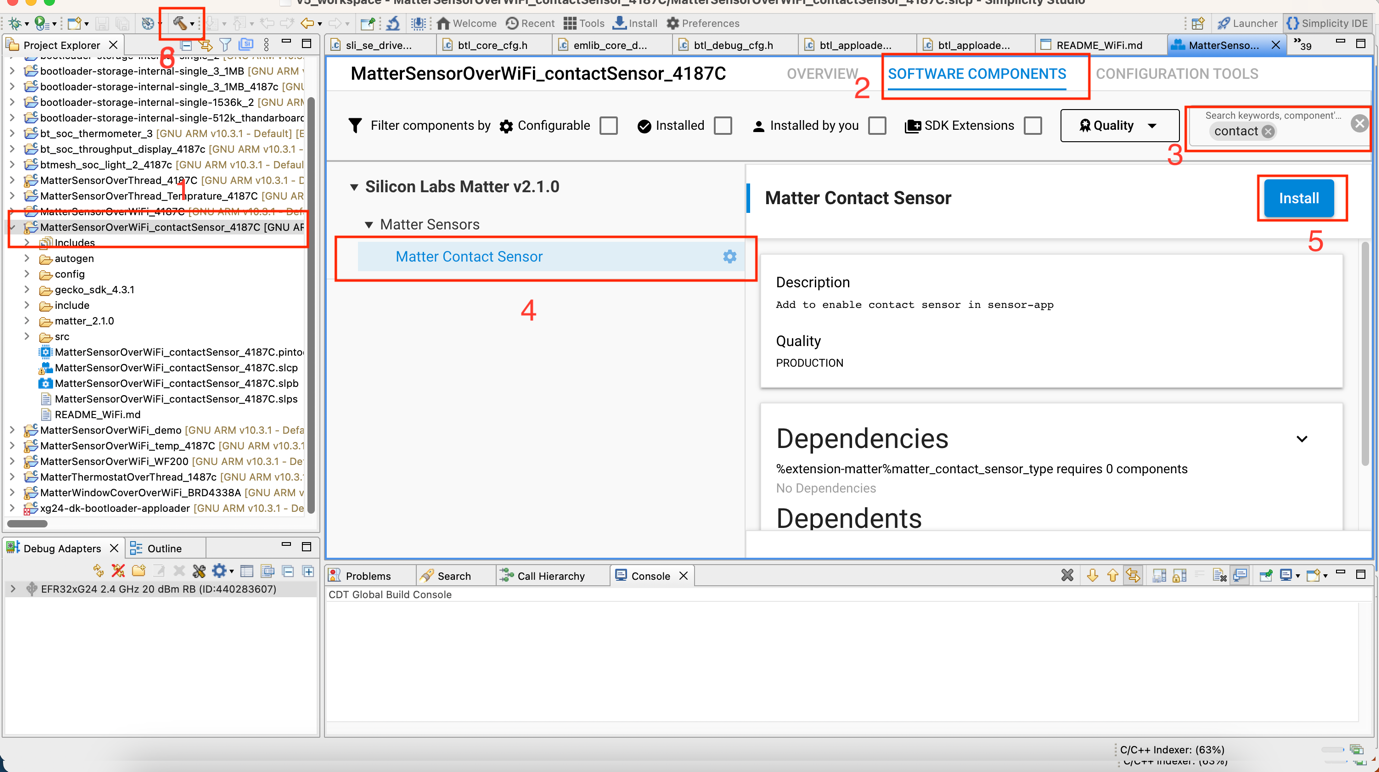
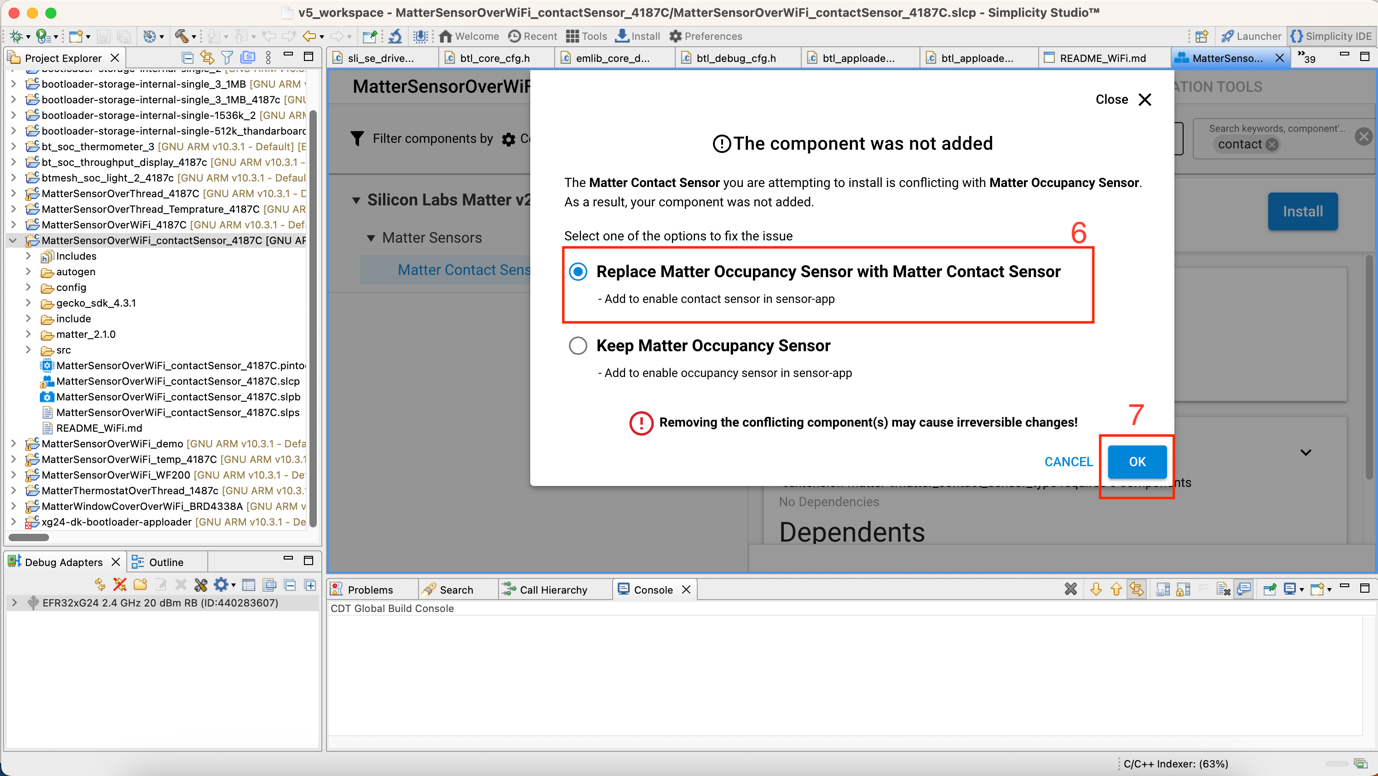
The Matter Sensor sample app must be configured as a Contact Sensor device, as shown in the following image, rebuilt, and then flashed to the development board.
To configure the contact sensor:
Search for sensor in Simplicity Studio.
Select Matter – SoC Sensor over Wi-Fi.
Create the firmware and build as shown in the following screens.
Temperature Sensor Demo#
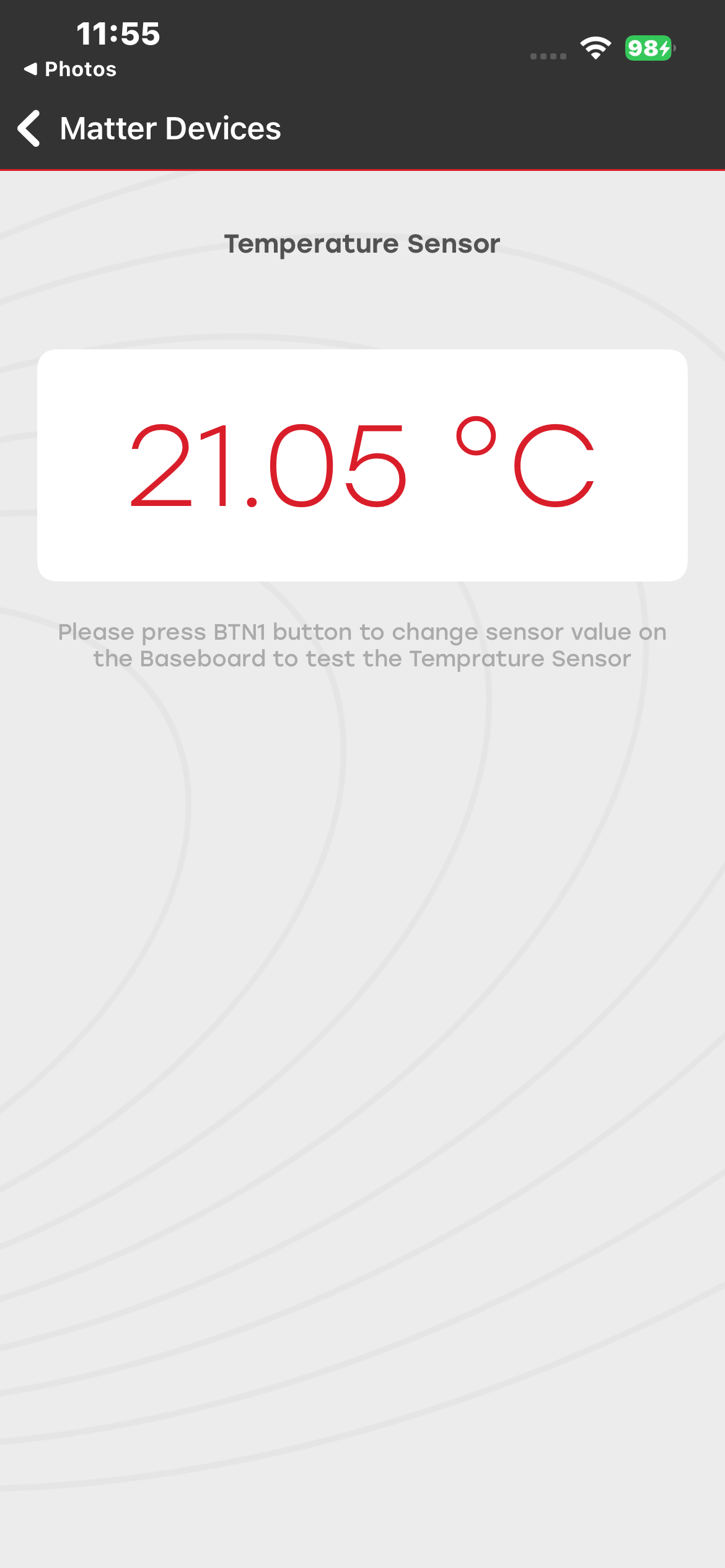
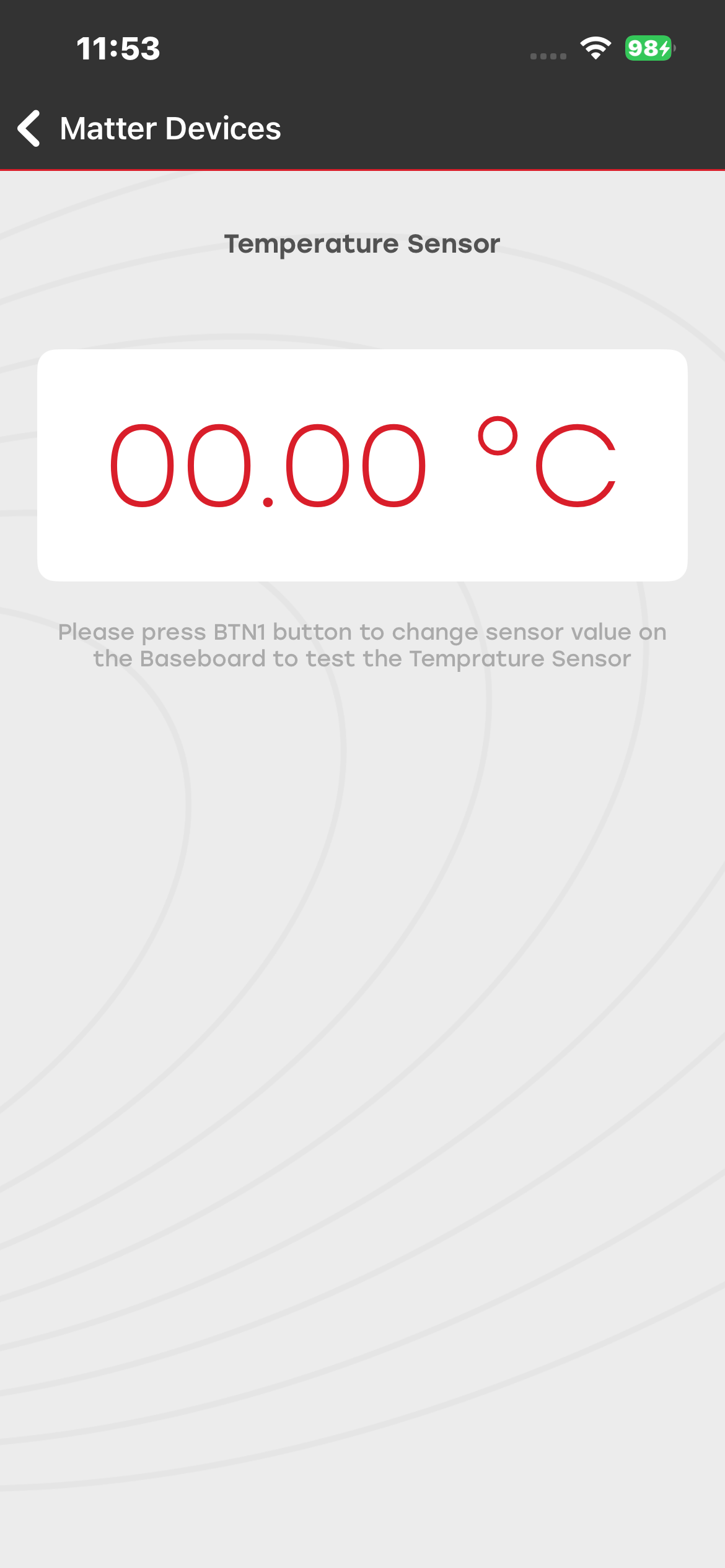
You can commission and control the Temperature Sensor Matter device. You can long-press the user button BTN1 on the development board to change the status of the sensor. You can observe the device status on both the development board and the mobile application.
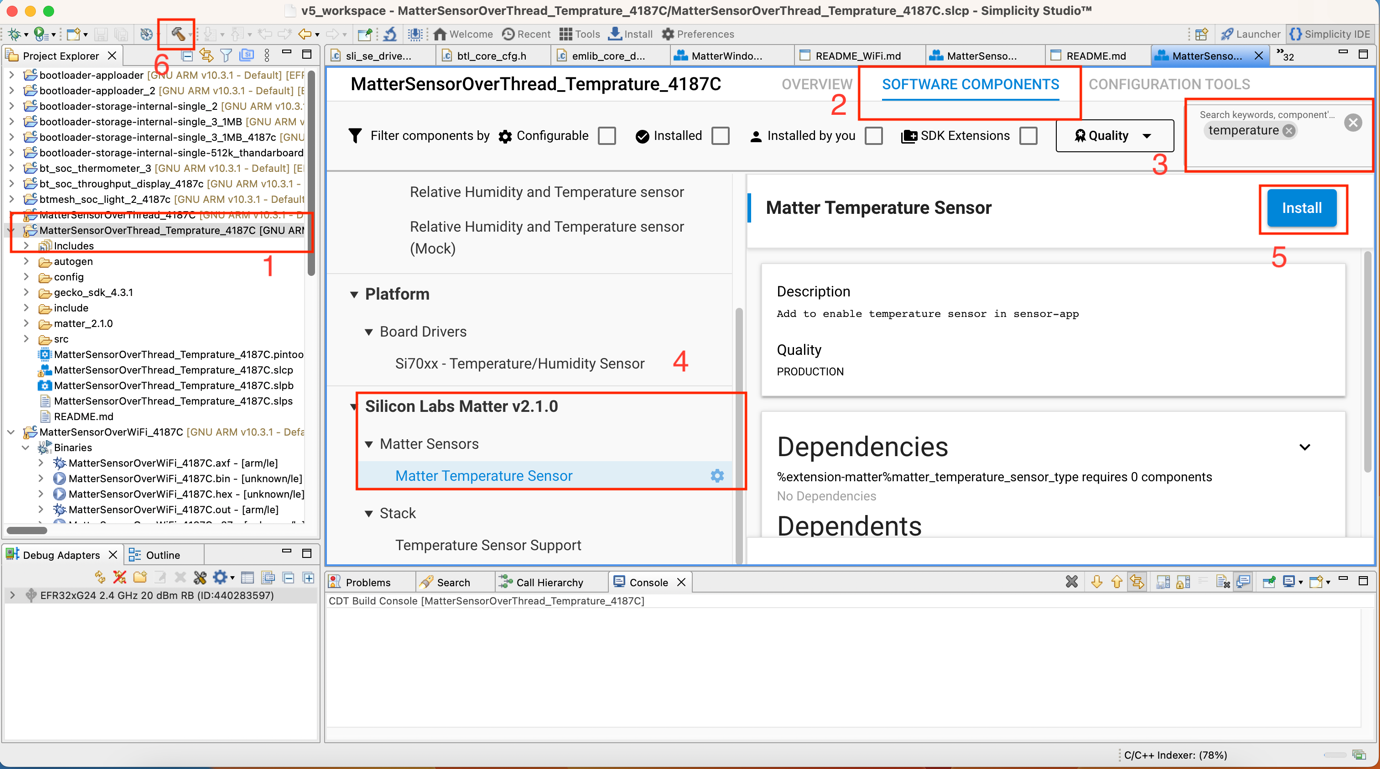
The Matter Sensor sample app must be configured as a Temperature Sensor device, as shown in the following image, rebuilt, and then flashed to the development board.
Air Quality#
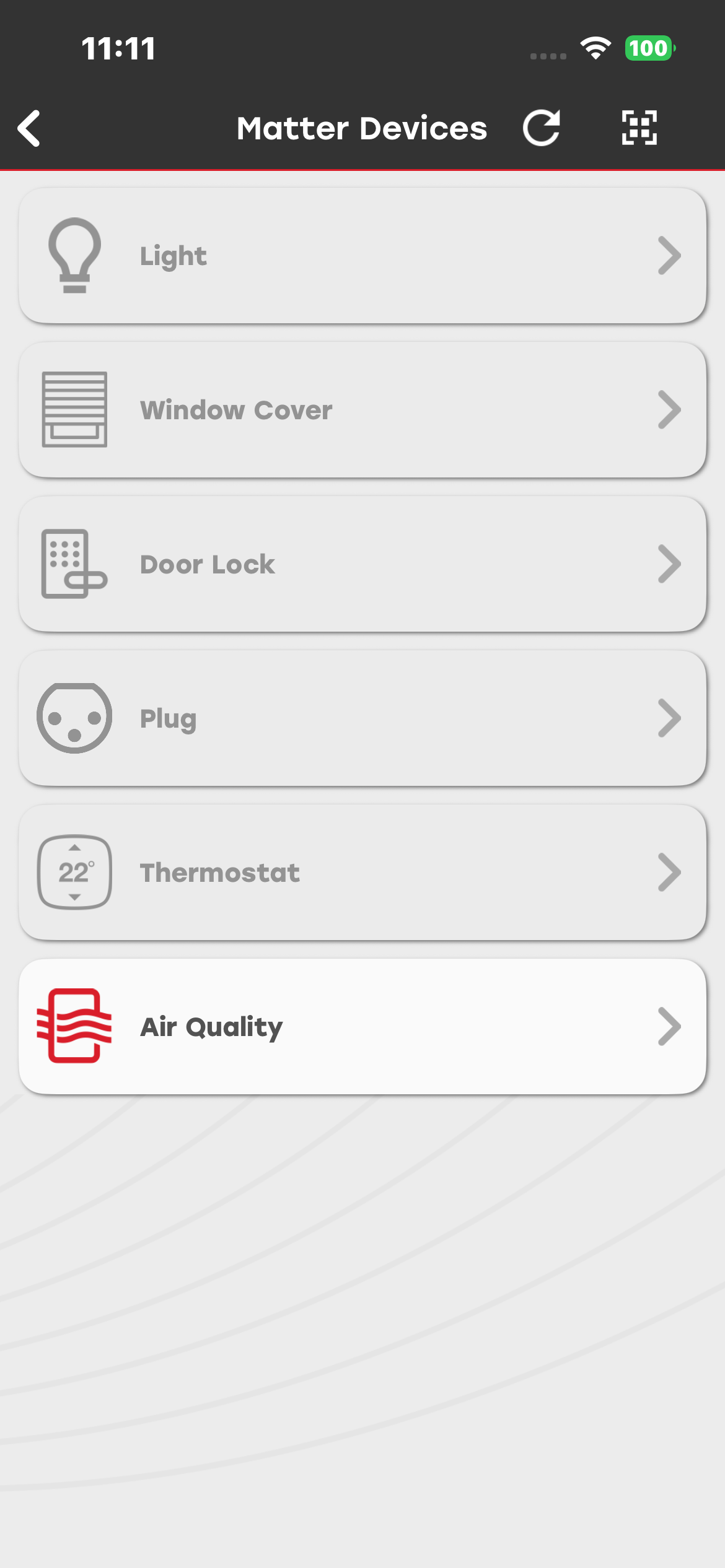
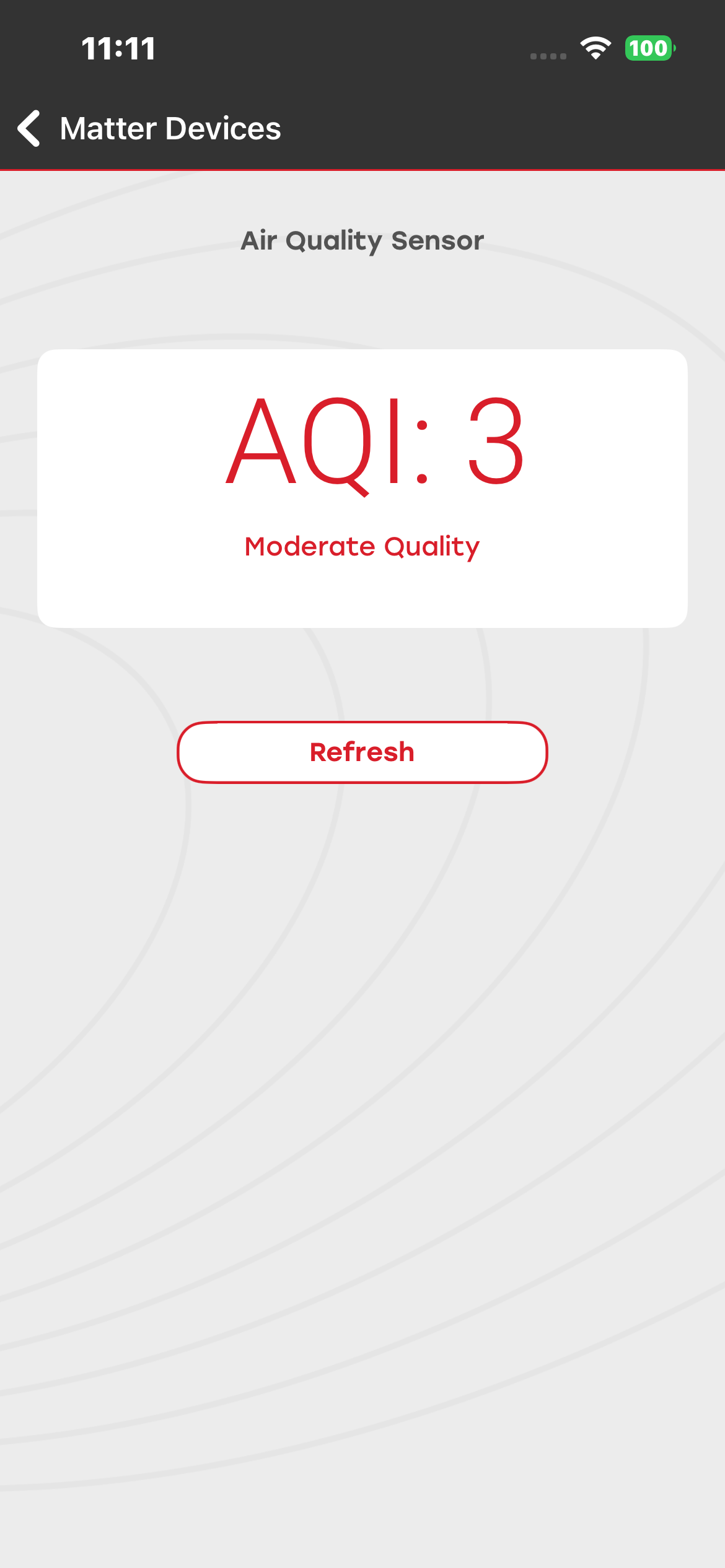
You can commission the Air Quality Matter device. You can observe the device status on both the development board and the mobile application.
Firmware and Bootloader Details#
Thread:#
Bootloader: Bootloader - SoC Internal Storage
Firmware: Matter Thread - SoC Air Quality Sensor FreeRTOS
Wi-Fi:#
Firmware: Matter WiFi - SoC Air Quality Sensor FreeRTOS
Matter Switch Demo#
You can commission the Switch and Light Matter devices and control them using the Switch Matter device. You can view the device status both on the development board and in the mobile application.
Firmware and Bootloader Details#
For light device:#
Thread:#
Bootloader: Bootloader - SoC Internal Storage
Firmware: Matter Thread - SoC Lighting FreeRTOS
Wi-Fi:#
Firmware: Matter WiFi - SoC Lighting FreeRTOS
For Switch device:#
Thread:#
Bootloader: Bootloader - SoC Internal Storage
Firmware: Matter Thread - SoC Light Switch FreeRTOS
Wi-Fi:#
Firmware: Matter WiFi - SoC Light Switch FreeRTOS
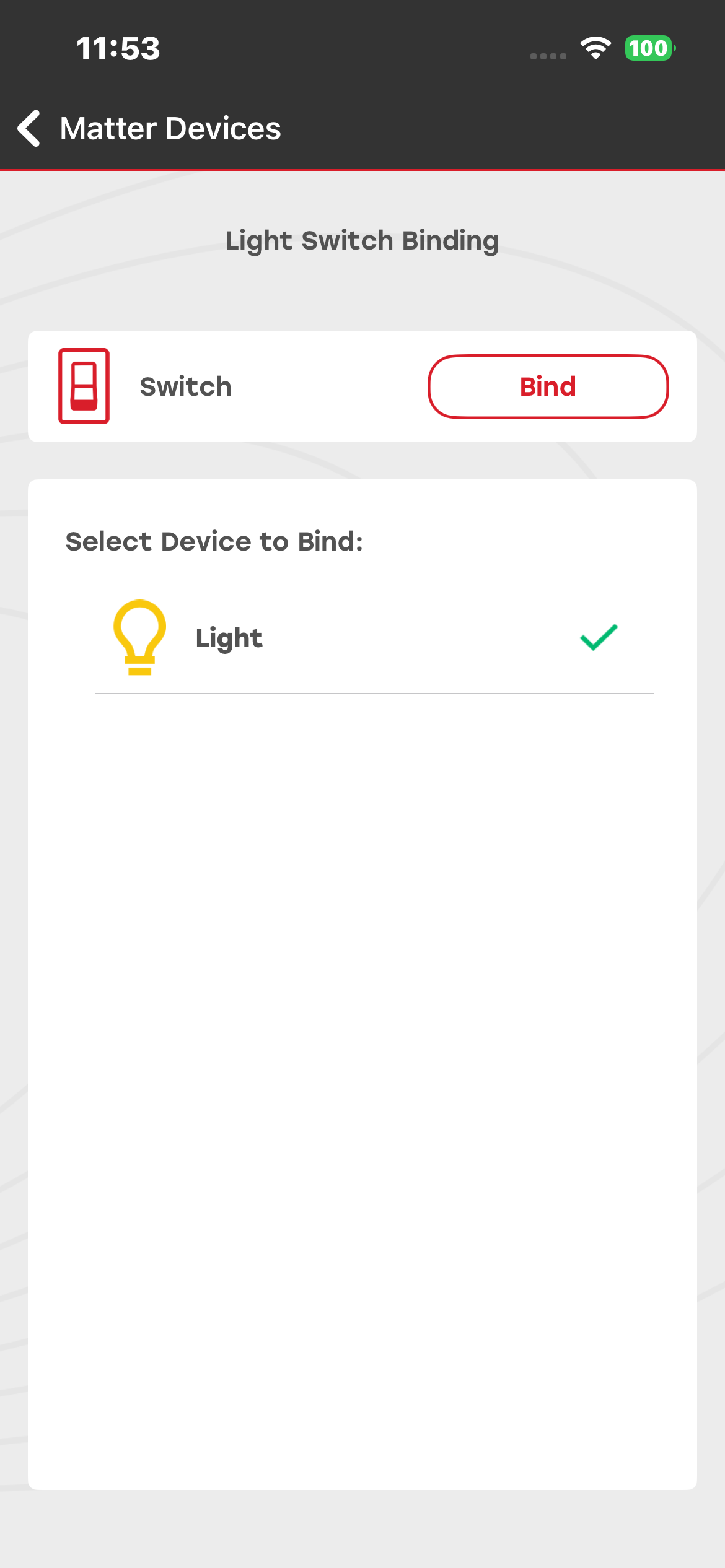
After commissioning the Switch and Matter Light device, select the Switch device from the list to perform the binding functionality. Select the Light device and click Bind.
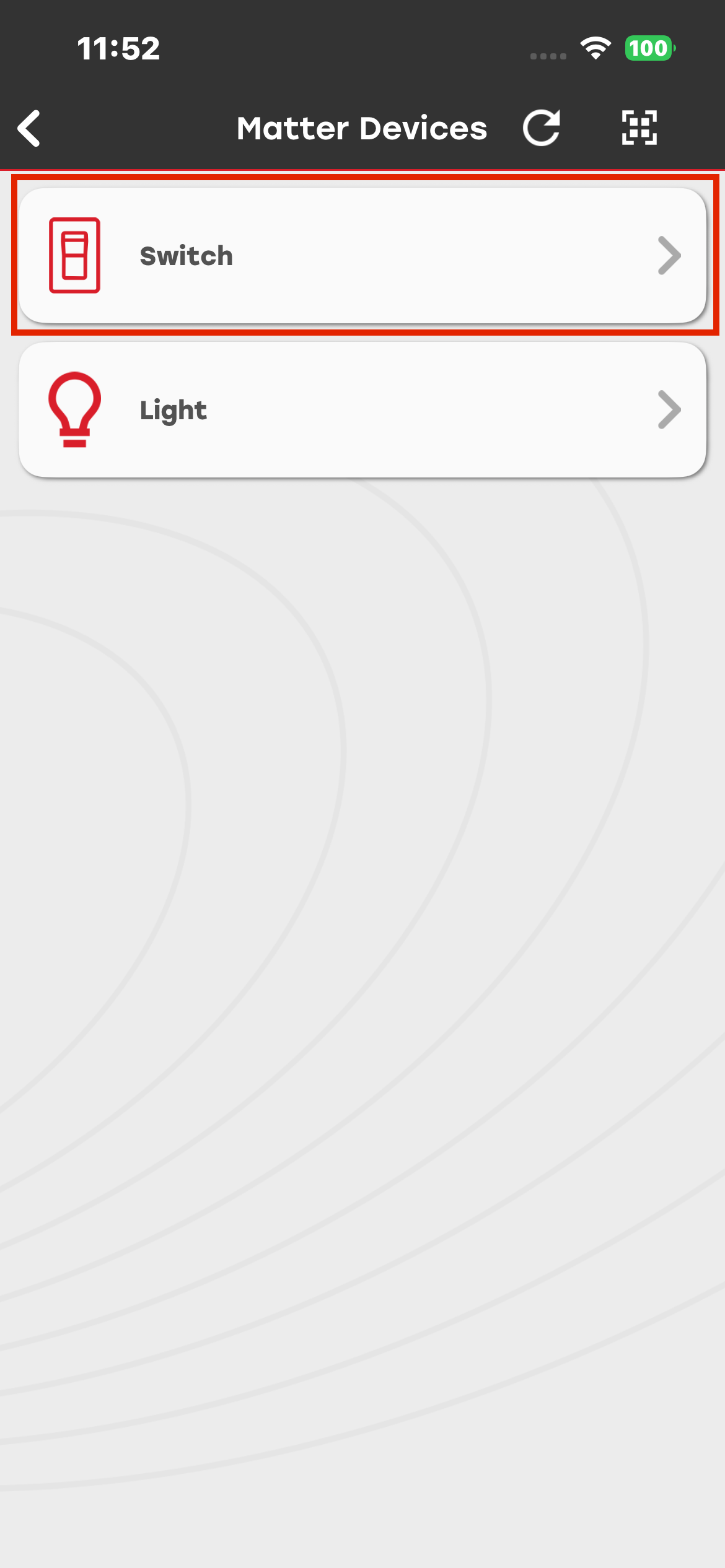
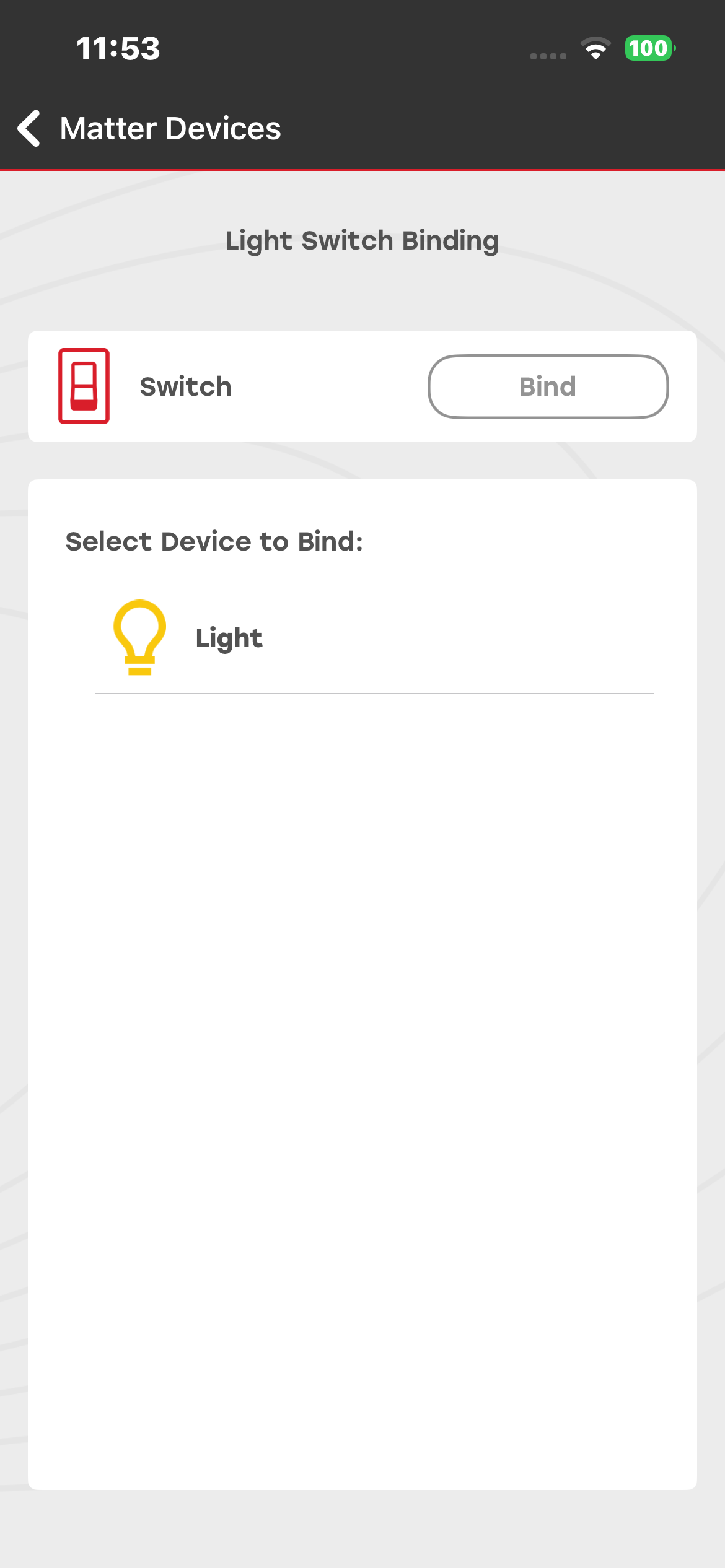
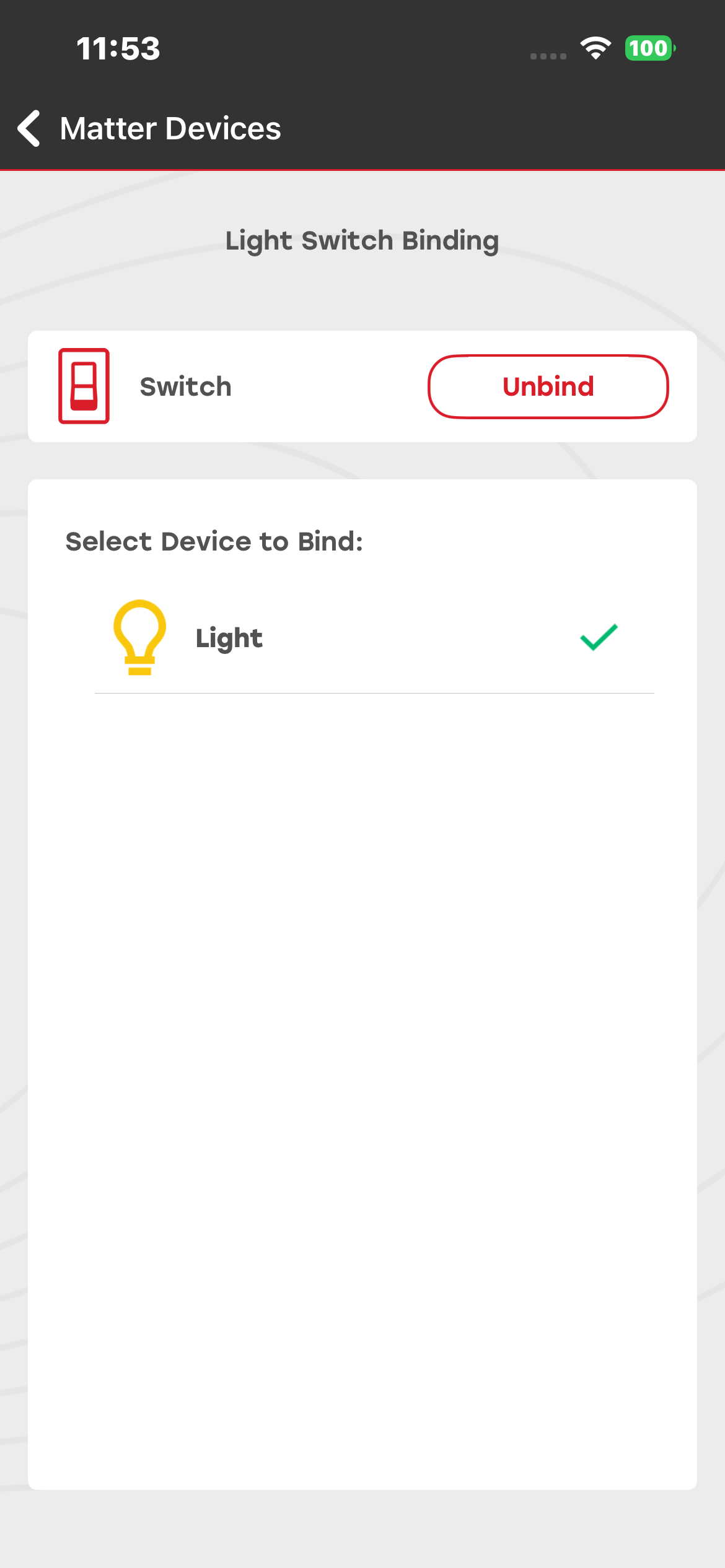
Click Bind to initiate the binding process between the Light device and the Switch. Once the binding is successful, you can control the Light device by clicking the BT1 button on the Matter Switch board.
EVSE Demo#
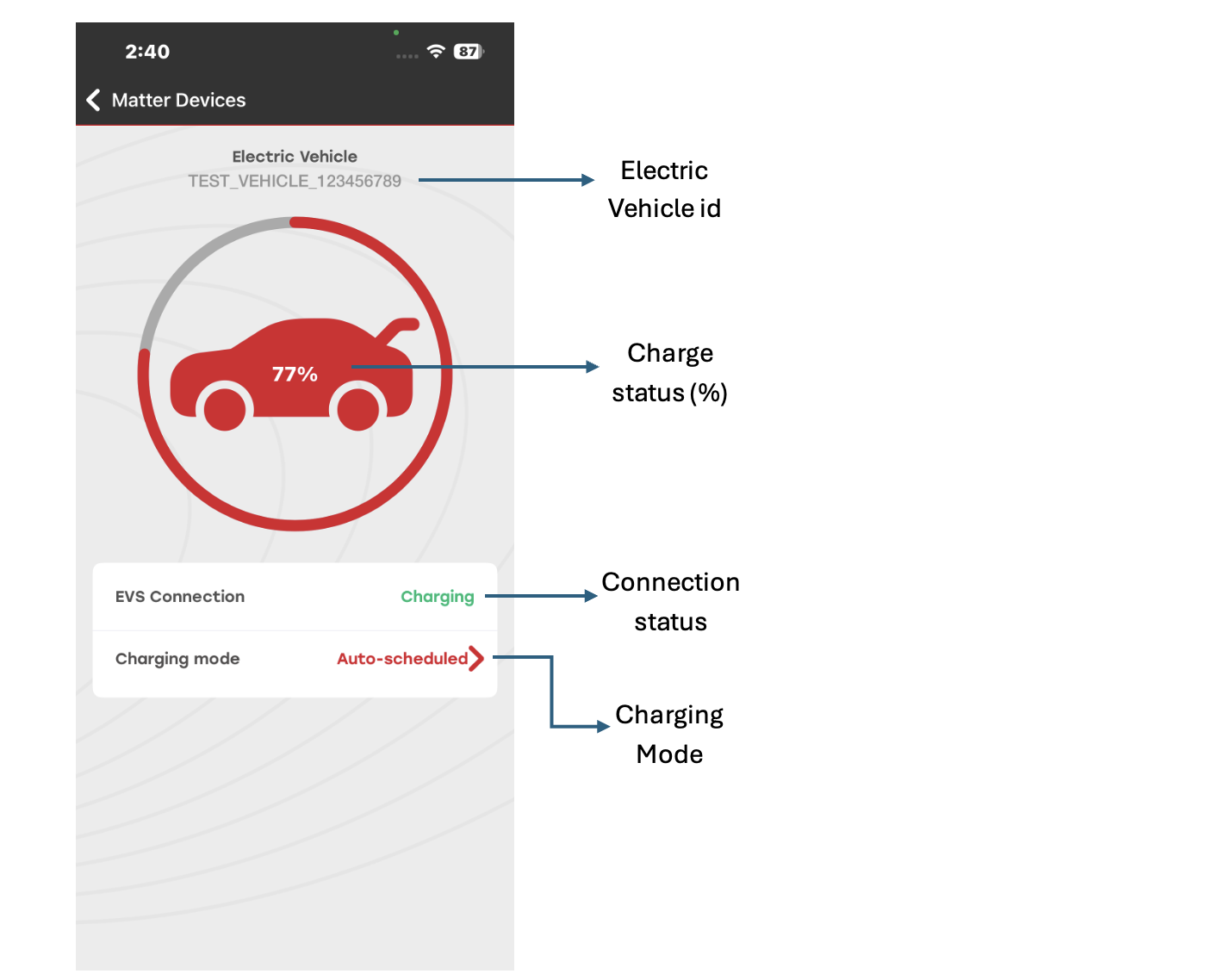
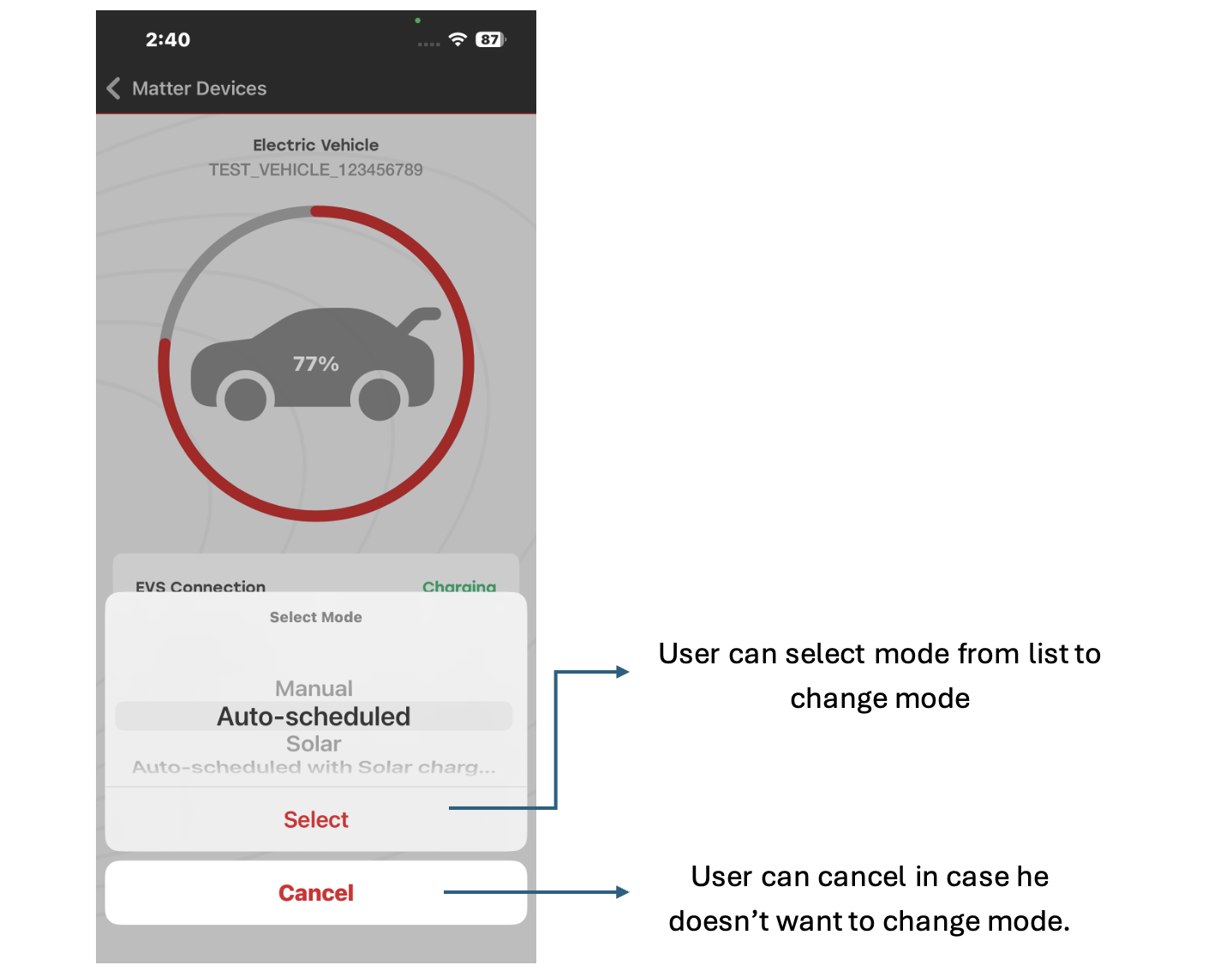
You can commission, monitor, and control the EVSE Matter device through the Simplicity Connect mobile application.
Using this demo, you can:
View the commissioned vehicle ID
Check the current charging status (in percentage)
Change the charging mode
Firmware and Bootloader Details#
Thread:#
Bootloader: Bootloader - SoC Internal Storage
Firmware: Matter Thread - SoC EVSE FreeRTOS
Wi-Fi:#
Firmware: Matter WiFi - SoC EVSE FreeRTOS
Oven Demo#
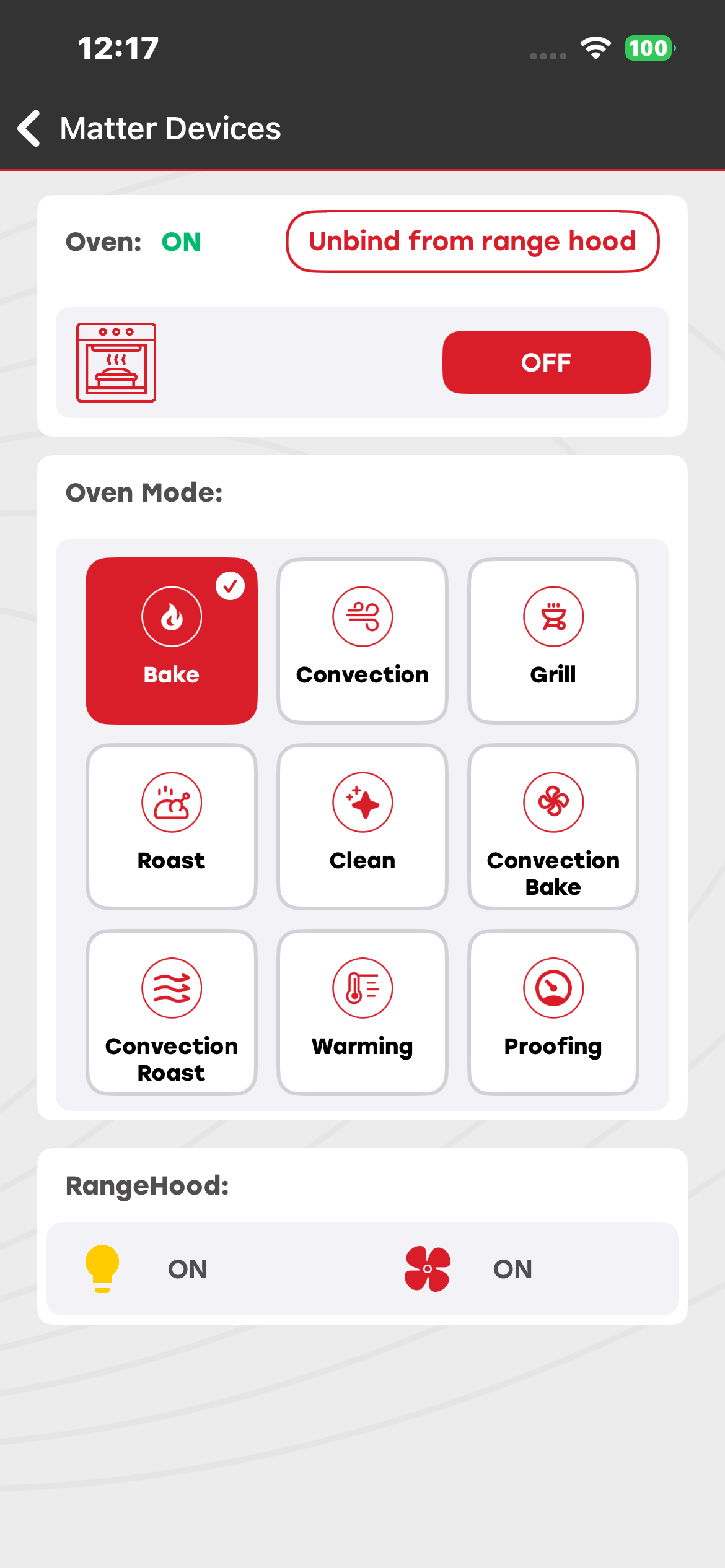
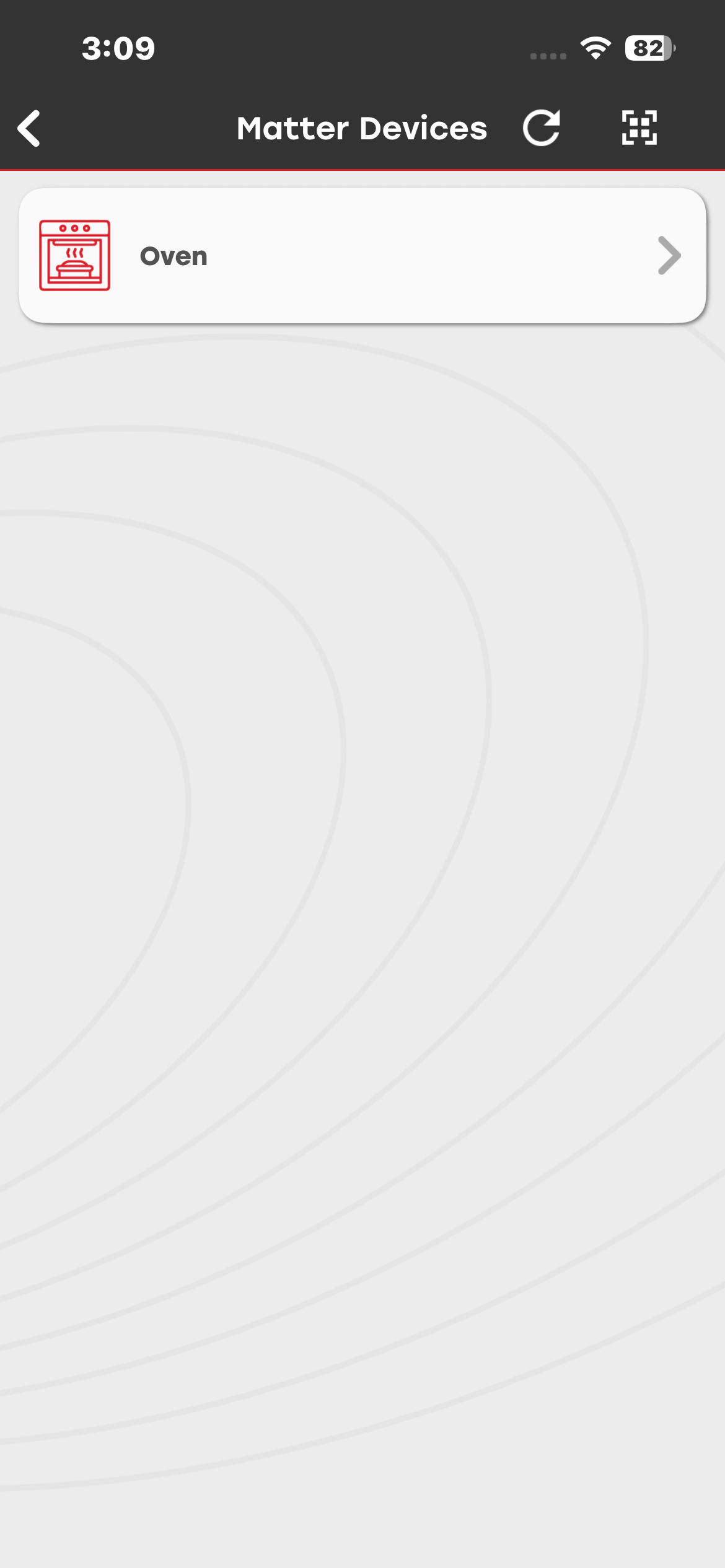
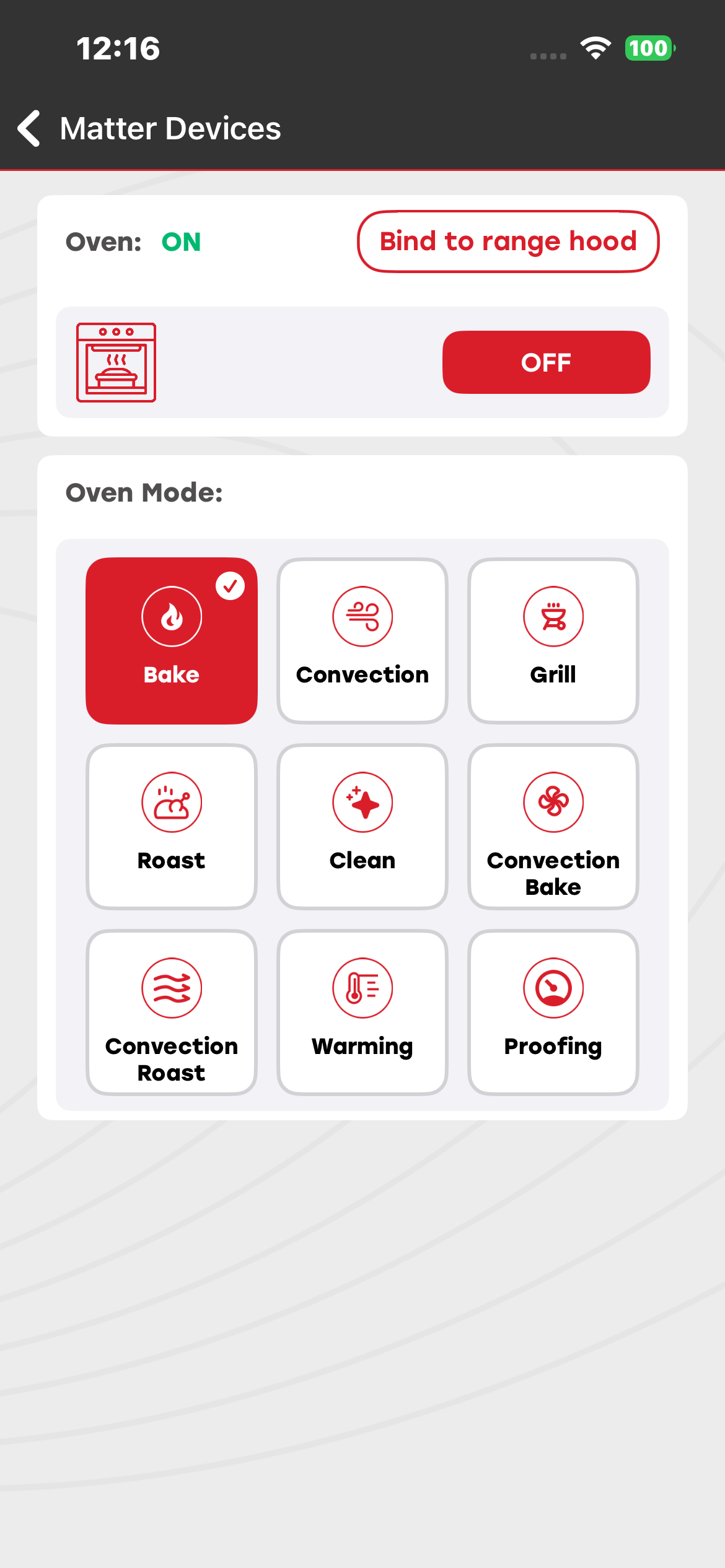
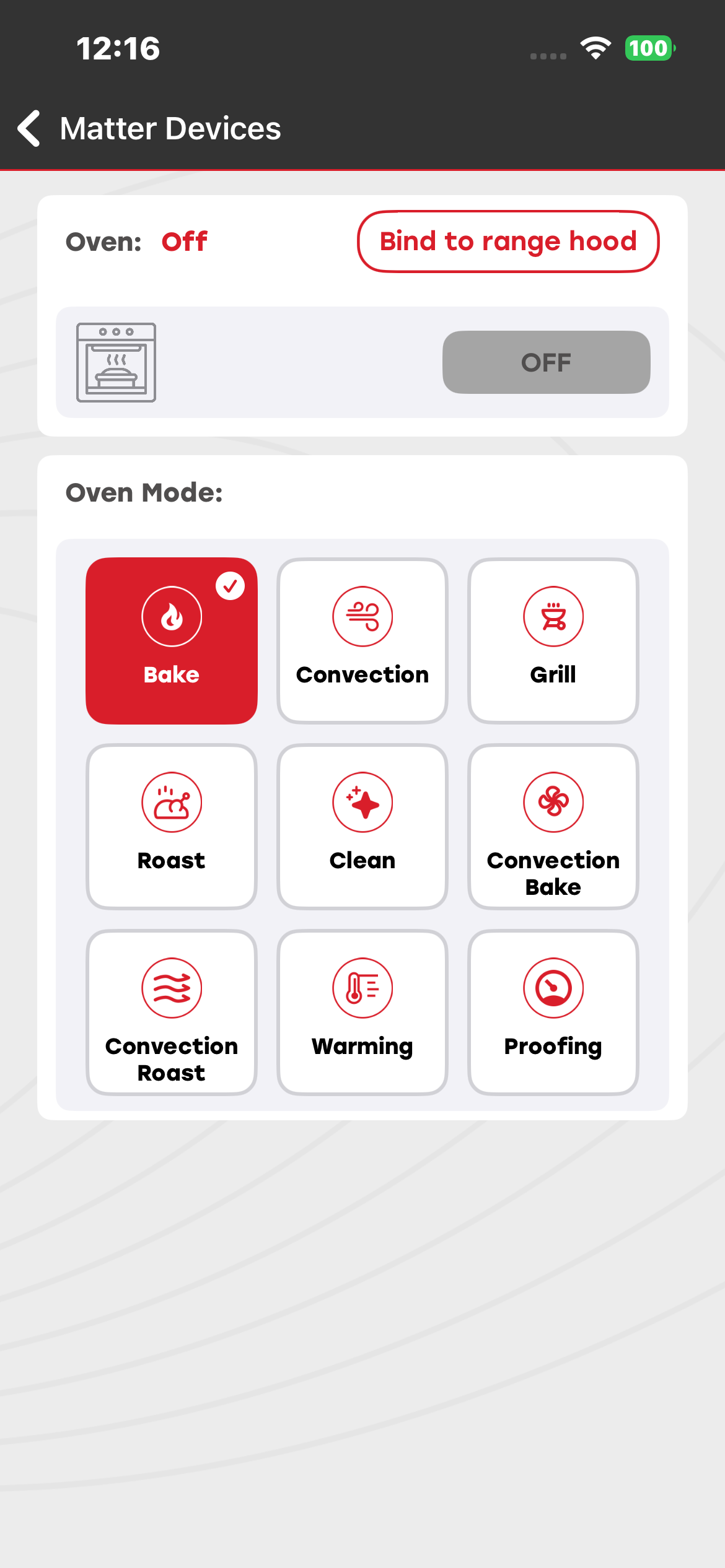
You can commission and control the Matter Oven device. Using the Simplicity Connect mobile app, you can turn the oven ON or OFF and change its operating mode.
The active mode status of the oven is displayed on both the development board and the mobile application.
Firmware and Bootloader Details#
Thread:#
Bootloader: Bootloader - SoC Internal Storage Bootloader
Firmware: Matter Thread – SoC Oven (FreeRTOS)
Wi-Fi:#
Firmware: Matter Wi-Fi – SoC Oven (FreeRTOS)
Range Hood Demo#
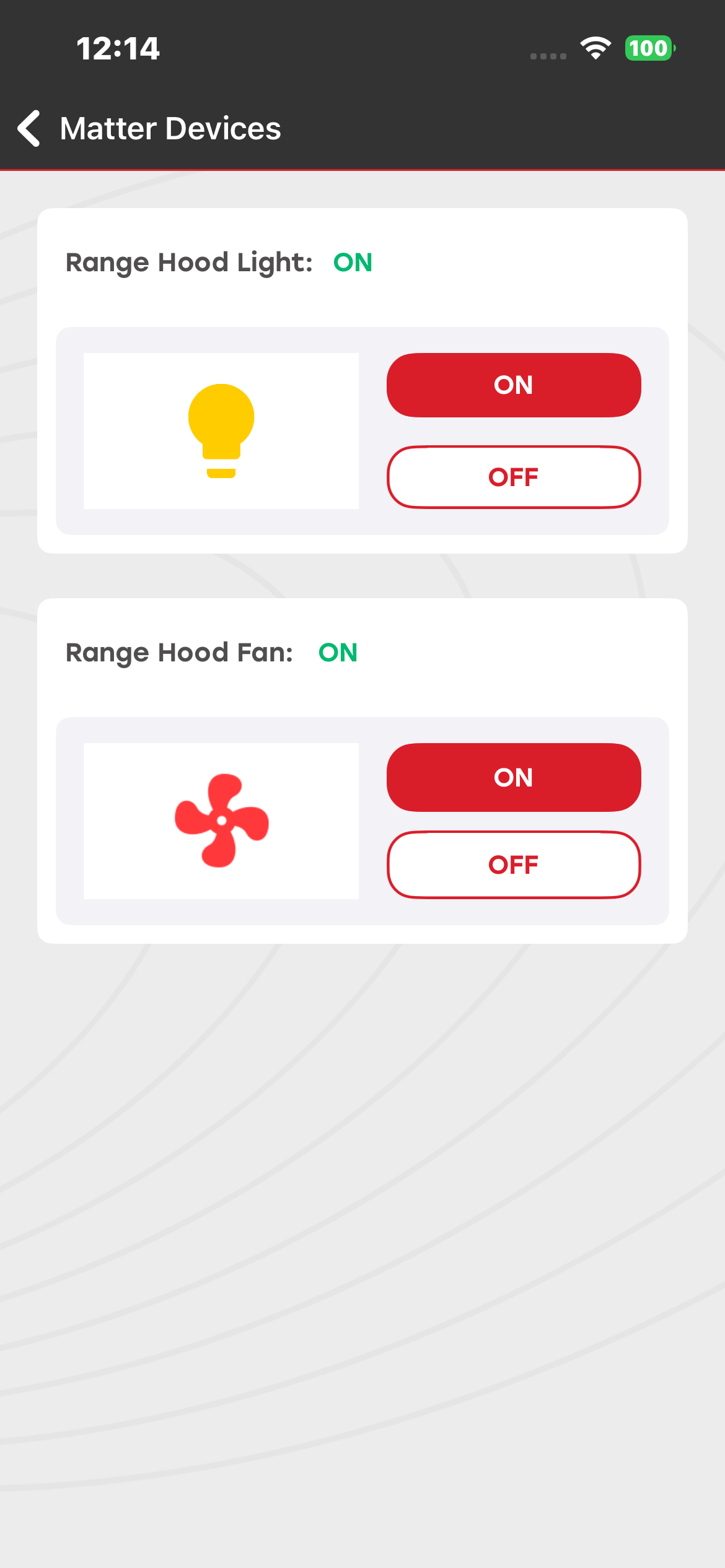
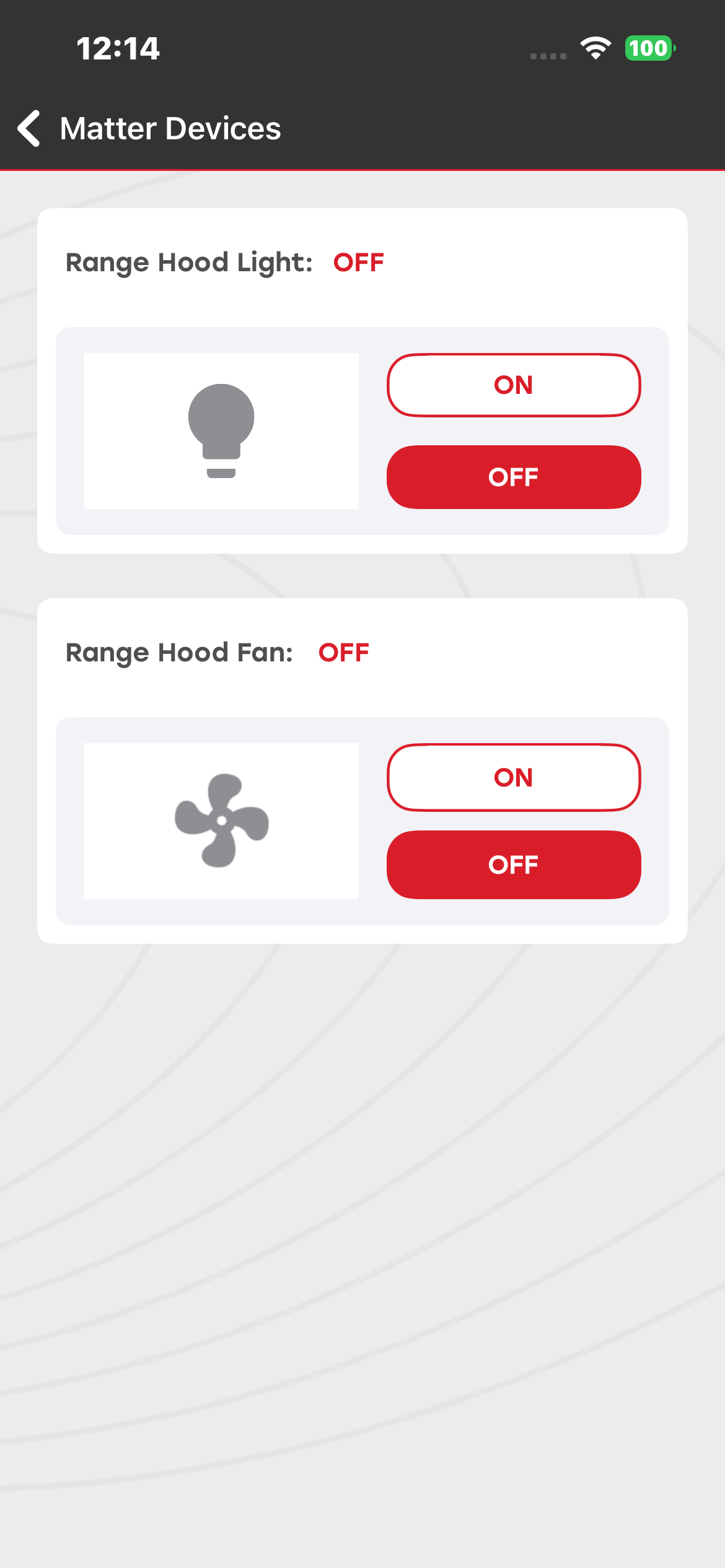
Using the Simplicity Connect mobile app, you can commission and control the Matter Range Hood device, including turning it ON or OFF and changing its operating mode.
The current operating mode of the range hood is displayed on both the development board and the mobile application.
Firmware and Bootloader Details#
The following firmware and bootloader configurations support the Range Hood demo:
Thread:#
Bootloader: Bootloader - SoC Internal Storage Bootloader
Firmware: Matter Thread – SoC Range Hood (FreeRTOS)
Wi-Fi:#
Firmware: Matter Wi-Fi – SoC Range Hood (FreeRTOS)
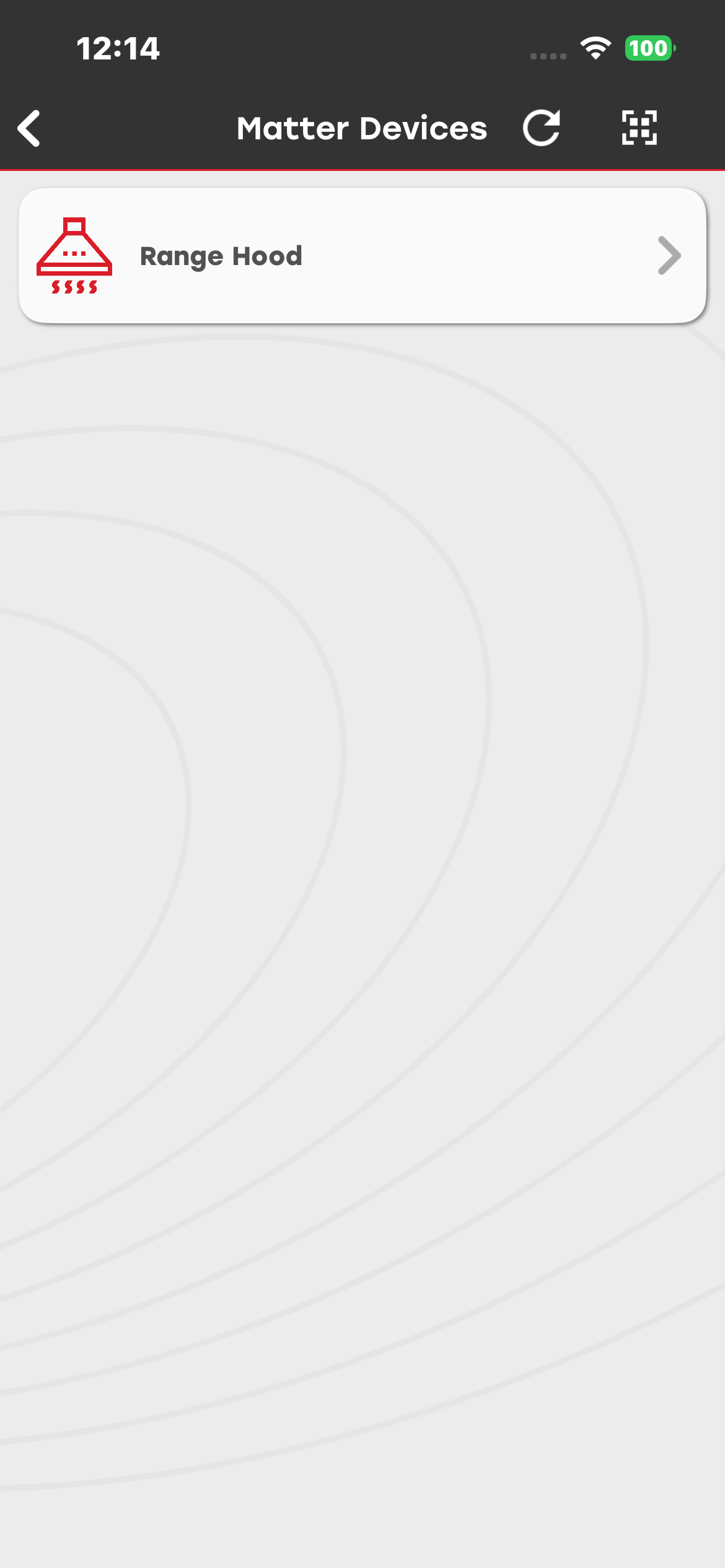
Matter Oven and Range Hood Binding#
You can commission both the Matter Oven and the Range Hood devices and then bind the Oven to the Range Hood. When the Oven device is turned off, the Range Hood light and fan also turn off. When the Oven is turned on, the Range Hood fan and light automatically turn on.
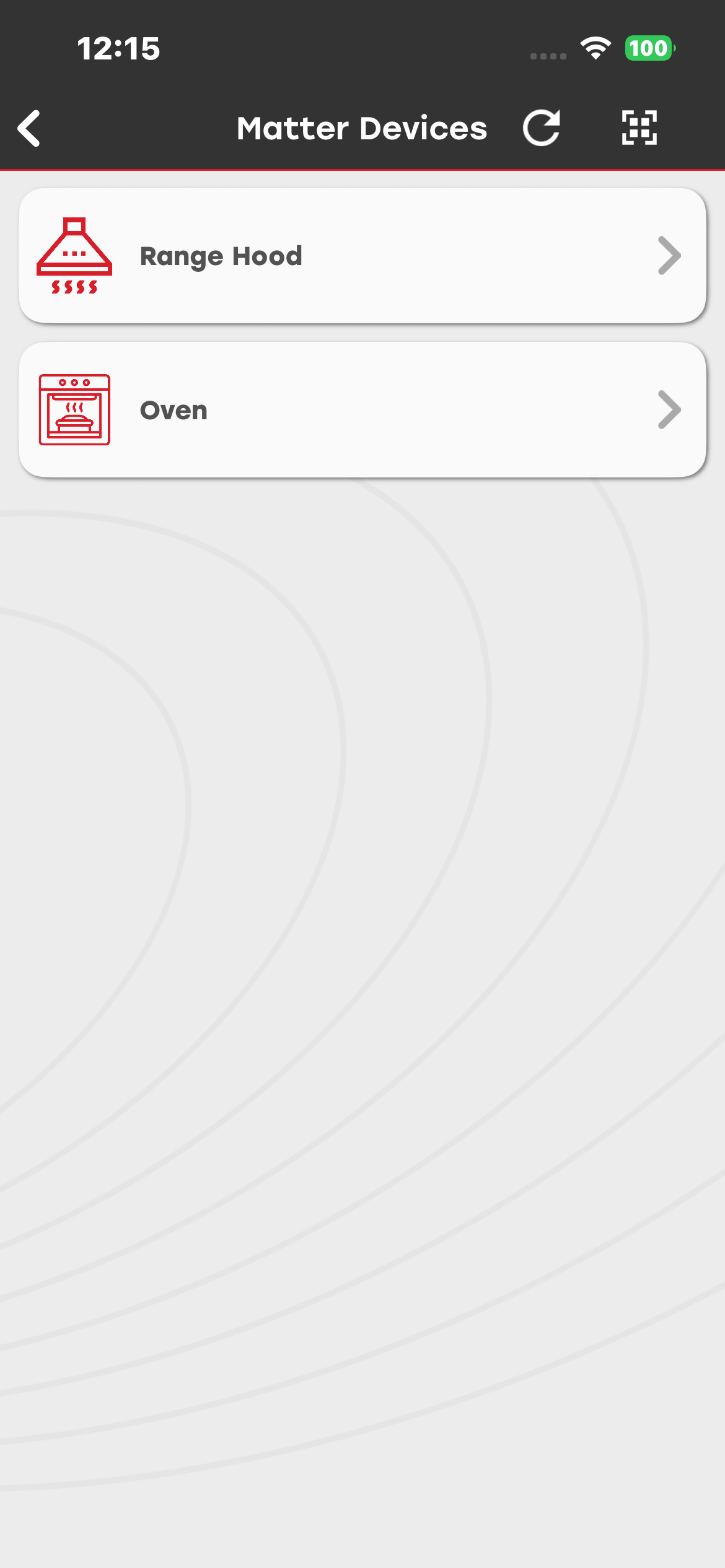
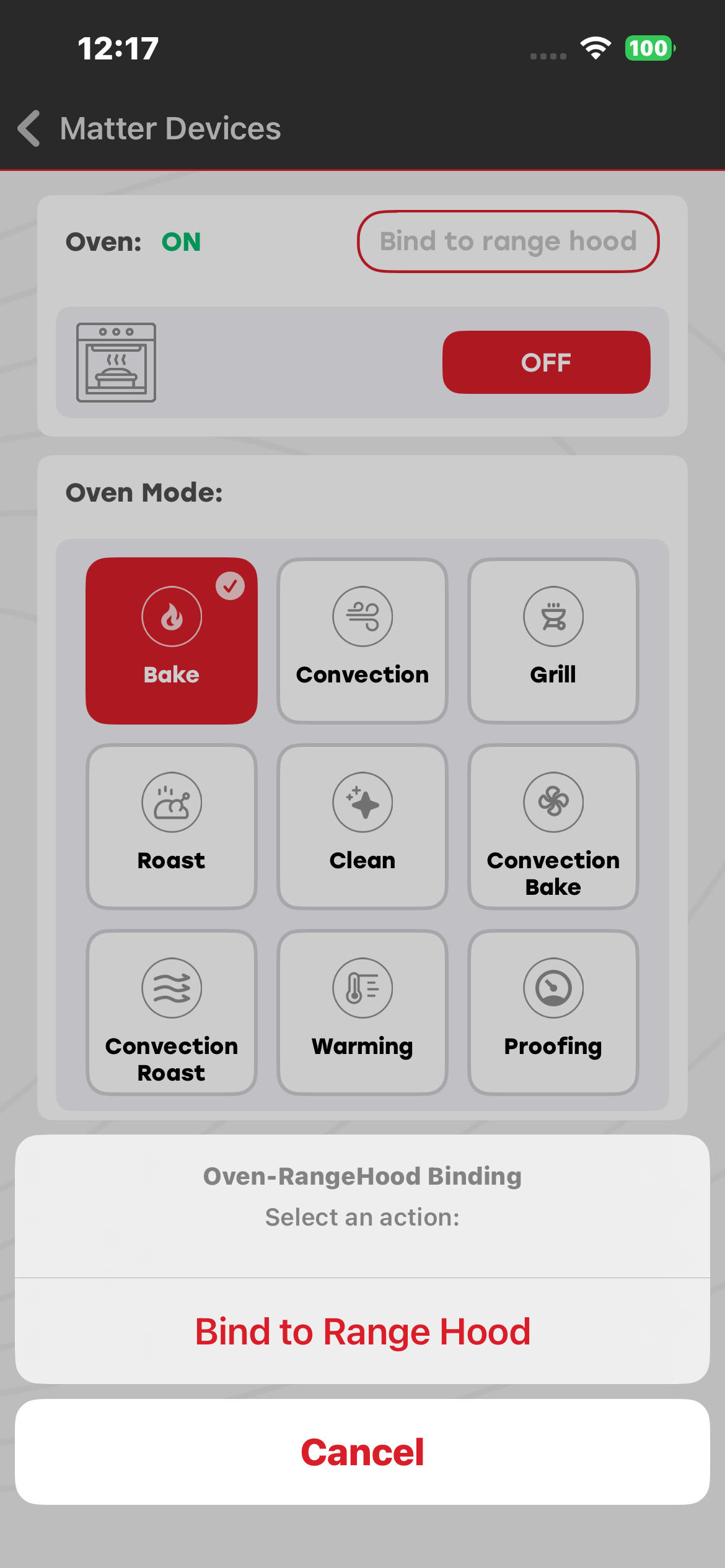
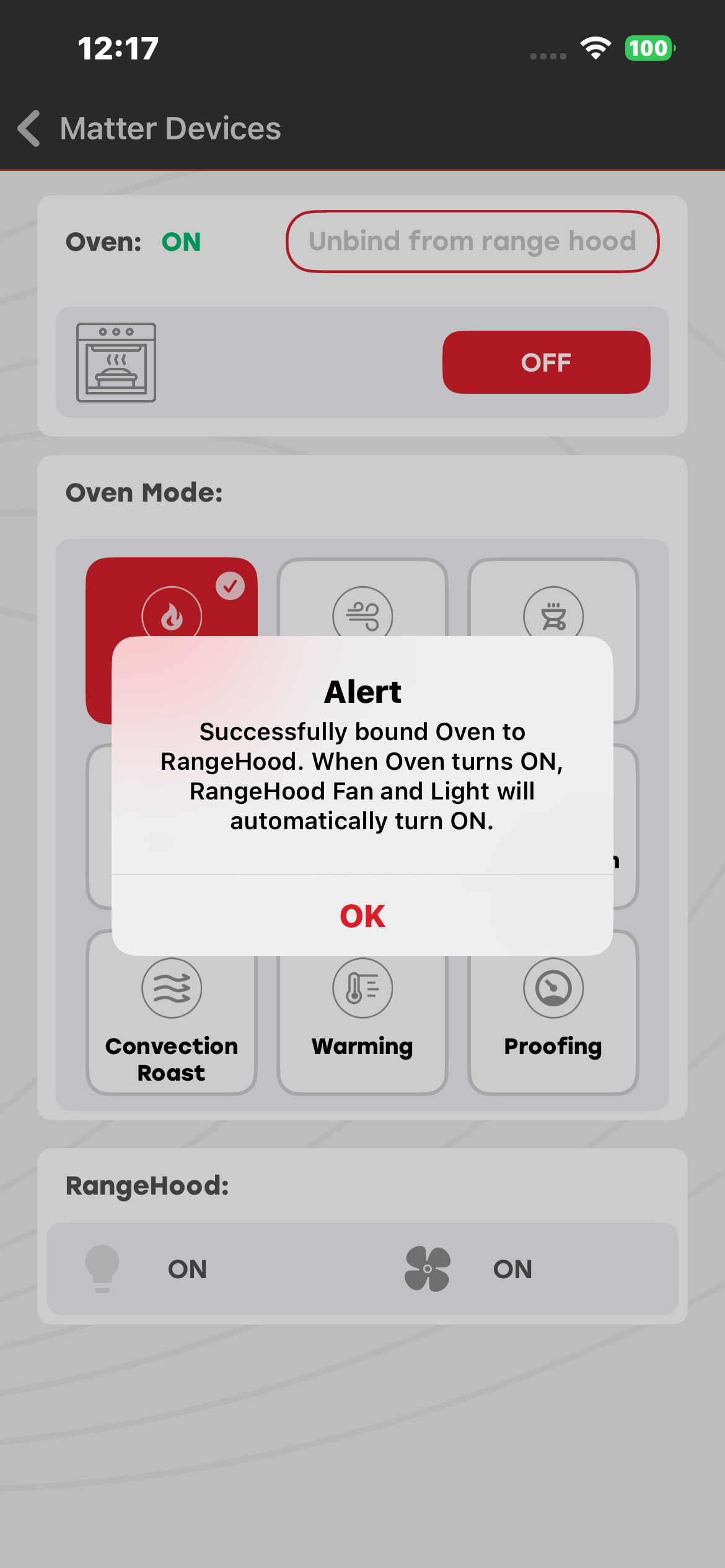
After successful binding, the Oven can be turned on or off by pressing the BT1 button on the Matter device board.