Listing of Devices#
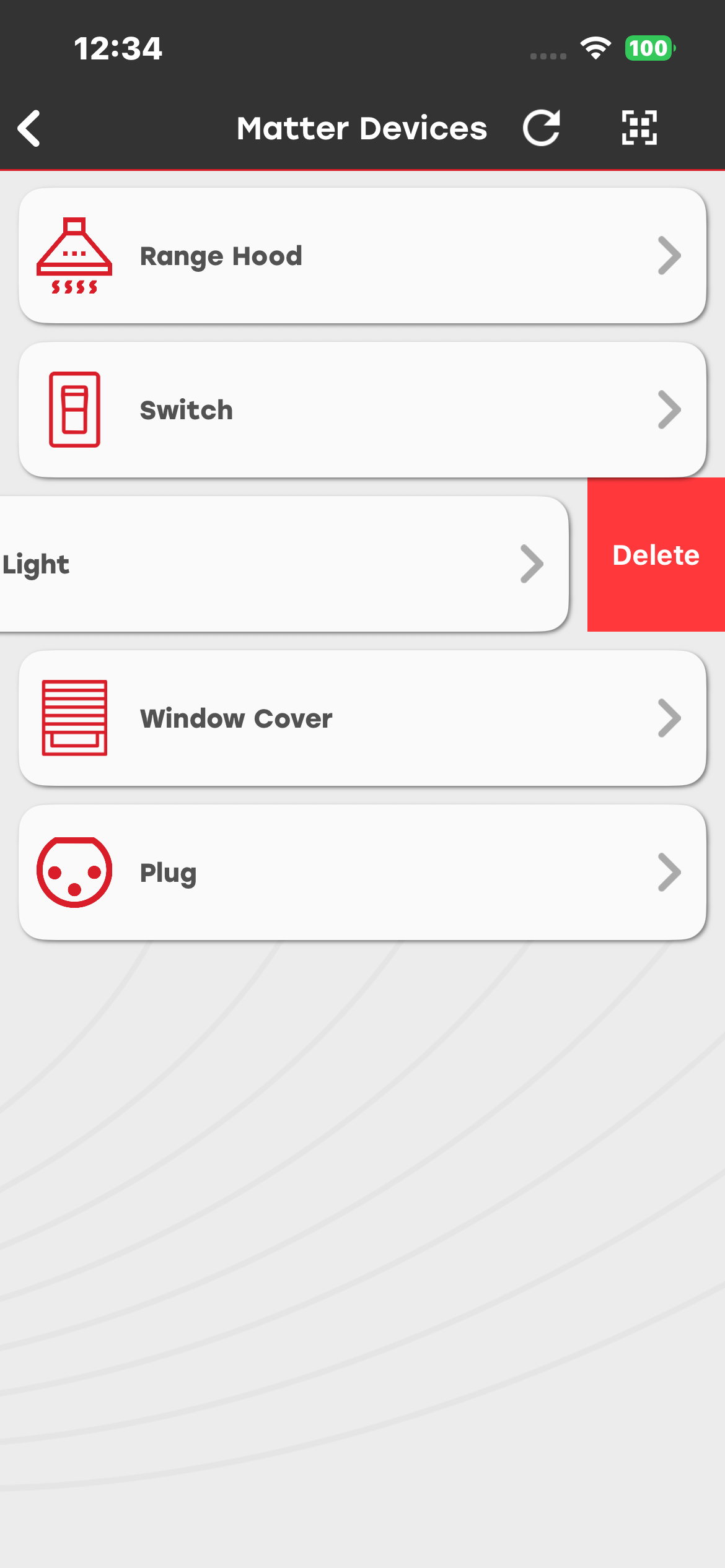
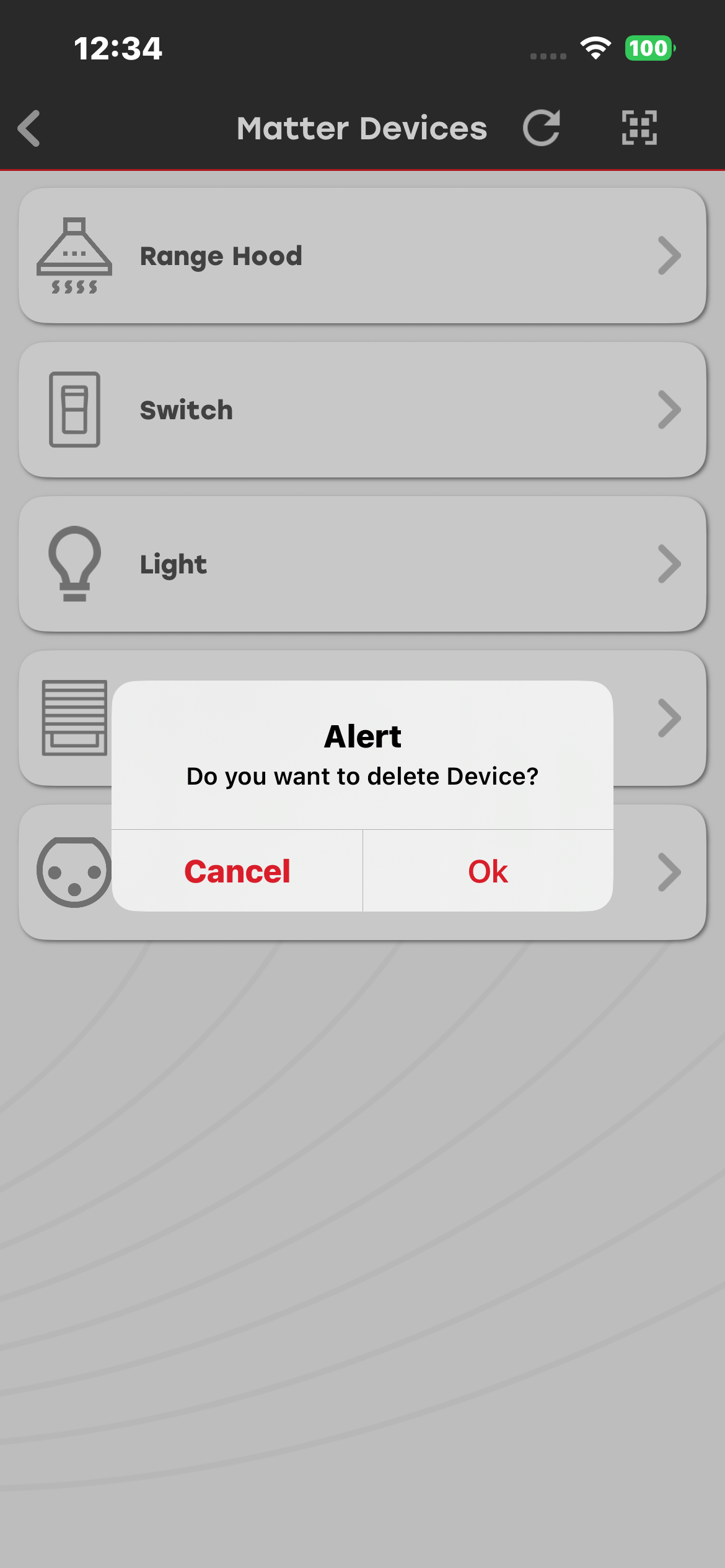
Commissioned devices appear in the Matter Devices list. The app keeps track of previously commissioned devices. After the app is closed and relaunched, it automatically rescans the network and attempts to reconnect to available devices. You can view online and offline devices in the list. A gray device indicates that the device is offline, while a white device indicates that the device is online. Select Refresh to view the current device status.
A device might no longer be found on the network for the following reasons:
The device is powered off.
The device is unplugged.
The device is out of range.
Delete Devices#
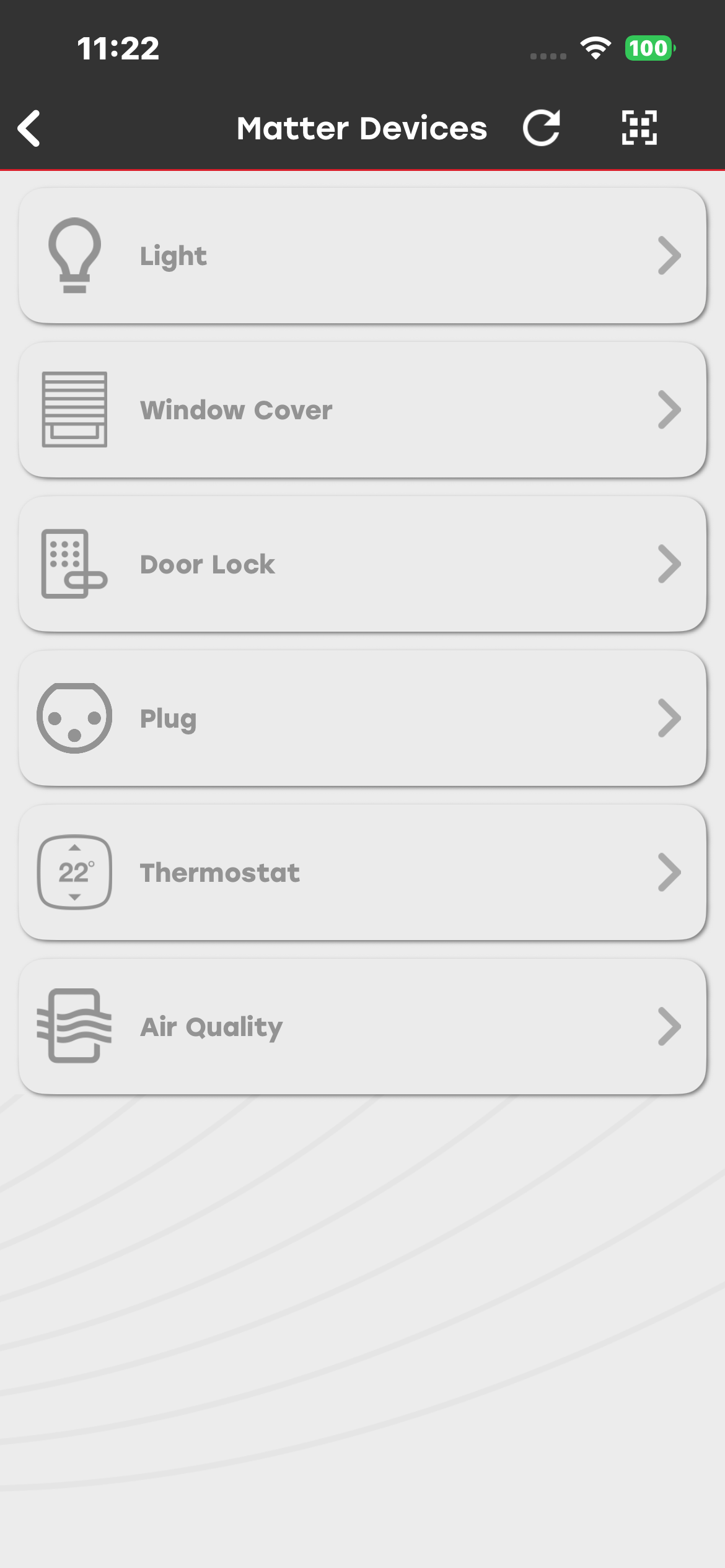
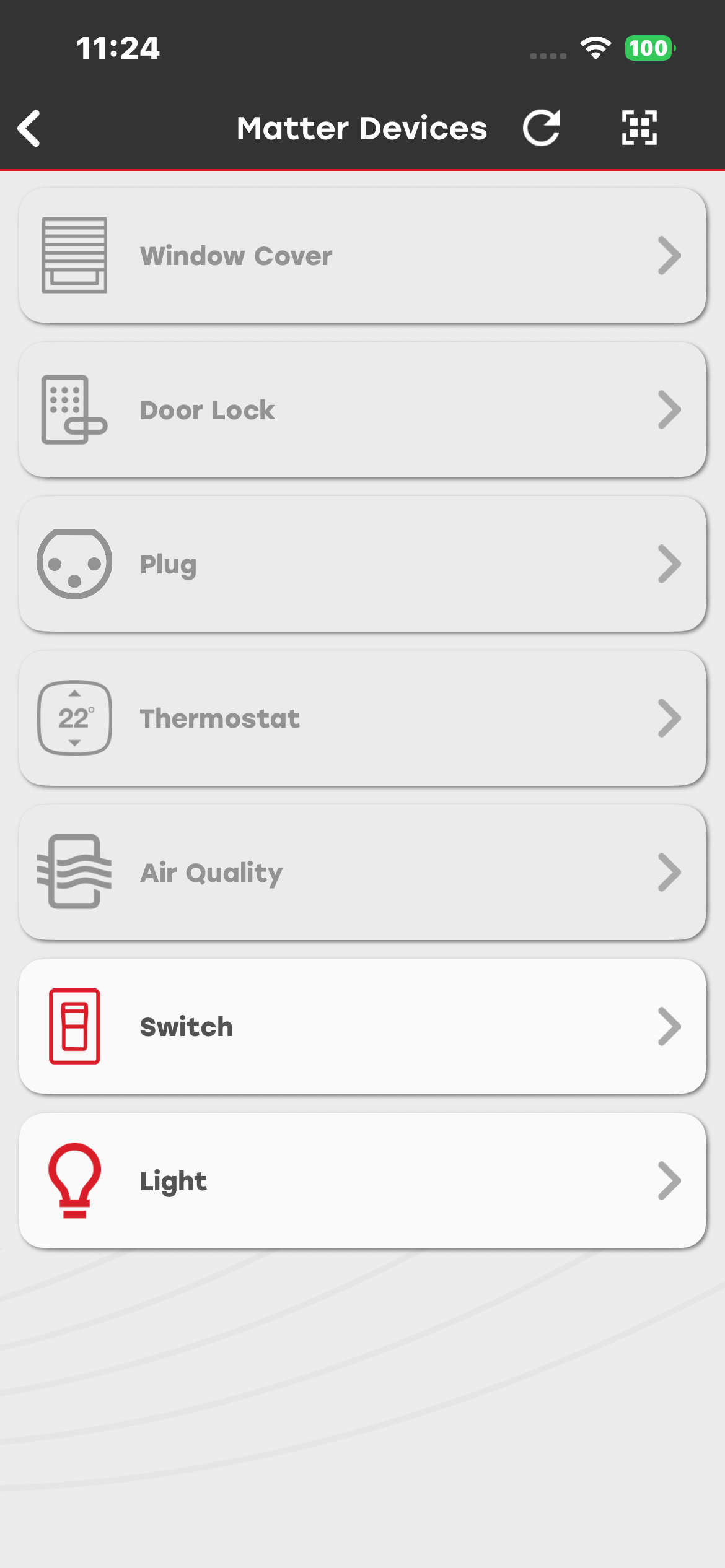
To delete a device from the list, swipe left on the device, and then select Delete. After you confirm the deletion in the dialog box, the device is removed from the list.