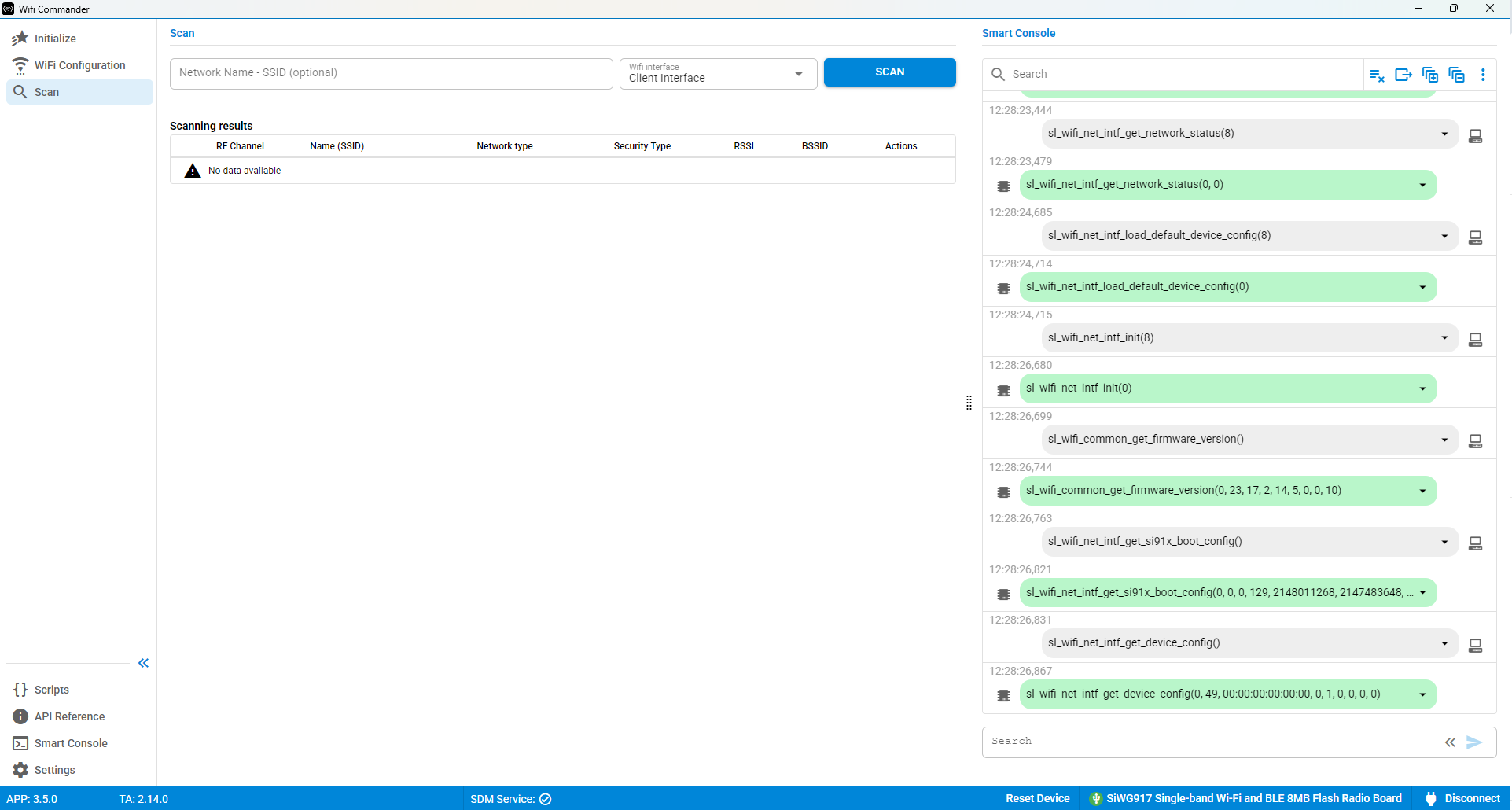
Scan#
Use the Scan page to connect to a wireless network.
Enter the network SSID and keep Client Interface set to Wi-Fi Interface.
If the scan is successful and the network is secured, enter the network password to continue.
After a successful connection, information about the selected SSID is displayed. The following pages also become available in the navigation pane:
Roaming
MQTT Broker
MQTT Client