MQTT Client#
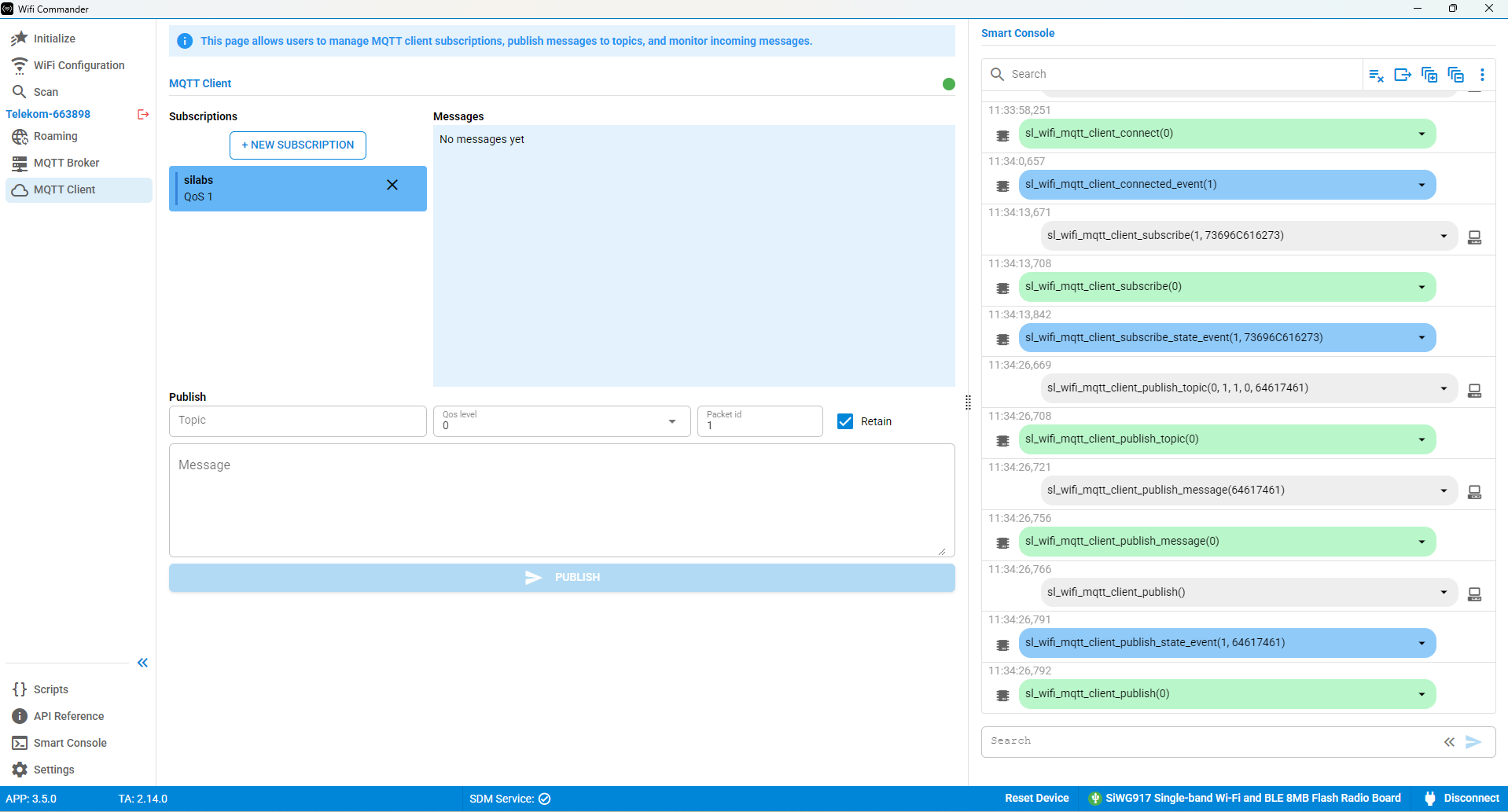
The Message Queuing Telemetry Transport (MQTT) Client page can be used after the device has connected to an MQTT broker through the MQTT Broker page.
This page displays active subscriptions and published messages.
Usage#
Use the Publish section to create and send MQTT messages.
You can configure the following options:
Topic
Quality of Service (QoS) Level
Packet ID
Message
After entering the required information, select PUBLISH to transmit the message.