


Load SiWx917 Connectivity Firmware#
There are two ways to load the SiWx917 Connectivity firmware for SiWx917 NCP.
Using Commander CLI
Using Commander GUI
Note: Ensure to connect the USB port of the adapter board to your computer's USB port using a type C USB cable.
Firmware Loading via Commander CLI#
The following command loads SiWx917 connectivity firmware image via serial port (UART).
commander serial load <filename.rps> --showprogress --serialport <COM Port No> -d si917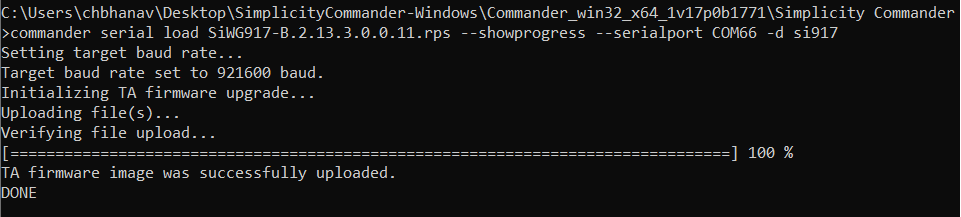
Firmware Loading via Commander GUI#
Refer to SiWx917 NCP connectivity firmware update.