Wi-Fi 917 Sensor Demo#
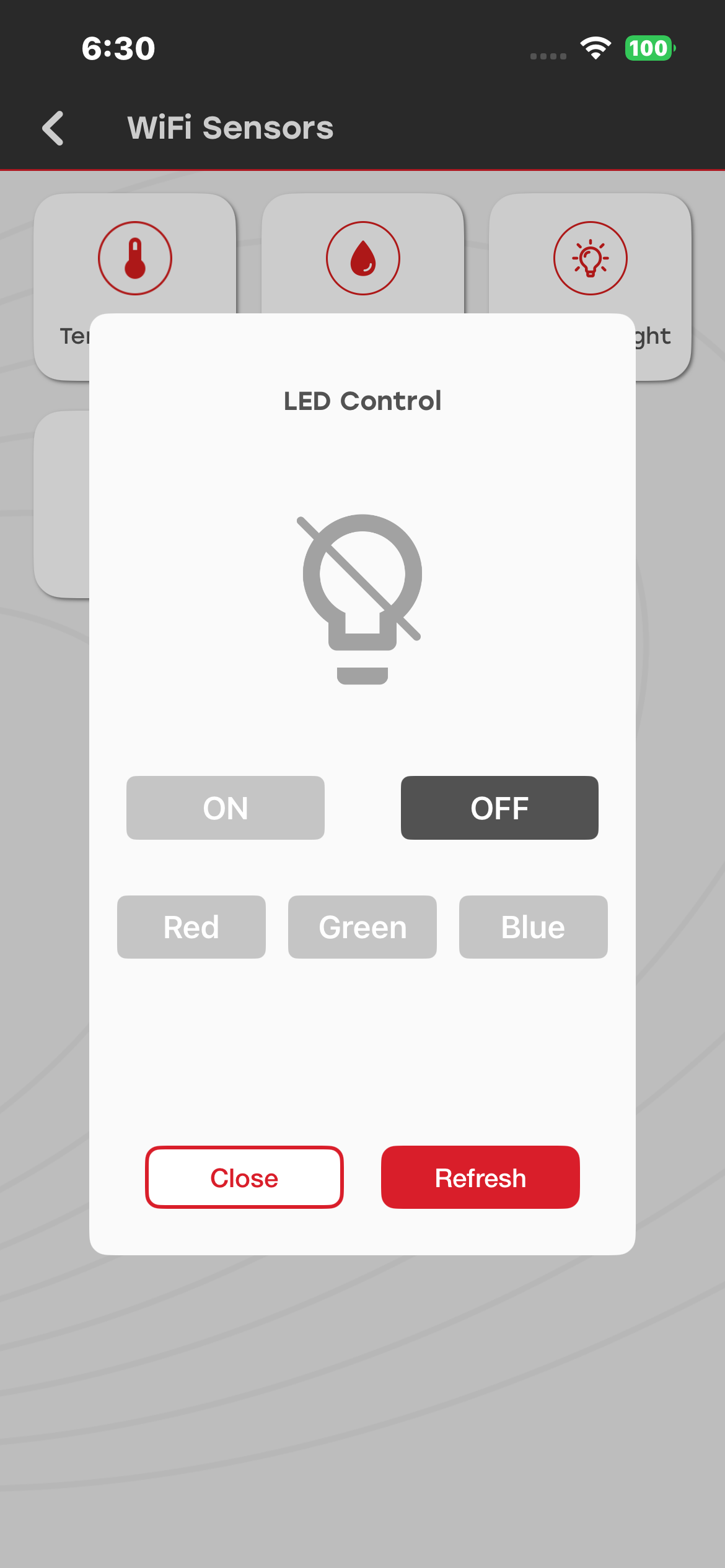
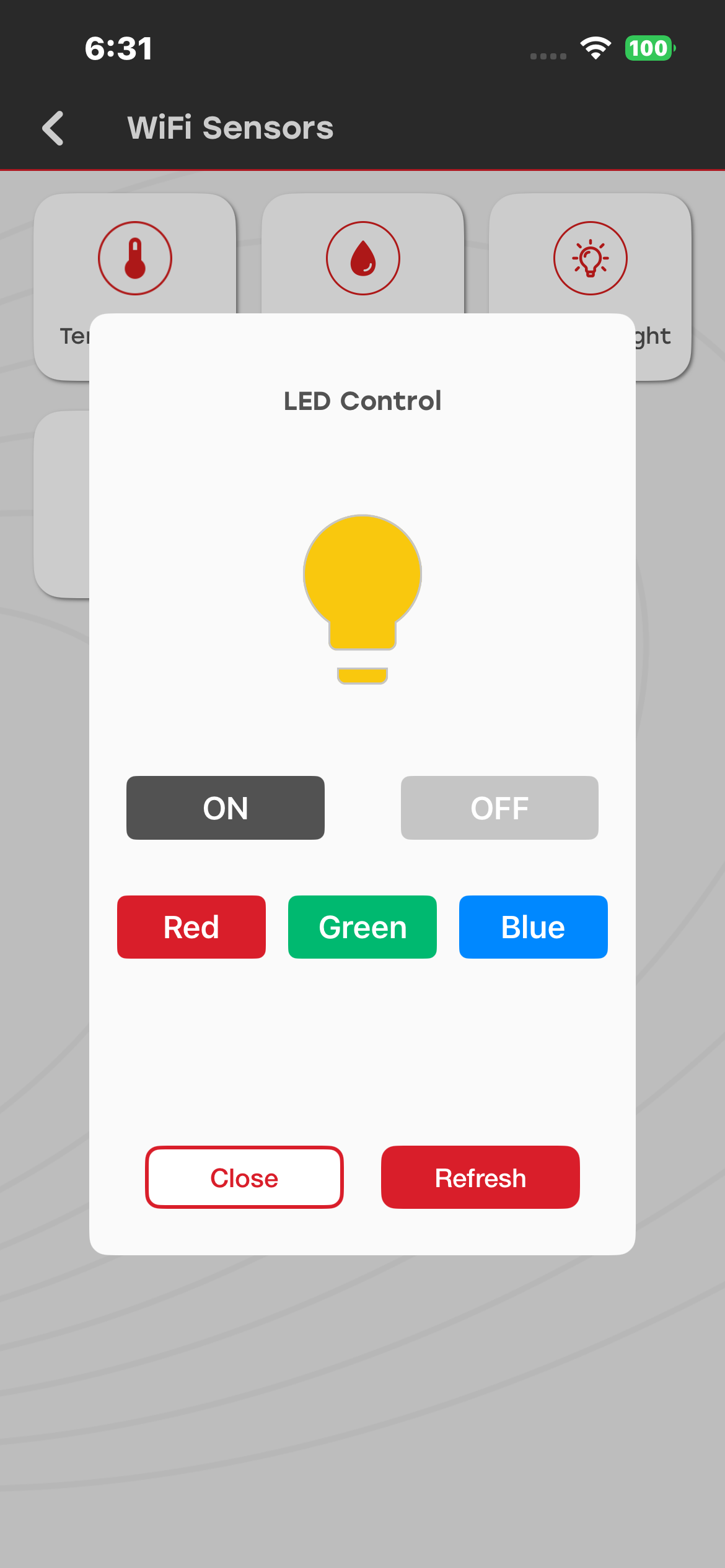
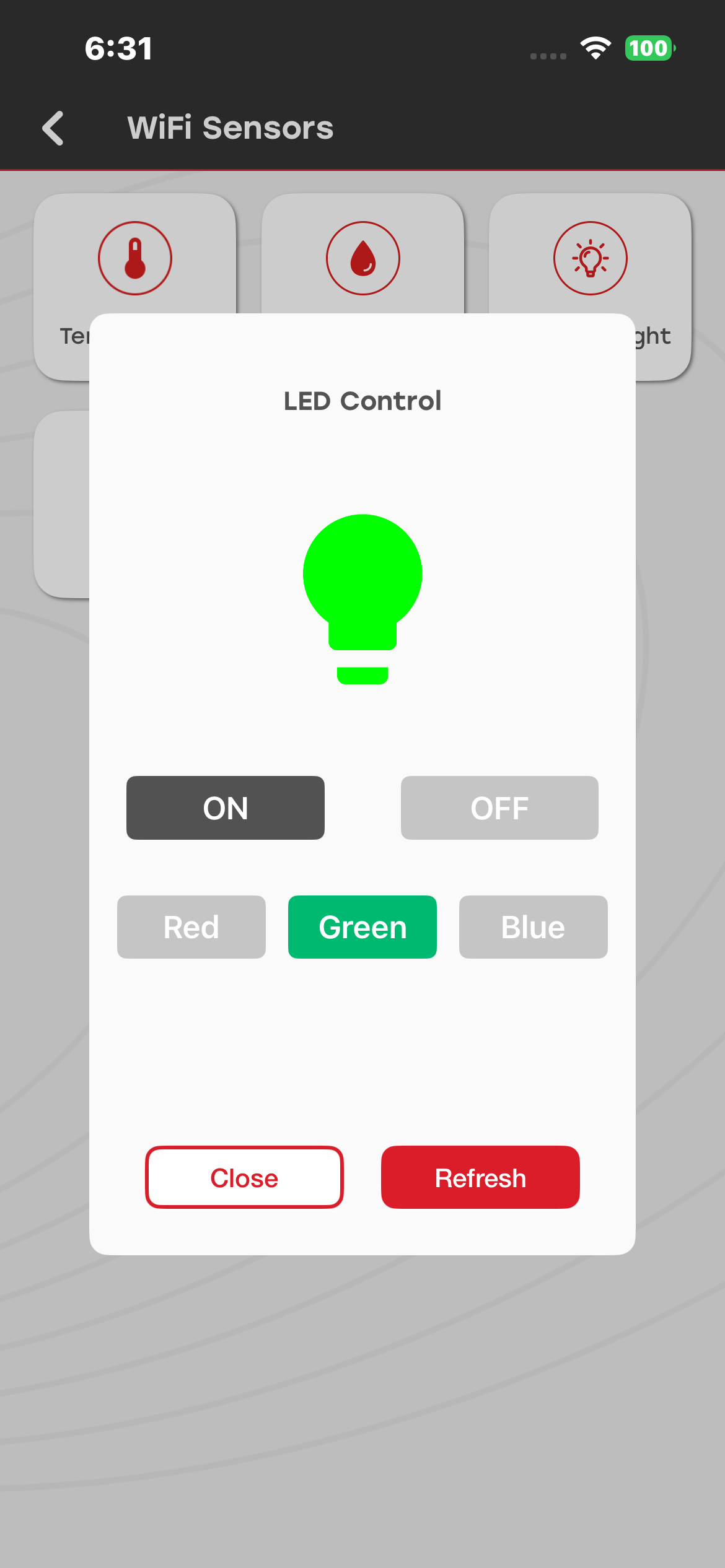
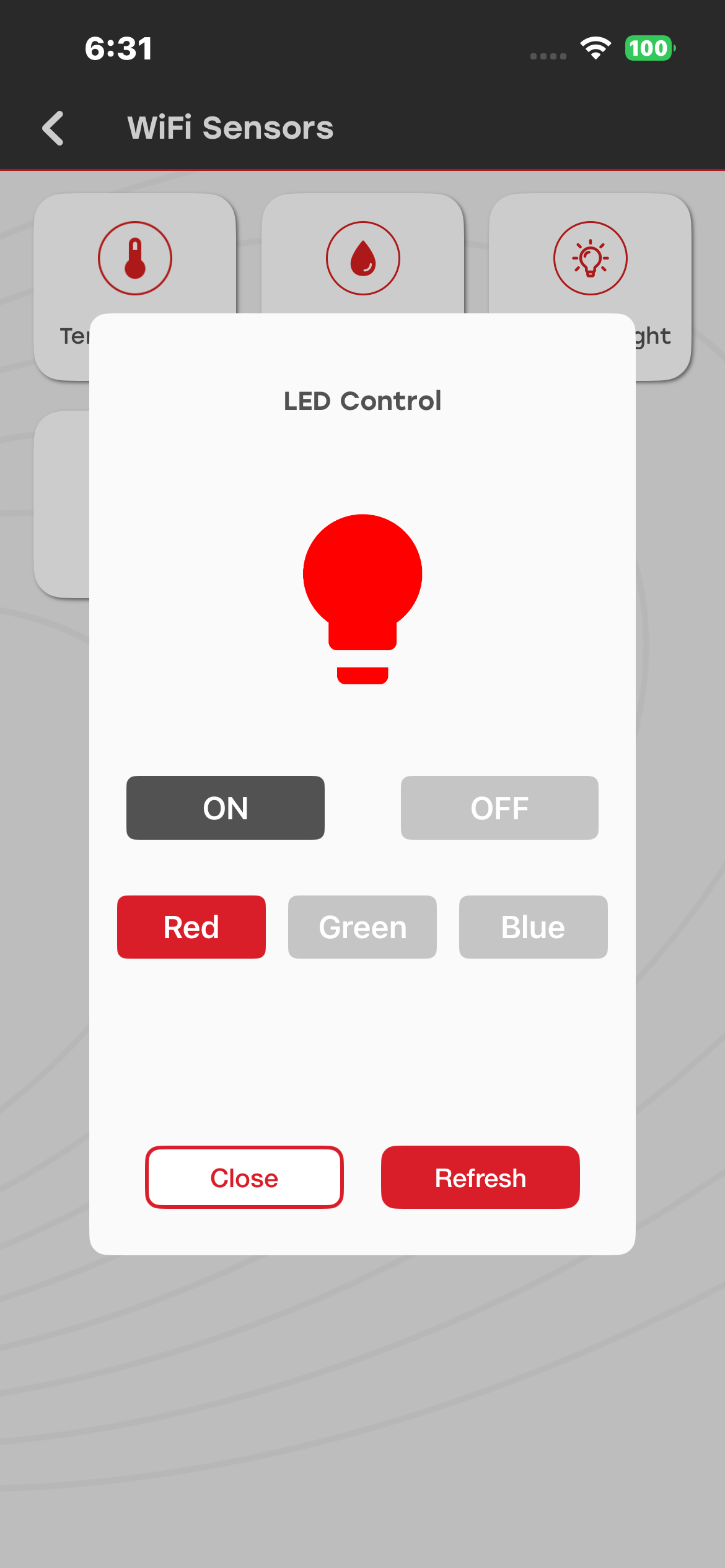
The Wi-Fi 917 Sensor demo displays sensor data from the SiWx917 Dev Kit, which features built-in sensors. In this demo, the SiWx917 Dev Kit operates as an HTTP web server, while the mobile application collects and processes sensor data and the user button status. The mobile application also displays the corresponding changes to the LEDs on the Dev Kit.
Wi-Fi Sensor Dev Kit Setup#
Using Simplicity Studio with Simplicity SDK Suite v2026.2.0 or later, flash the Wi-Fi - SiWx917 Dev Kit (BRD2605A) firmware to the BRD2605A board.
Simplicity Connect Mobile App Setup#
Ensure that the mobile device and the Dev Kit are connected to the same Wi-Fi network.
Enable the local network on your phone to allow access to sensor data. Both the mobile device and the Dev Kit sensor device must be connected to the same Wi-Fi network, and the local network on your phone should be enabled for the Si Connect app to access sensor data.
On an iPhone, enable local network access for the Simplicity Connect app by going to Settings > Privacy & Security > Local Network and turning on access for Simplicity Connect.
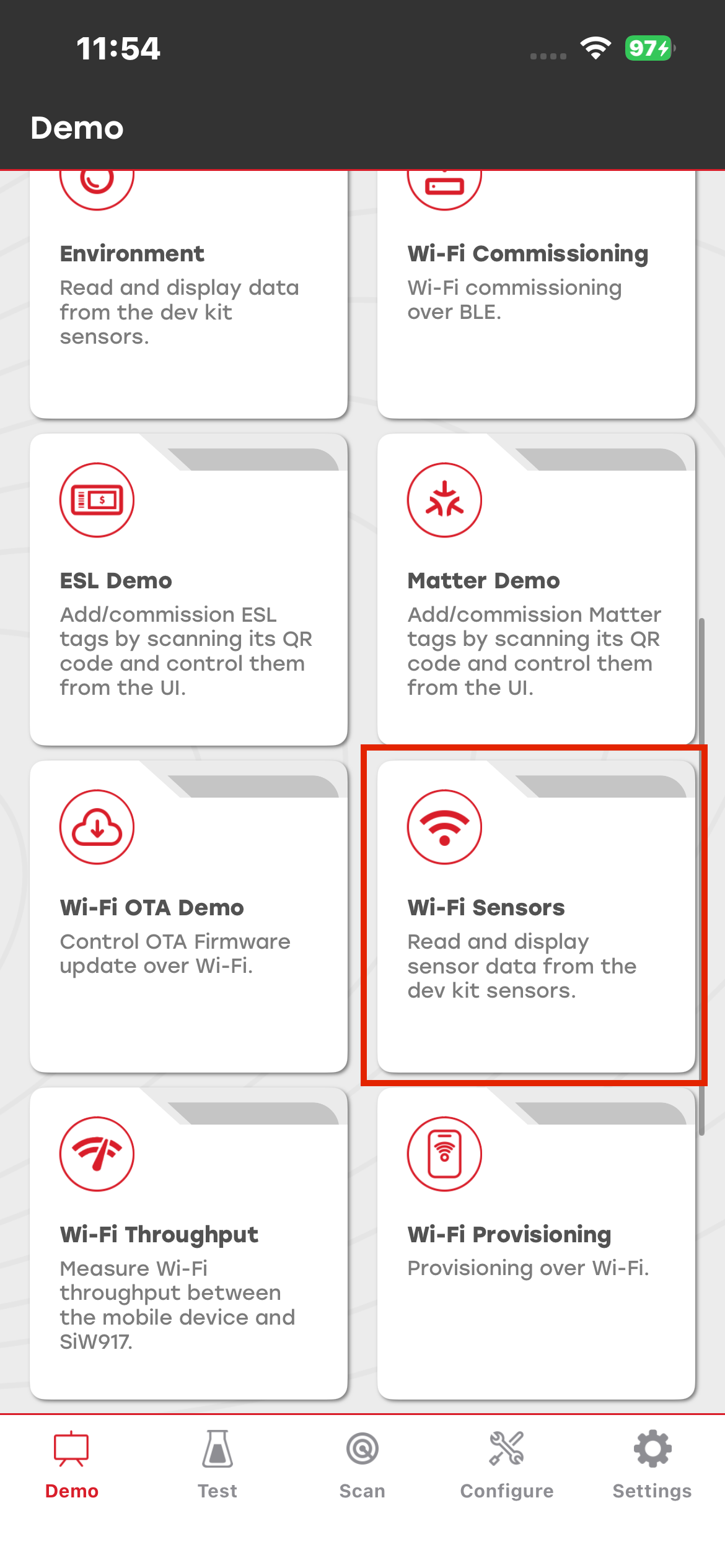
Open the Simplicity Connect mobile app, and then launch the Wi-Fi 917 Sensor Demo.
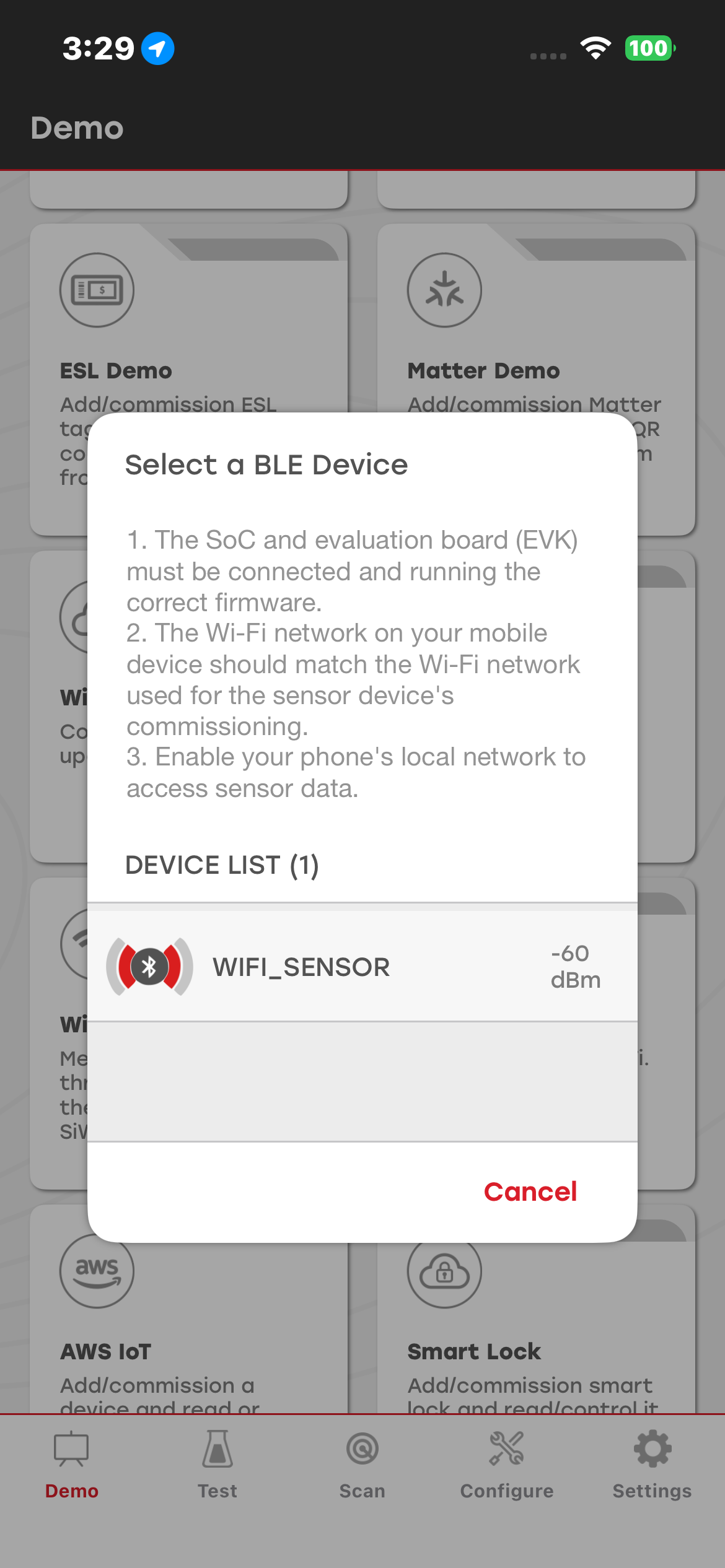
Select your sensor device from the dialog box. The network selection screen appears.
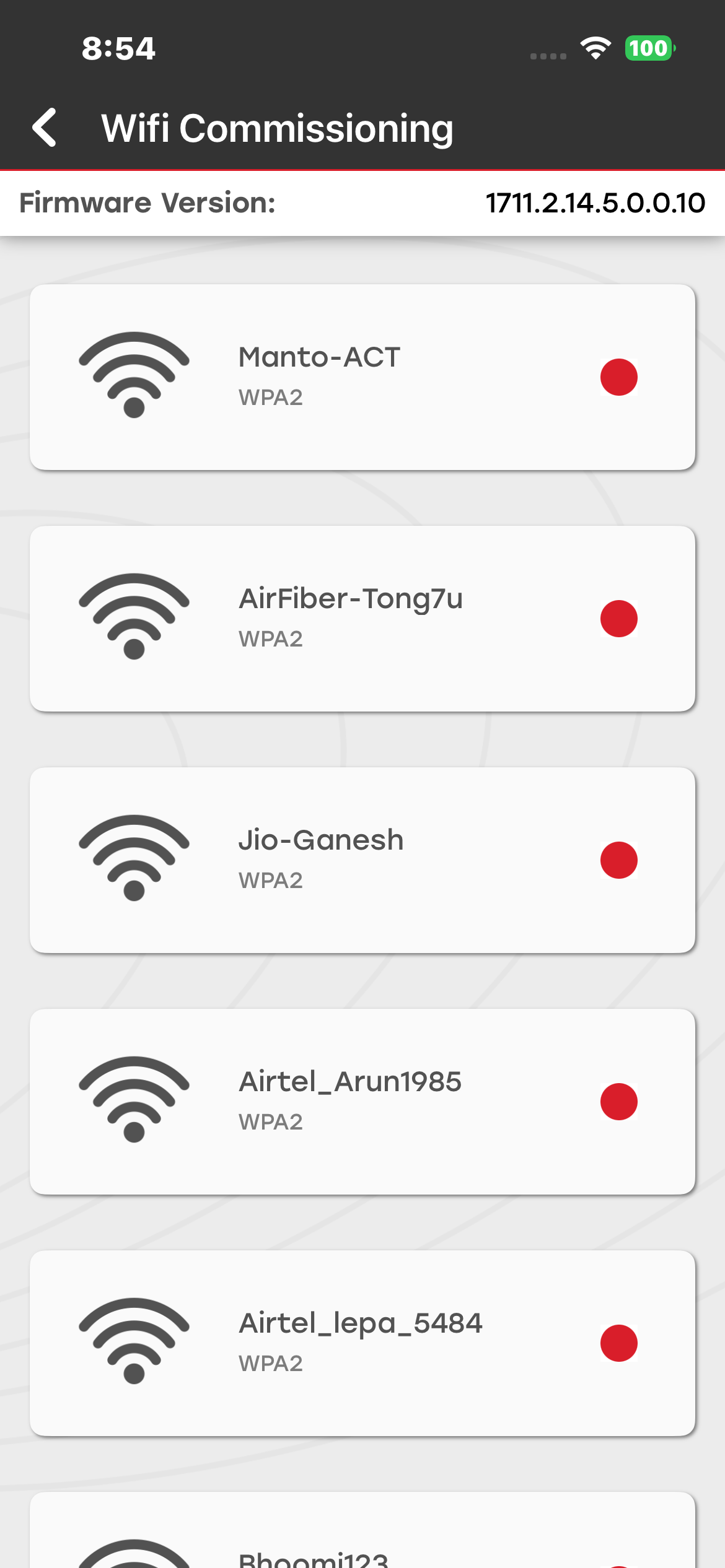
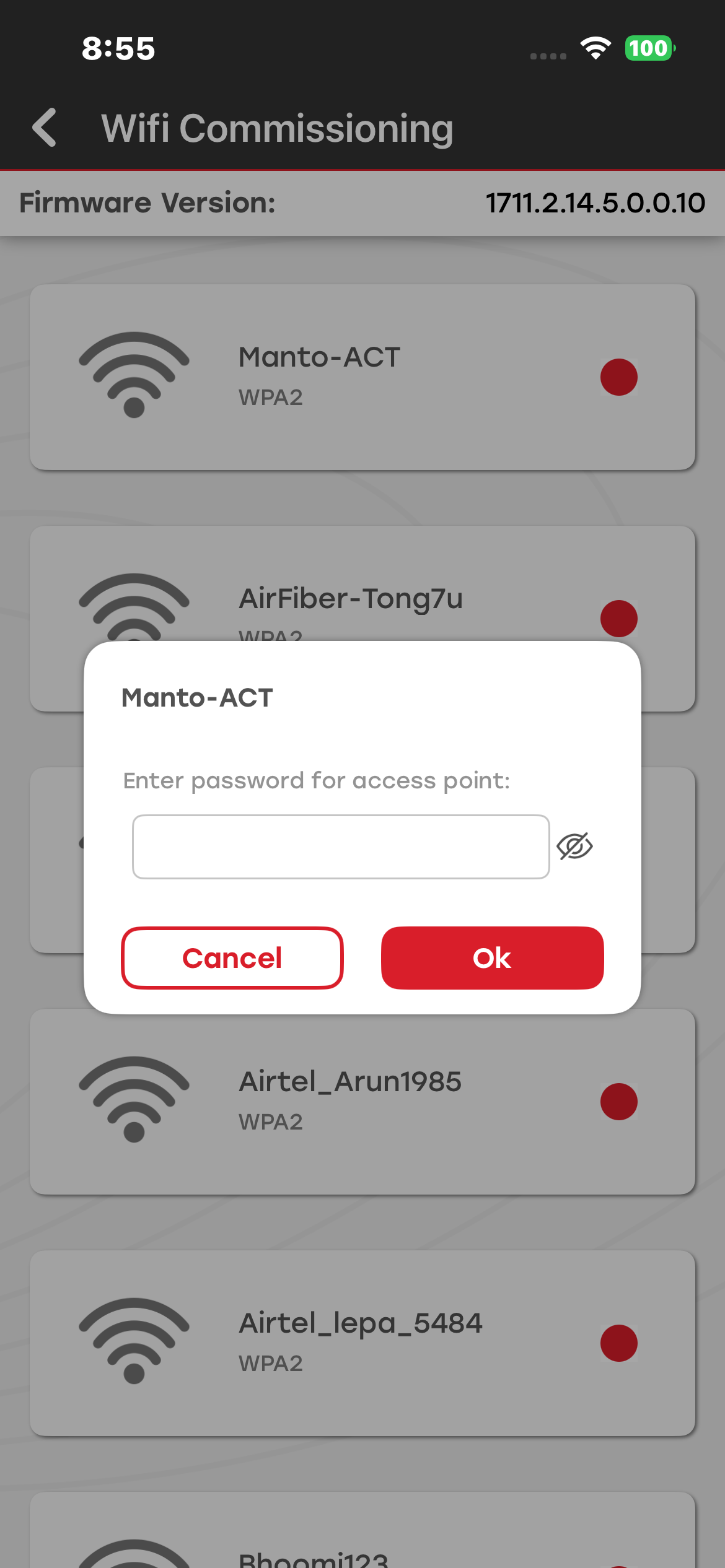
Enter the network password and tap Ok. Once the connection is successful, you will be redirected to the Wi-Fi Sensors screen, where you can see the sensors.
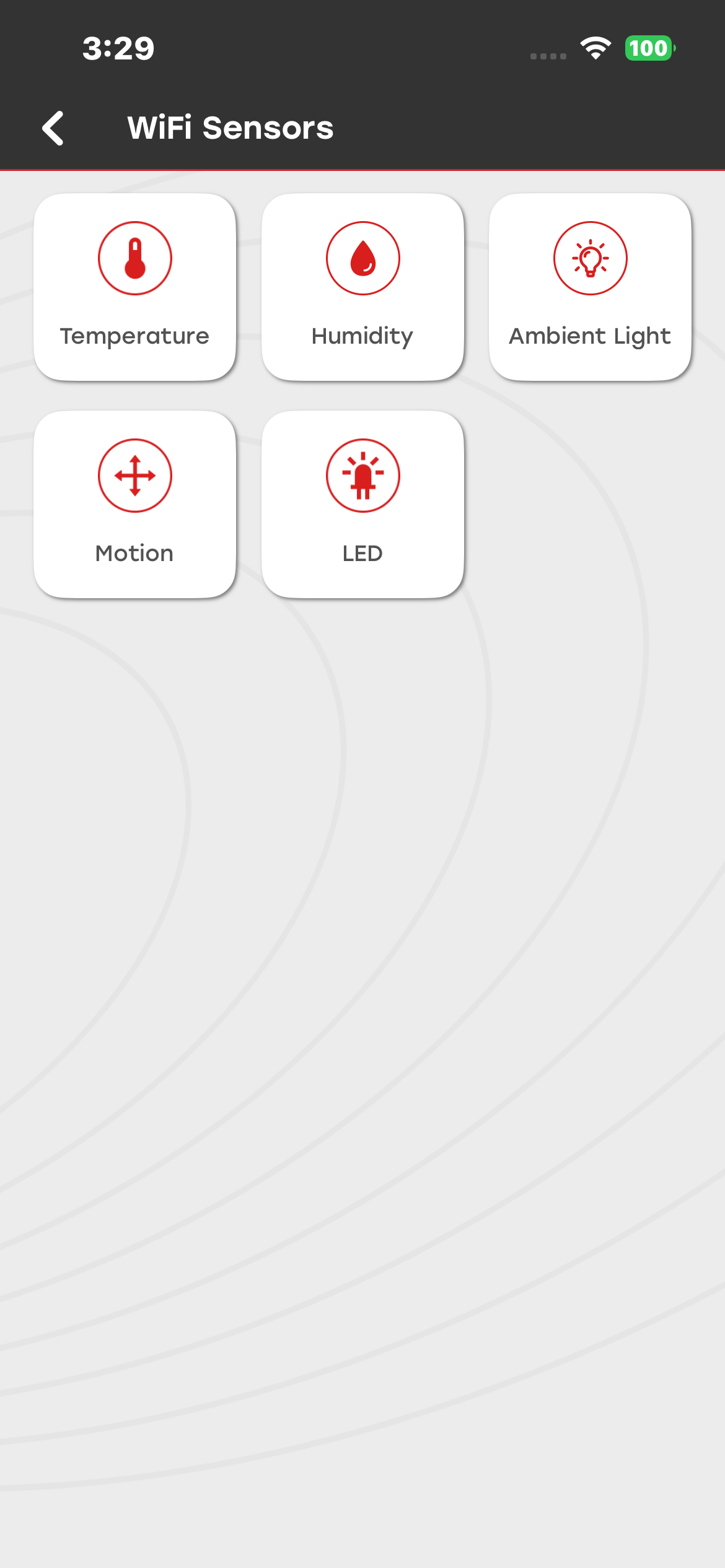
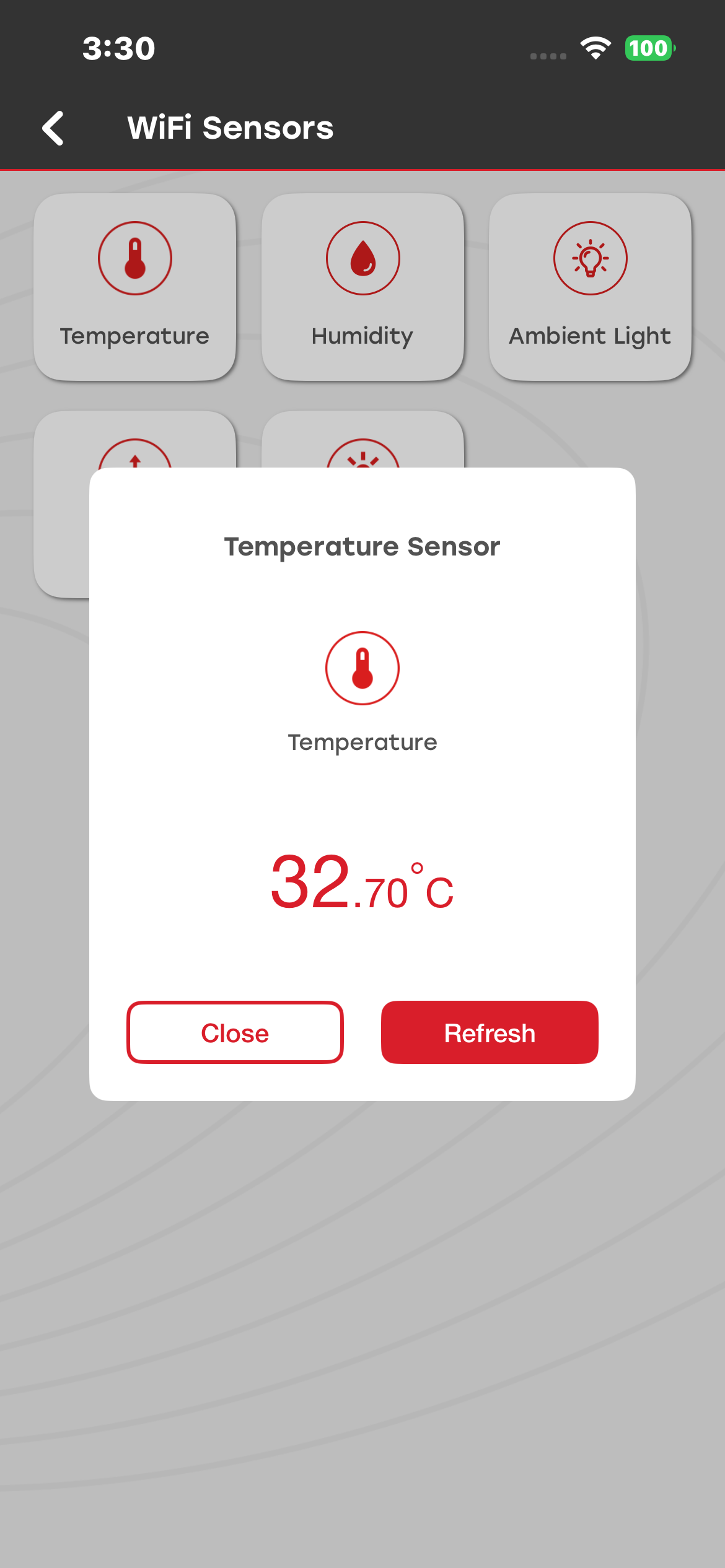
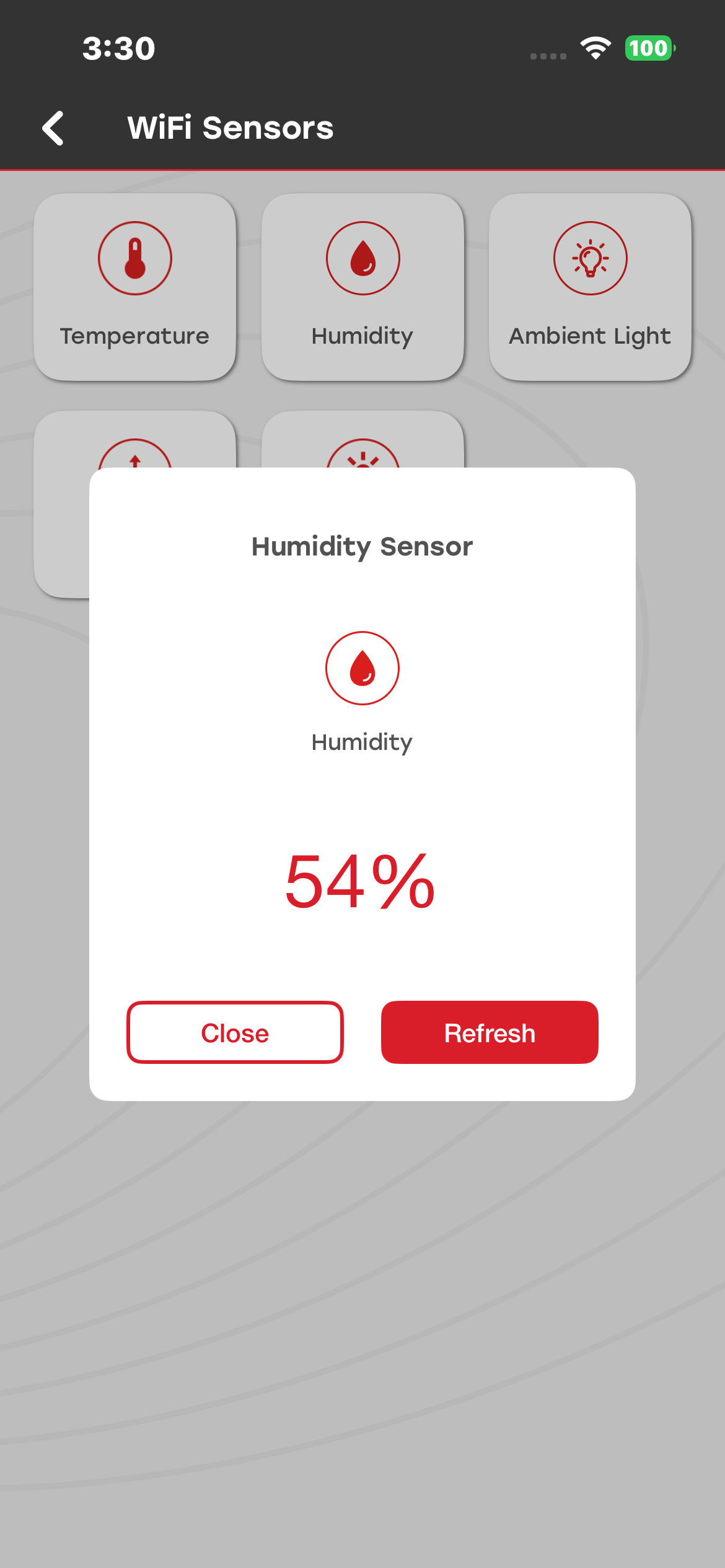
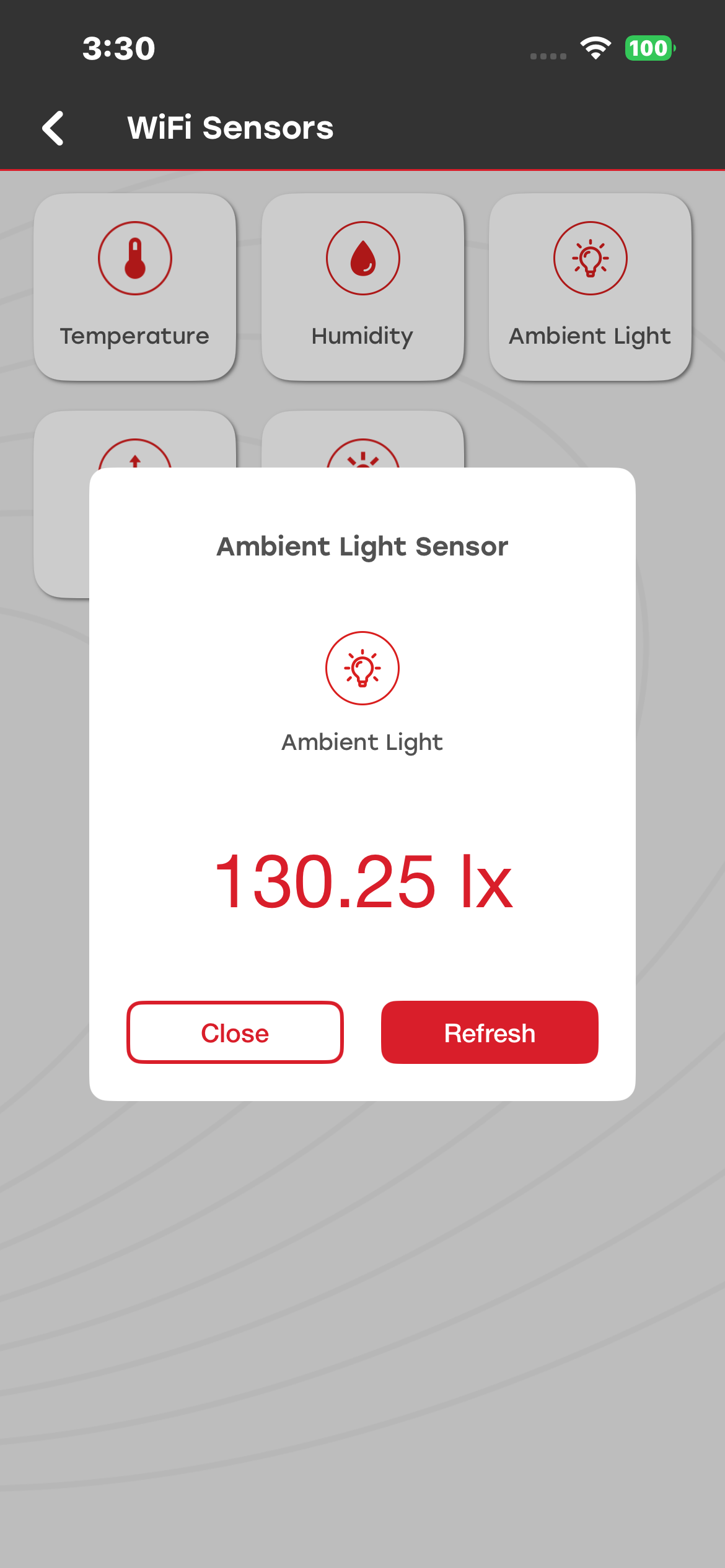
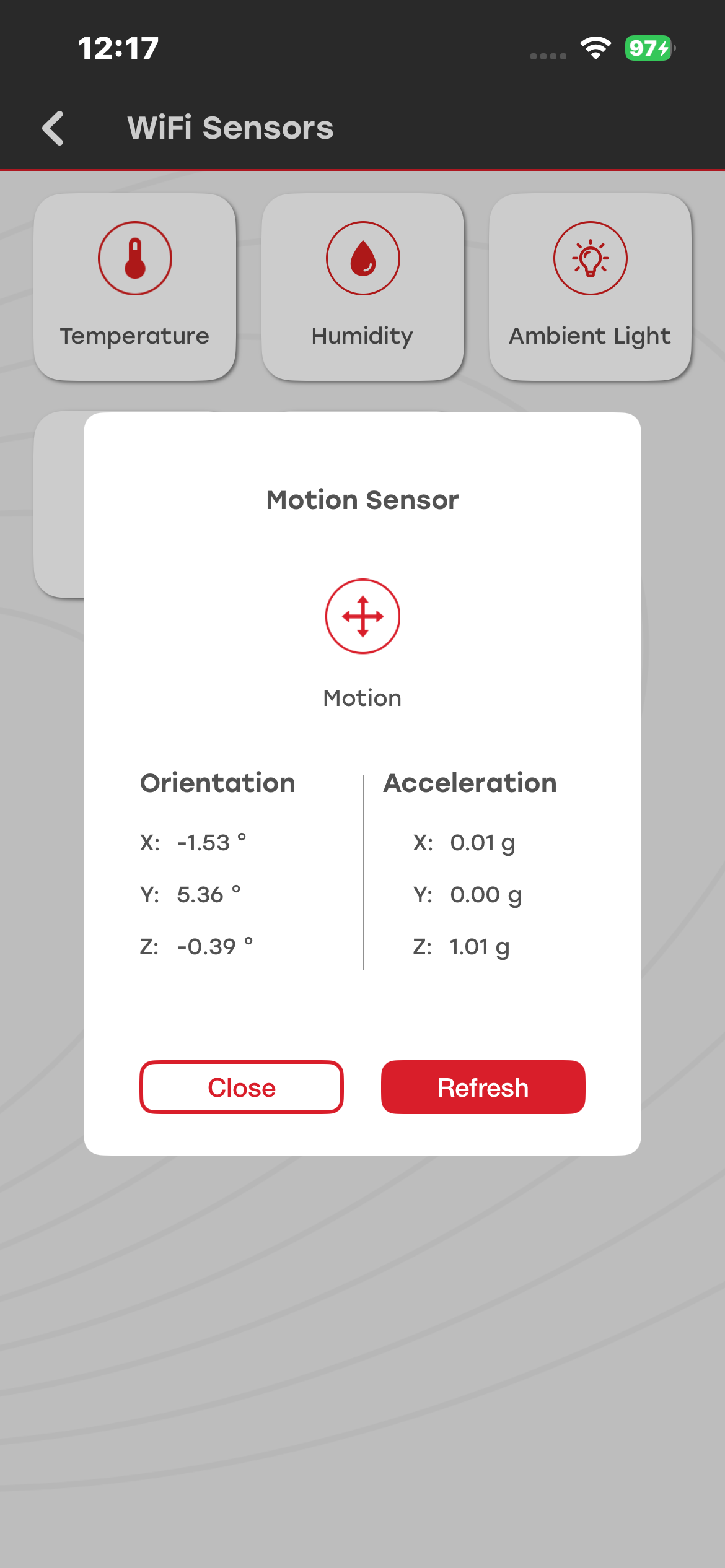
Select the corresponding sensor tiles to view the sensor values obtained from the SiWx917 Dev Kit.
Refresh: Displays the current sensor values.
Cancel: Closes the sensor dialog box.
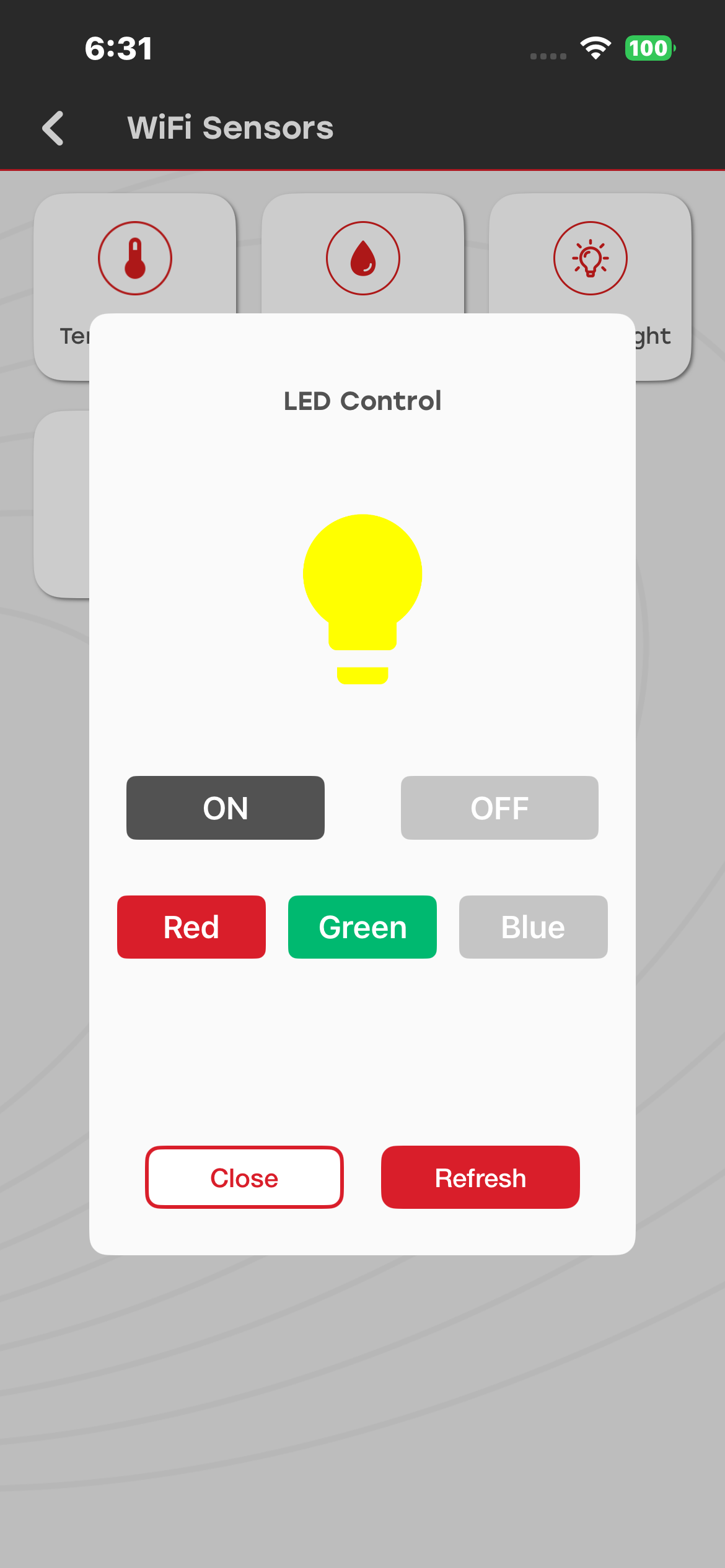
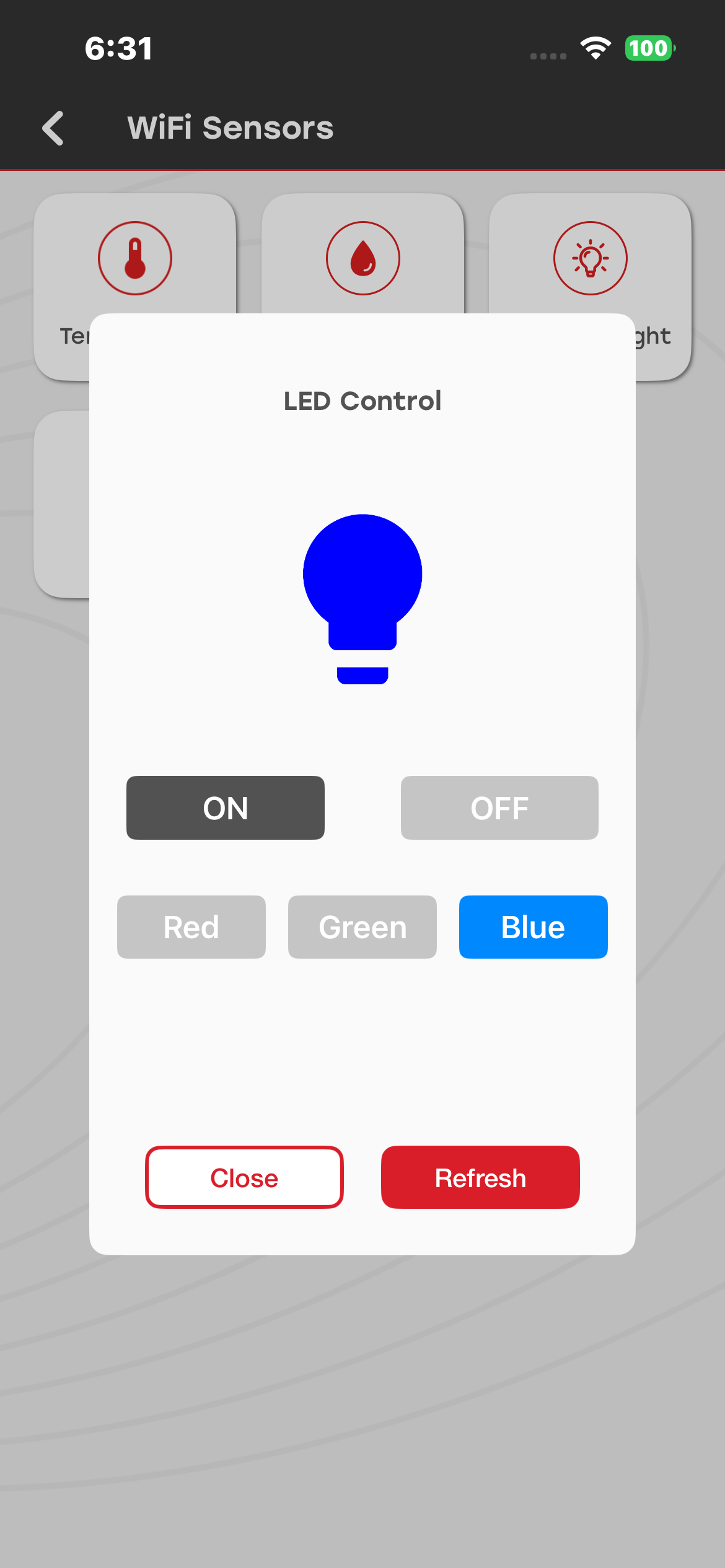
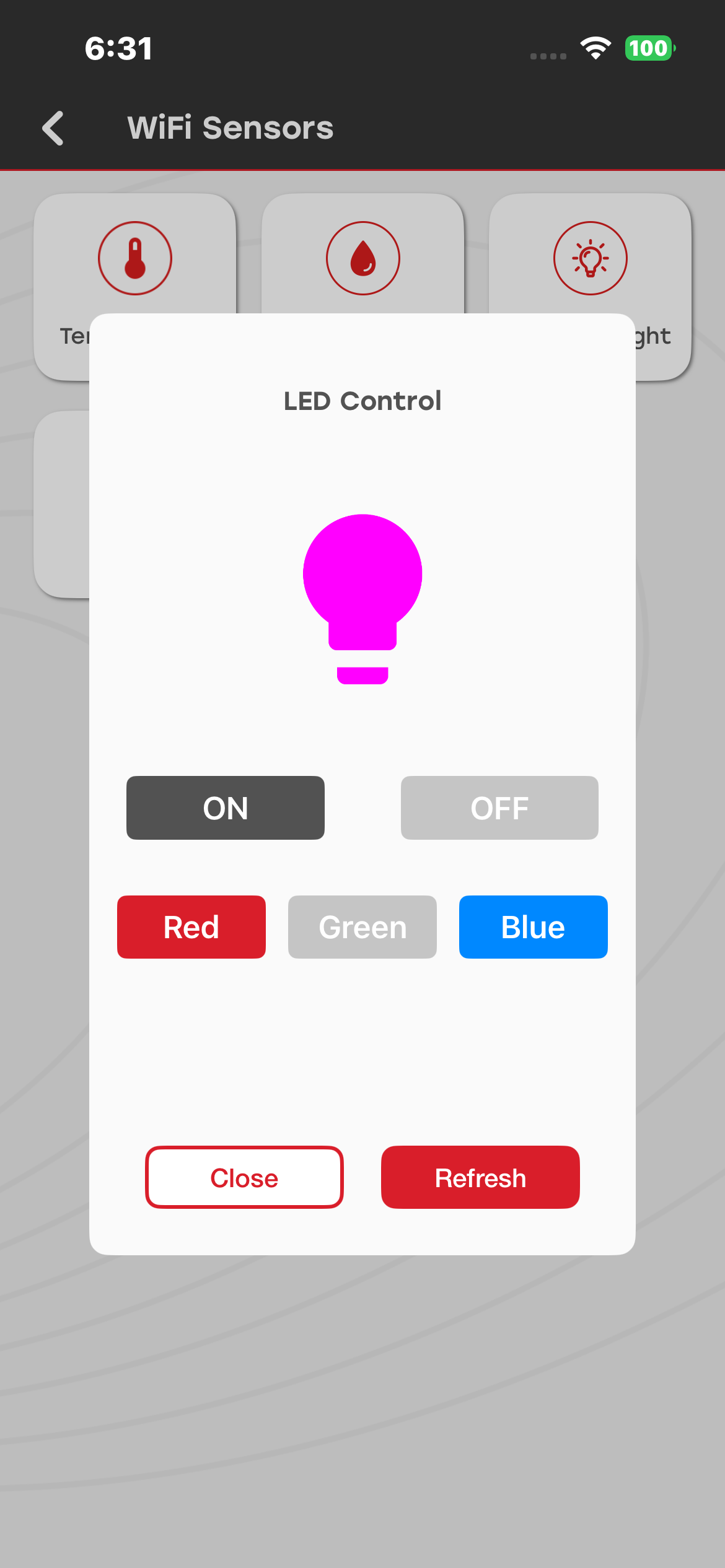
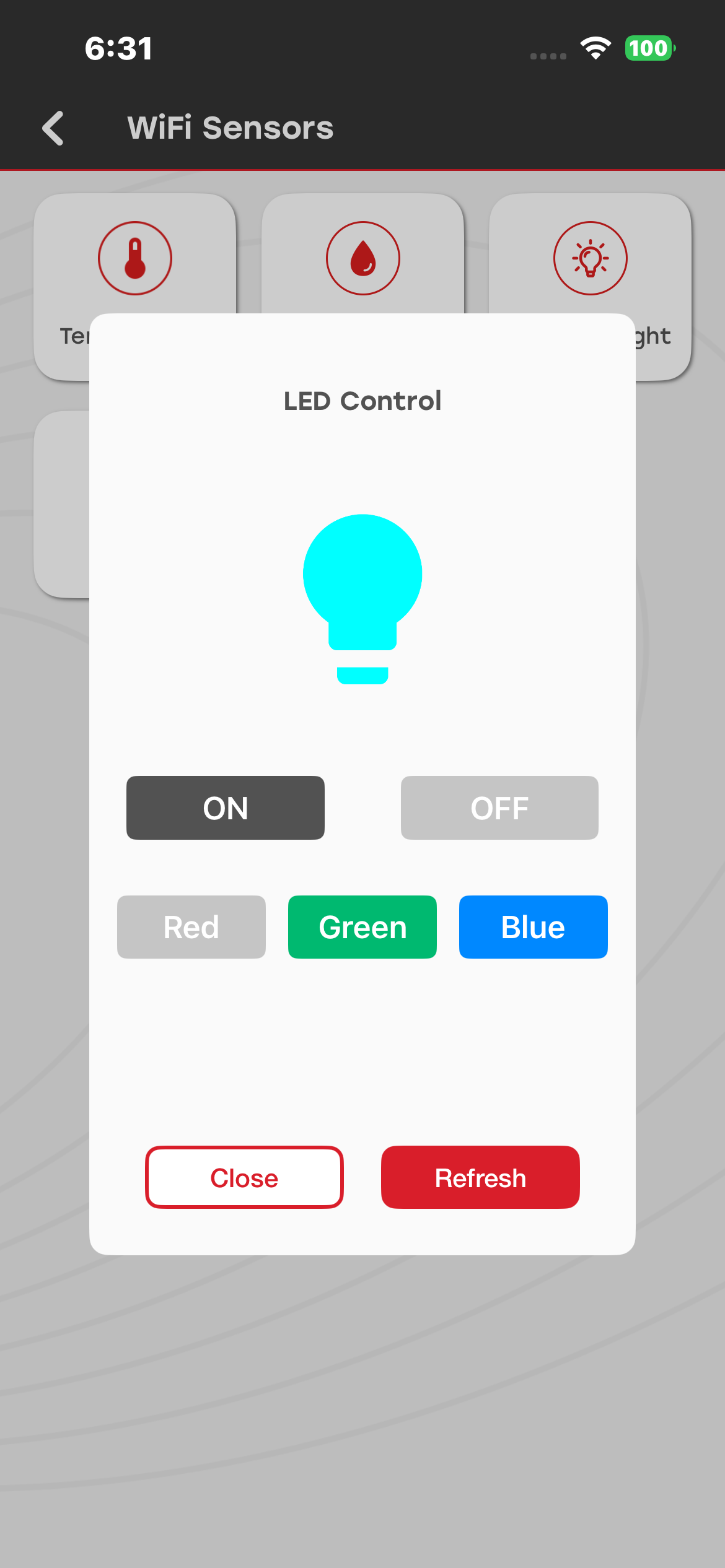
You can control the RGB LED and view different color combinations.